Dual Monitor Desk Setup on a Small Desk (Without the Clutter)
Two screens on a small desk sounds like a contradiction. It is not — but only if the order is right. Most dual-monitor setups fail on small desks for the same three reasons: the monitors sit on their factory stands and eat the whole surface, the cables multiply across the back edge, and the screens end up at different heights, so your neck pays for the extra screen all day.
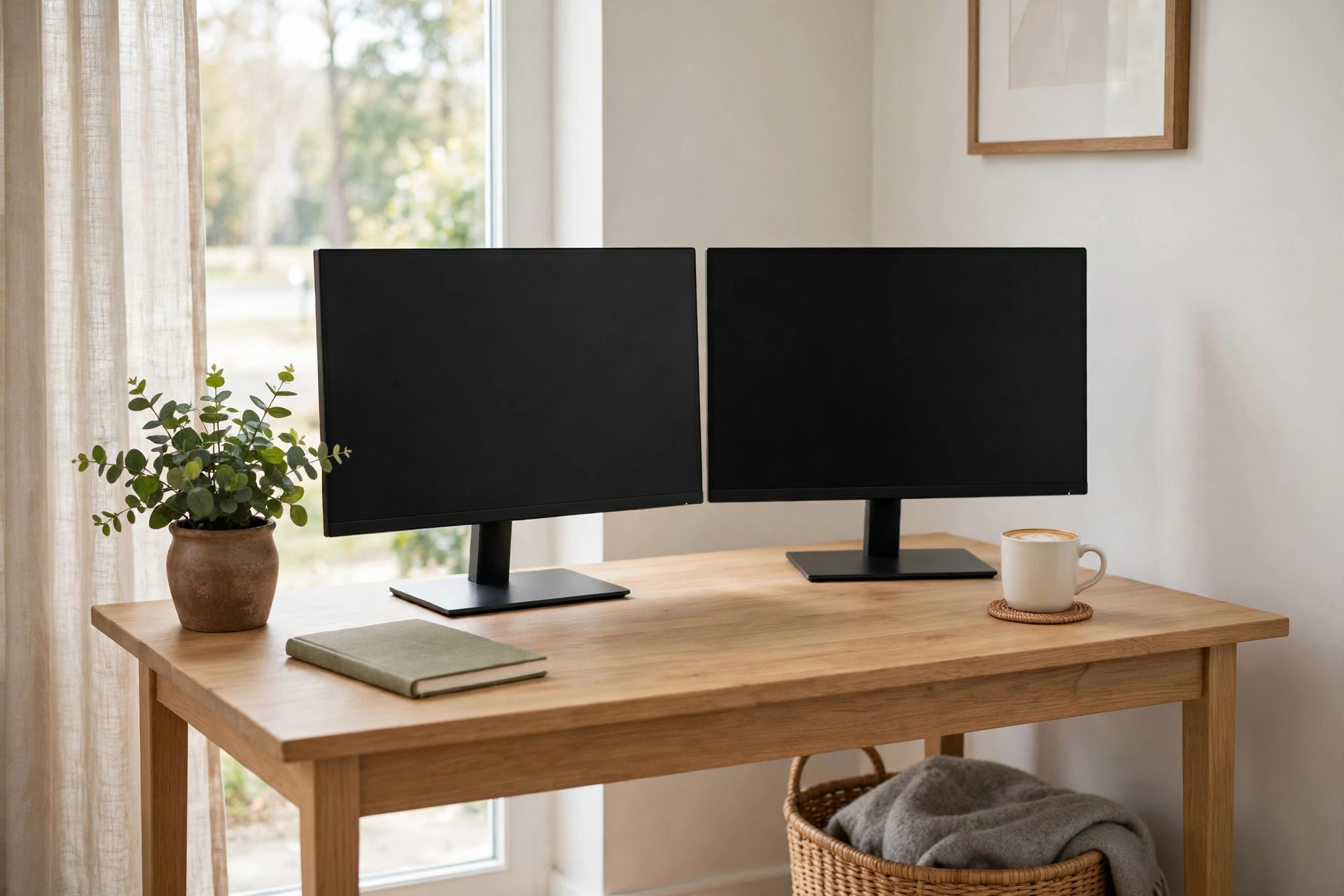
This guide fixes the order: measure first, then pick the sizes, then get the screens off the desk with an arm, then sort the cables and the keyboard. Done that way, two 24-inch monitors fit on a desk as narrow as 42 inches — and the desk still has room for a notebook and a mug.
1. Measure first: what “small desk” actually means
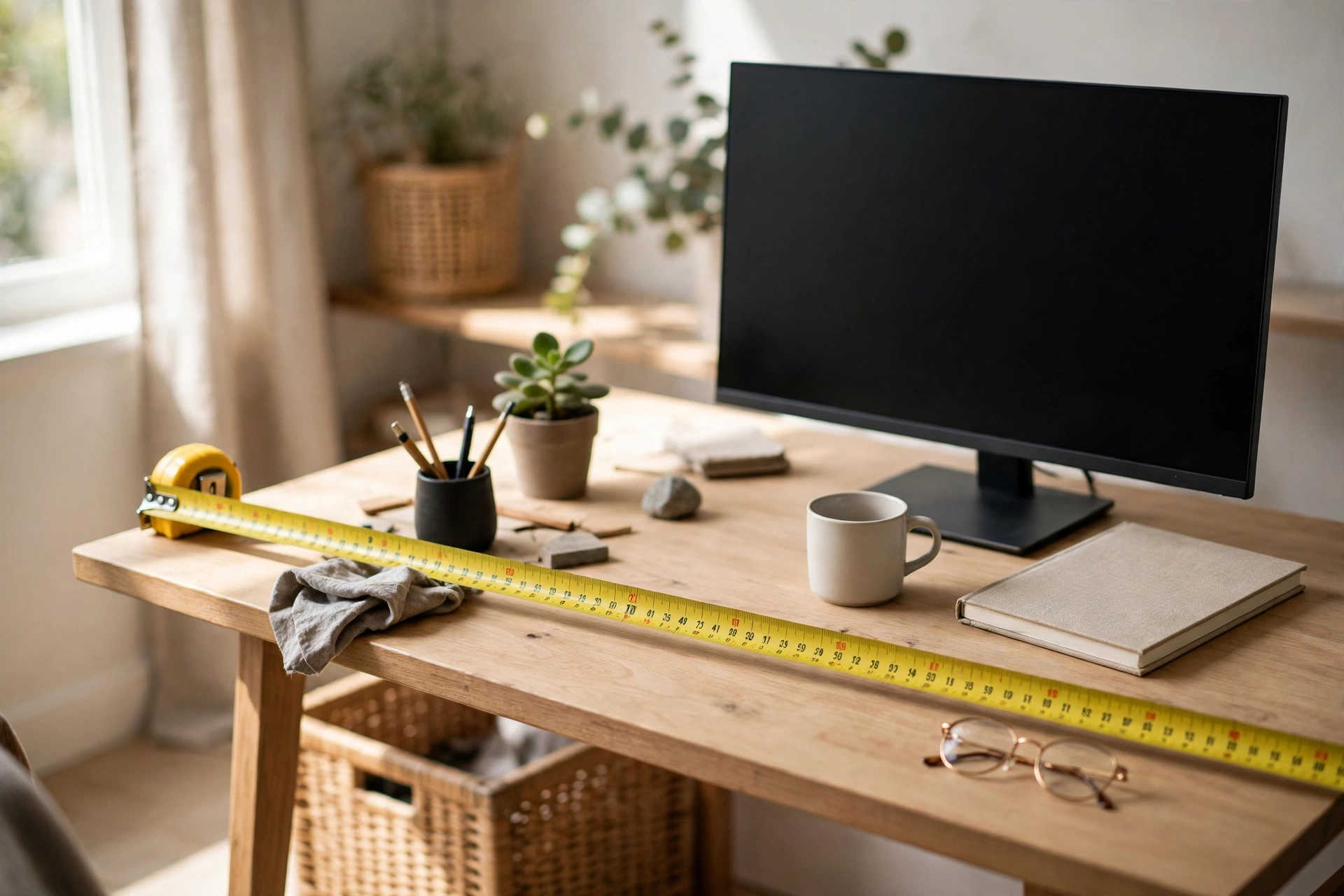
Before you buy anything, measure the desk — width, depth, and the back edge. A 24-inch monitor is roughly 21 to 22 inches wide once you count the bezel, so two of them side by side need about 43 to 44 inches plus a small gap. That makes a 42-inch desk the practical minimum for a side-by-side pair, and a 48-inch desk comfortable. Depth matters just as much: you need about 20 inches from the back edge to the front so the screens can sit an arm’s length away. And check the back edge itself — a monitor arm clamps to it, so it needs a solid lip of two or three inches, not a glass top with nothing to grip.
2. Pick the right monitor sizes
For a small desk, 24 inches is the sweet spot. Two 24-inch monitors fit the width, sit at a comfortable viewing distance, and cost far less than a larger pair — typically $100–$180 each for a decent 1080p screen. A 27-inch pair needs a desk at least 48 inches wide, and on anything smaller the screens crowd your field of view and push you back against the wall. Match the pair if you can: same size, same height, same resolution. Mismatched screens force your eyes and neck to keep adjusting every time you glance across. If you already own one monitor, buy the second to match it rather than buying the biggest screen your budget allows.
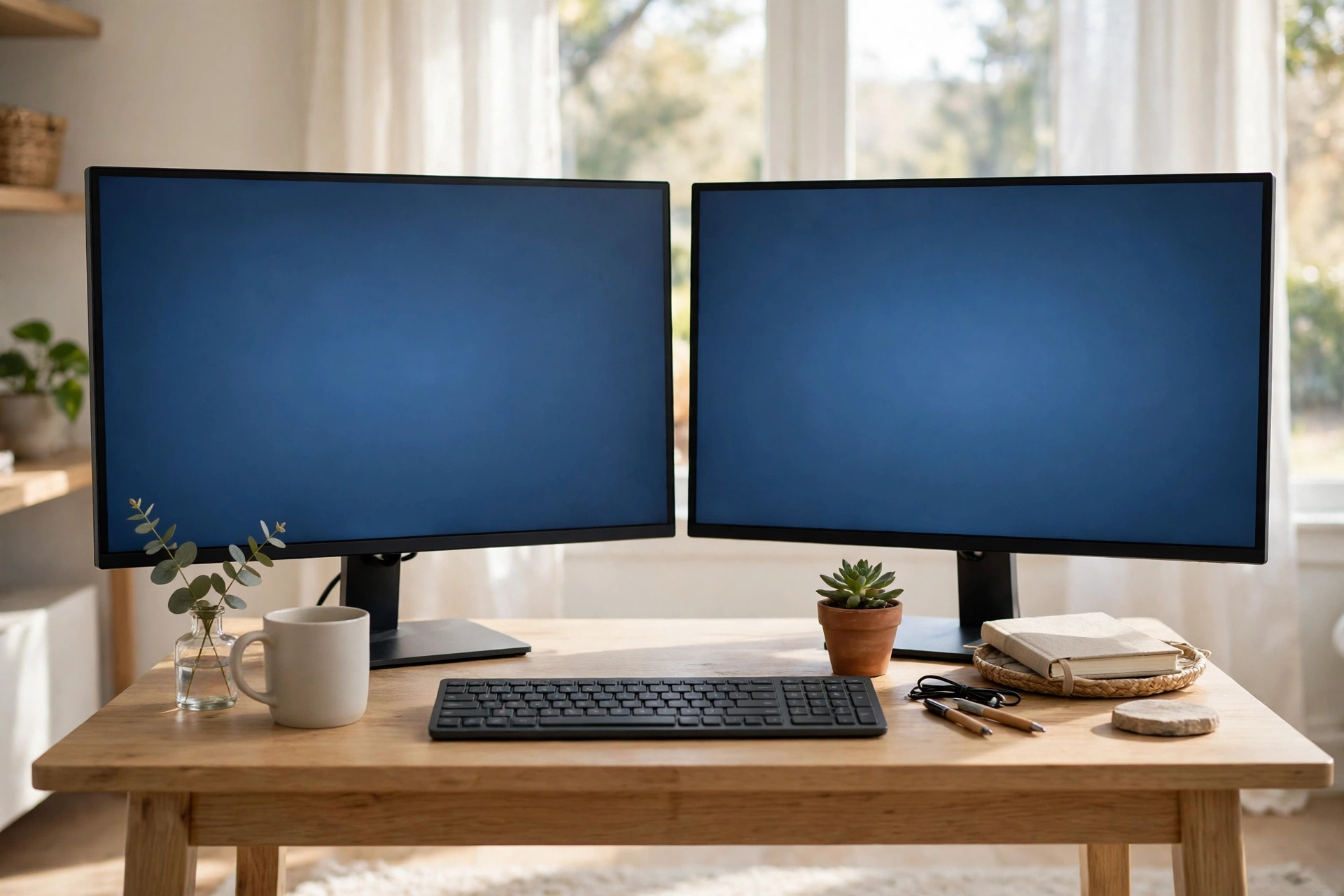
3. The monitor arm is the whole trick
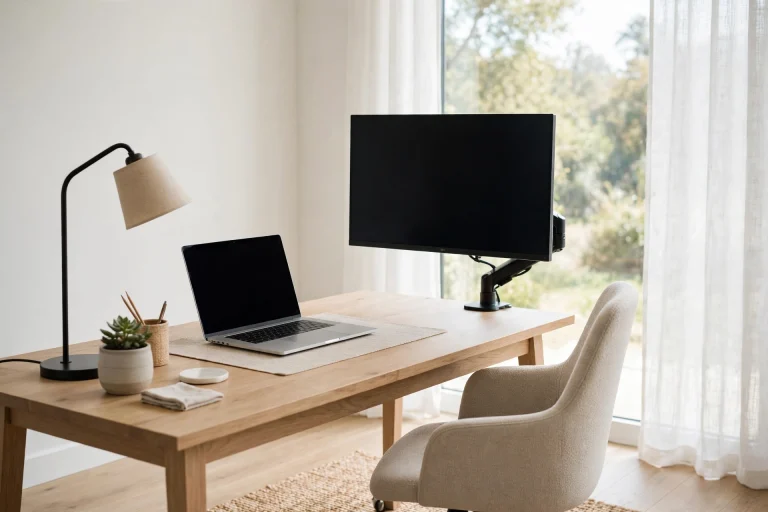
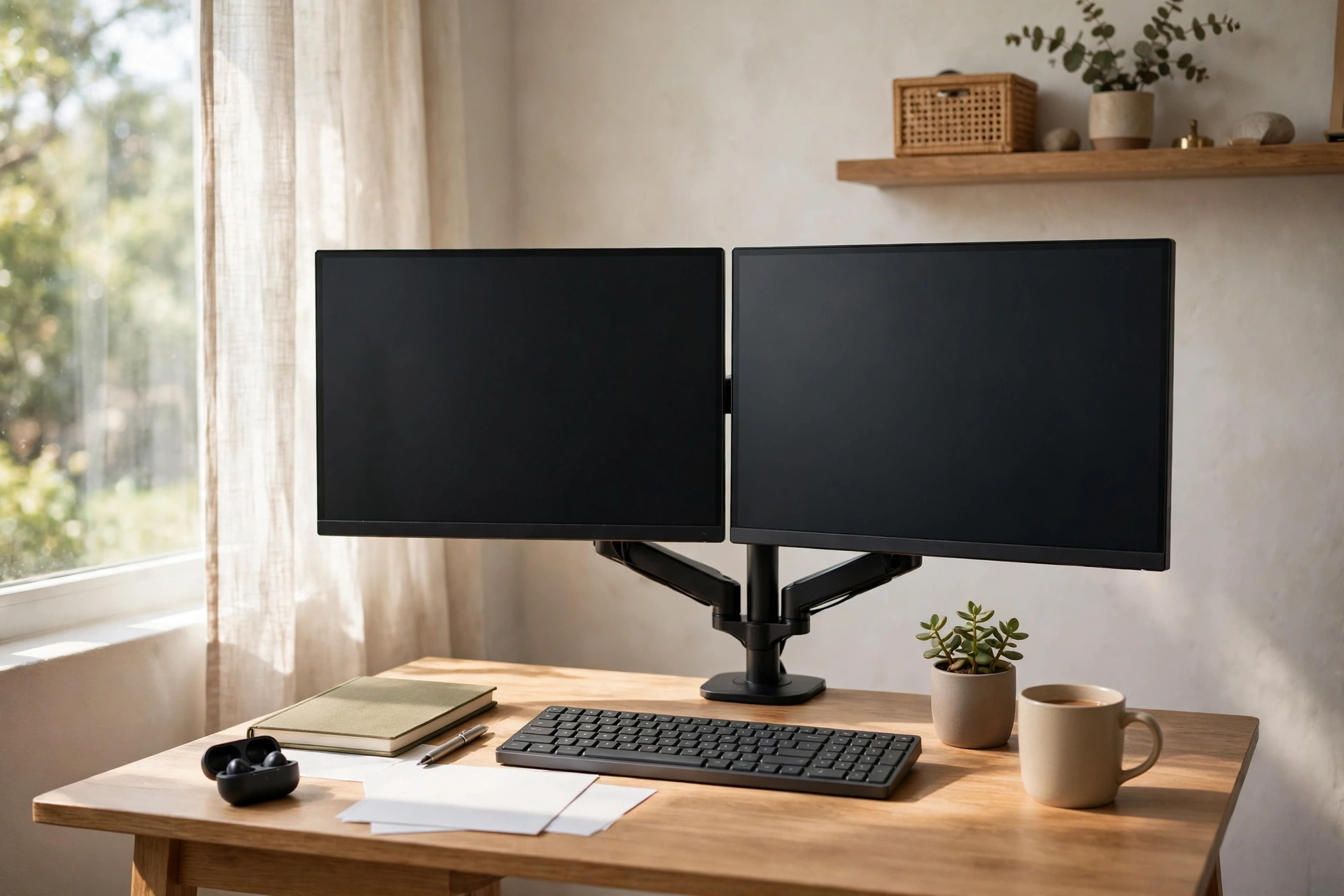
The single purchase that makes two monitors work on a small desk is a dual monitor arm — typically $40–$100 for a gas-spring model. It clamps to the back edge of the desk and holds both screens in the air, which deletes the footprint of two factory stands in one move. That is the space you were missing: two stands eat roughly a foot of desk depth, and an arm gives all of it back. Check two things before you buy: the VESA pattern (75×75 or 100×100 on the back of your monitors) and the weight rating per arm, which should cover each monitor with room to spare. Once it is mounted, set the screens at arm’s length, the tops roughly at eye level, angled slightly inward, with about an inch of gap between them.
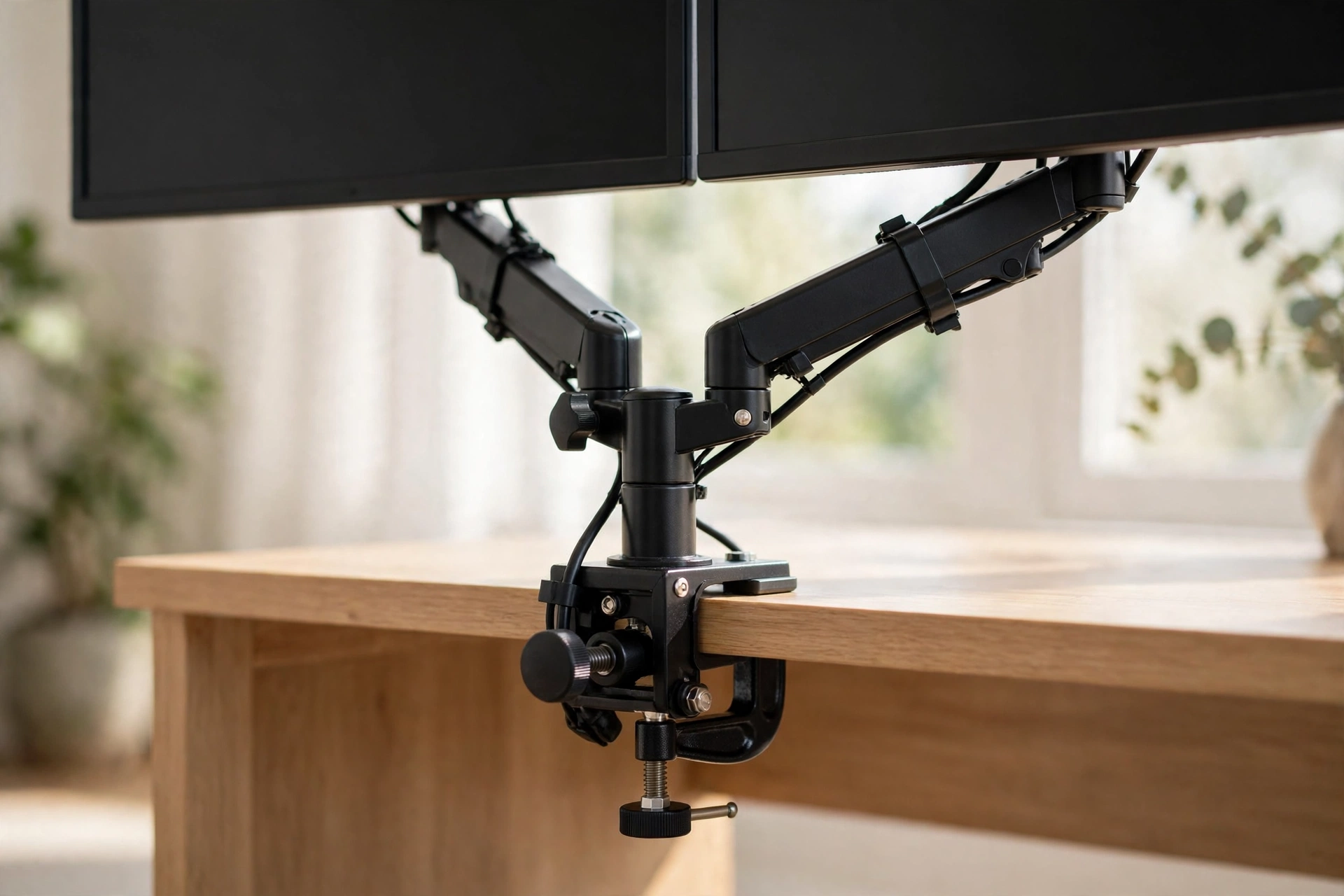
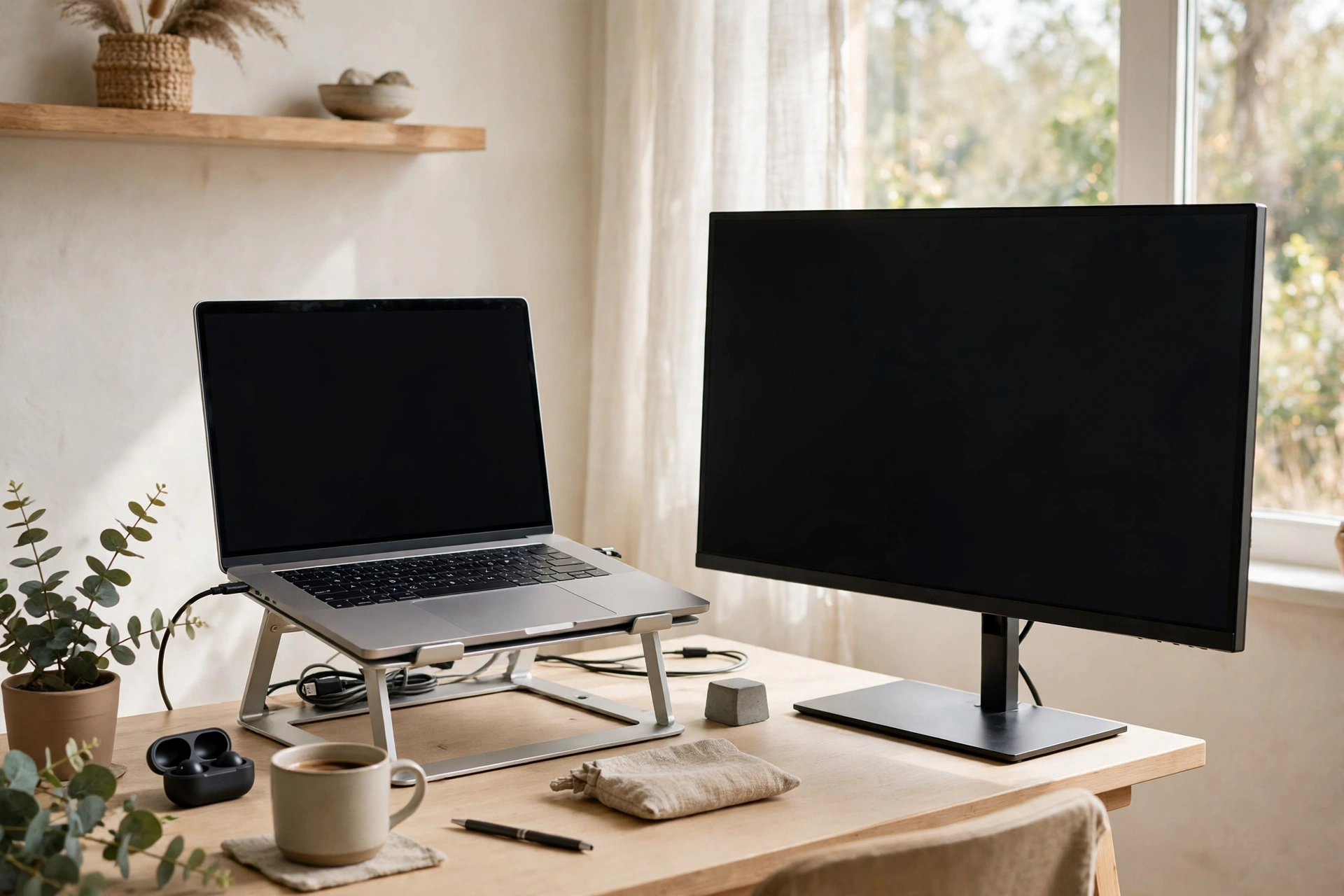
4. Laptop + monitor: the space-saving combo
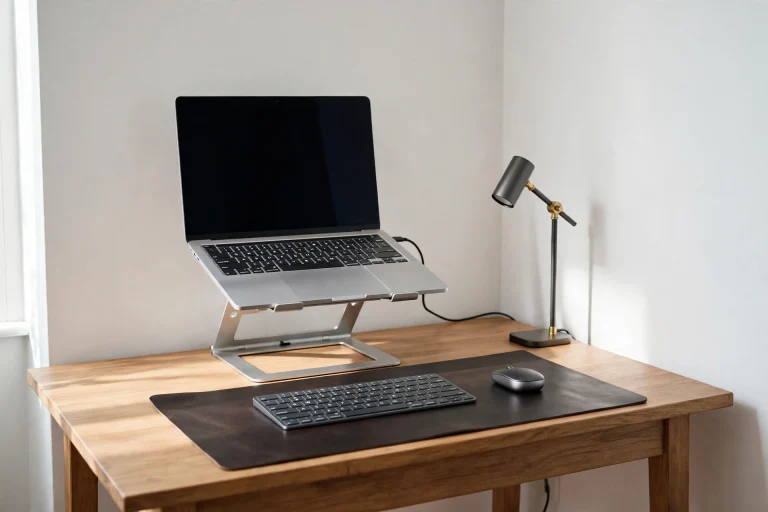
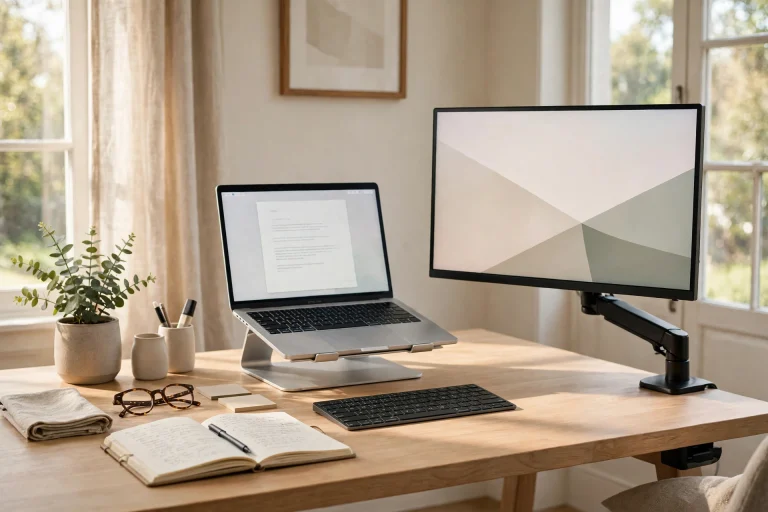
If you already work from a laptop, you do not need to buy two monitors — you need one. Put the laptop on a stand (typically $25–$60) beside a single external monitor, both screens at the same height, and you have a two-screen setup that takes up less desk than a pair of monitors. Put the external monitor straight ahead as your main screen and the laptop to the side for email, chat, or reference. The stand matters: a laptop sitting flat on the desk is too low, and the height gap between the two screens will pull your neck down all day. Either way, both screens must sit at the same height and the same distance, or your neck keeps score.
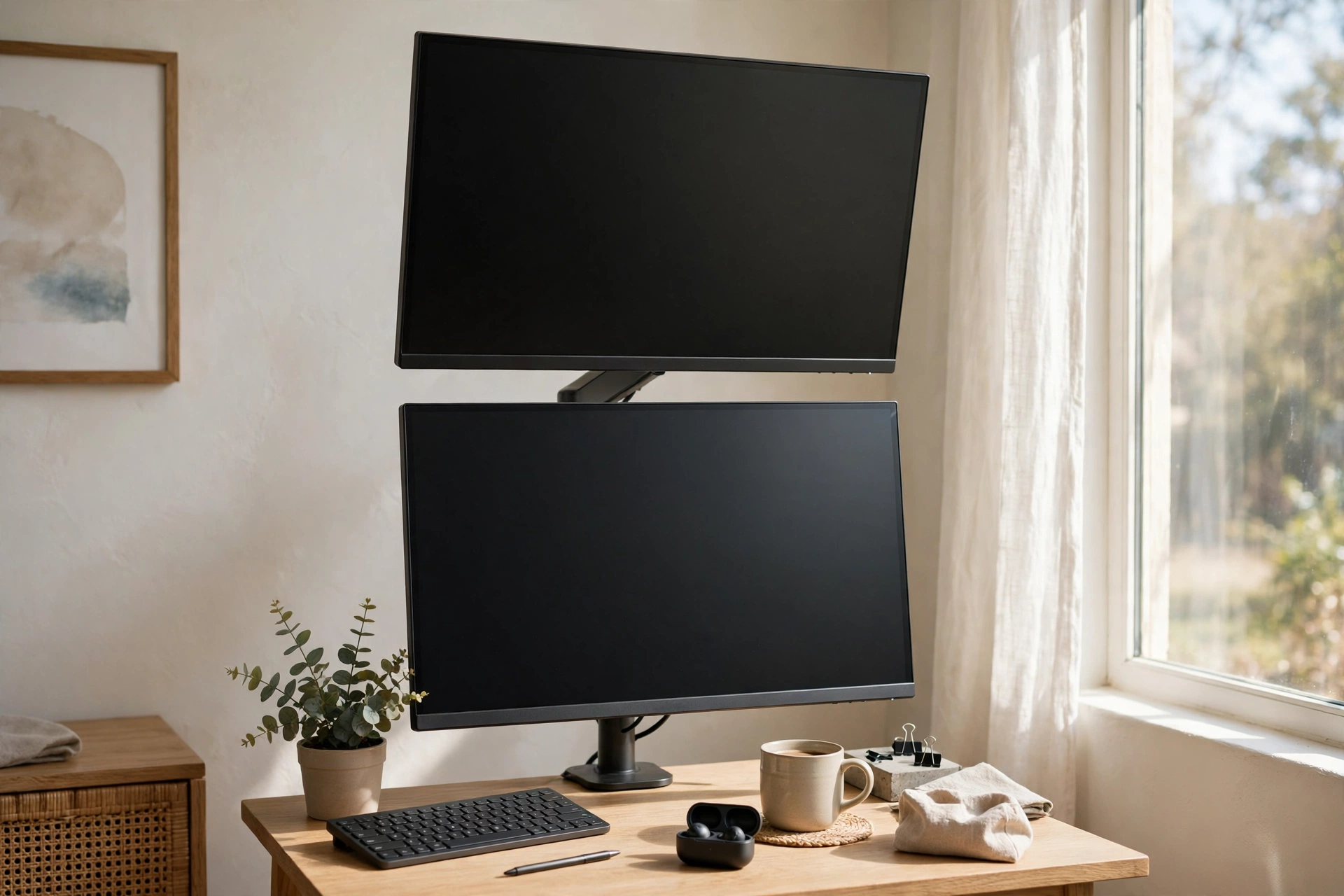
5. Stack them: the vertical option
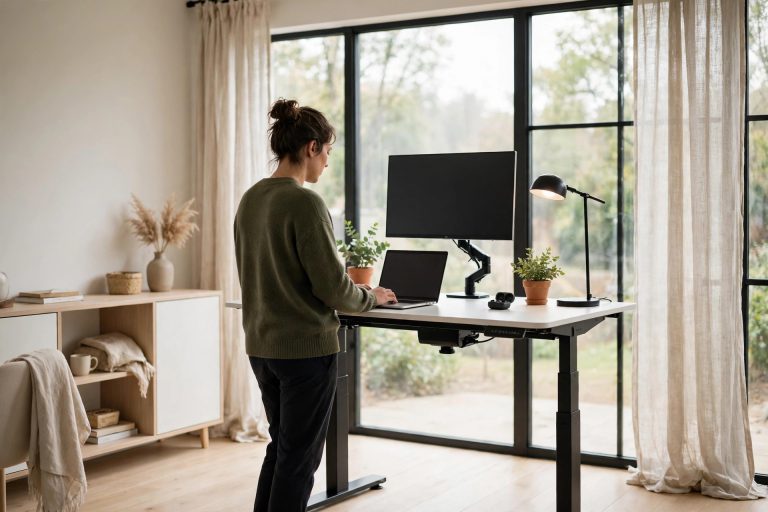
When width is the real constraint — a desk of 30 to 36 inches, a corner, a nook — stack the screens instead of placing them side by side. A vertical dual mount, or a tall single arm with two brackets, holds one monitor above the other. The lower screen is your main work screen, straight ahead at eye level; the upper one, tilted down slightly toward you, holds email, reference material, or a video call. Watch the angle: the top screen should not force you to look up more than a slight tilt. If you are craning your neck to read it, it is mounted too high — keep glanceable material up there, not work you stare at for an hour at a time.
6. Cables: hide them before they multiply
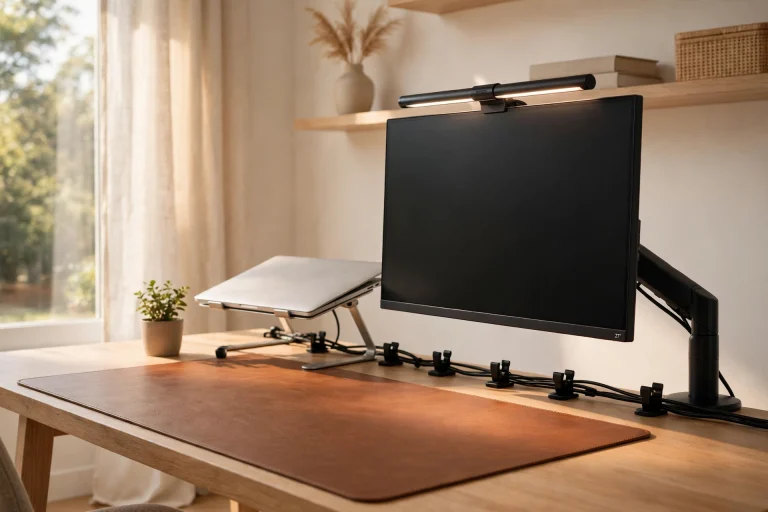
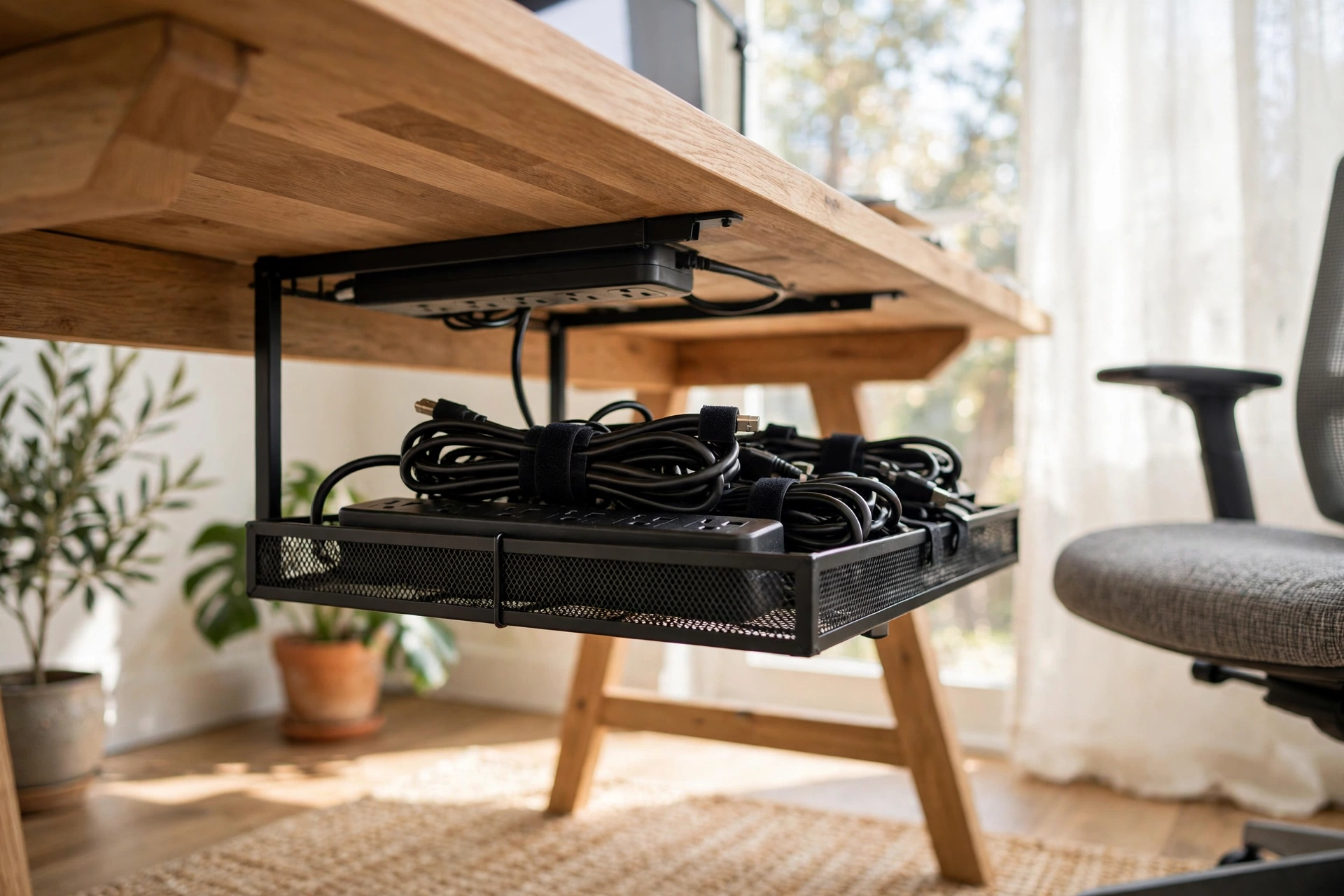
Two monitors mean two power cables, two video cables, and usually a dock or a charger on top — and on a small desk that pile shows immediately. Fix it before it starts: screw a cable tray under the desk (typically $15–$35), drop the power strip into it, and let the slack live there, off the floor and out of sight. Run each cable along the back edge with a small clip, and leave a little slack at the arm end so the monitors can still tilt and swivel. This is a thirty-minute job, it costs less than the arm, and it is the difference between a setup that looks finished and one that looks like a work in progress.
7. Keyboard and mouse: go compact
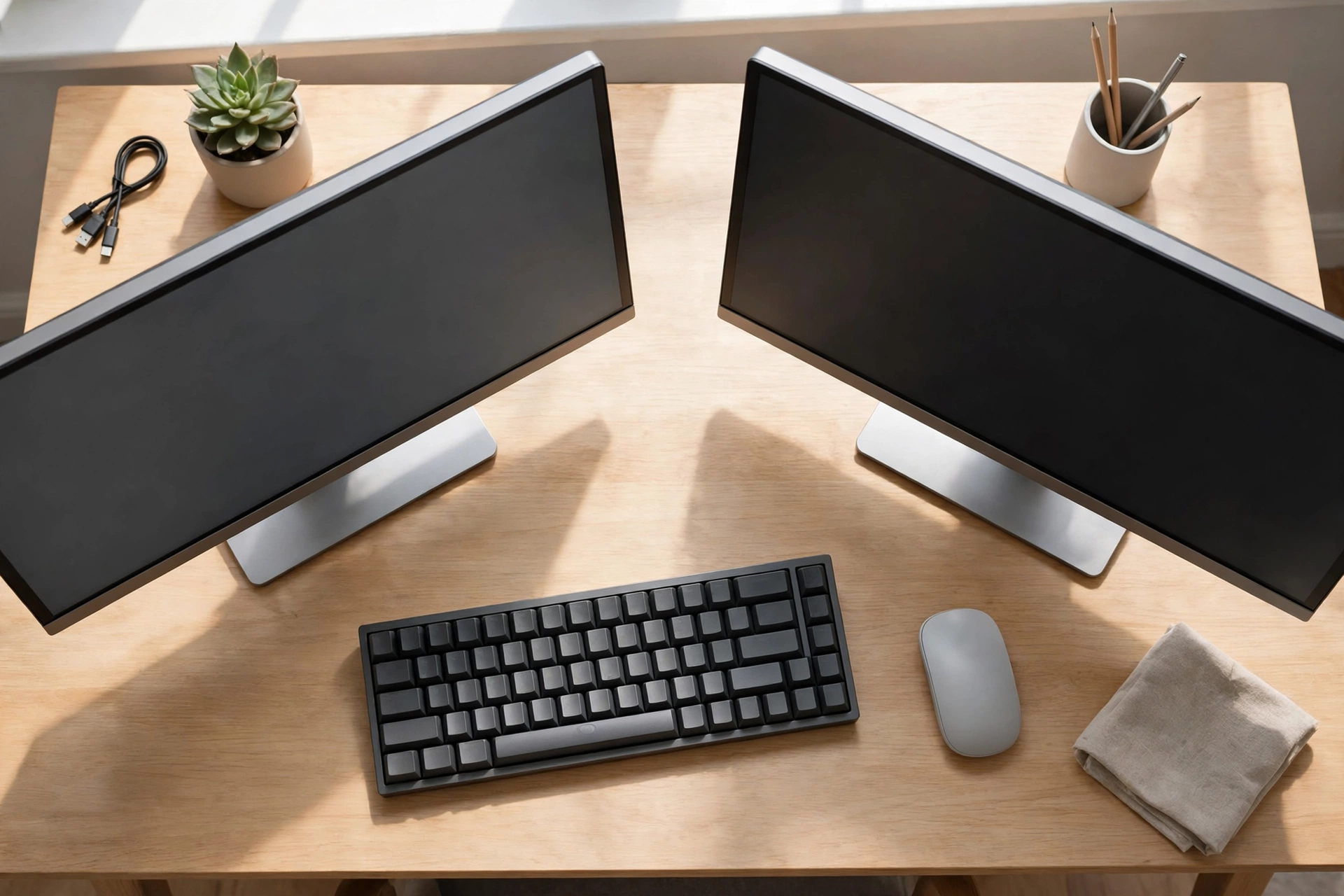
A full-size keyboard with a number pad is about six inches of desk you do not have. On a small dual-monitor desk, switch to a compact keyboard — tenkeyless, 75%, or 65% layout, typically $30–$100 — and you win back the room the mouse needs. Pair it with a small mouse rather than a large one, and a mousepad sized to the space, not a desk mat that covers the whole surface. Centre the keyboard on your main screen, not on the middle of the two screens: your hands should line up with the screen you actually type on, and the second screen should be a glance away, not a twist away.
8. Light the screens, not your eyes
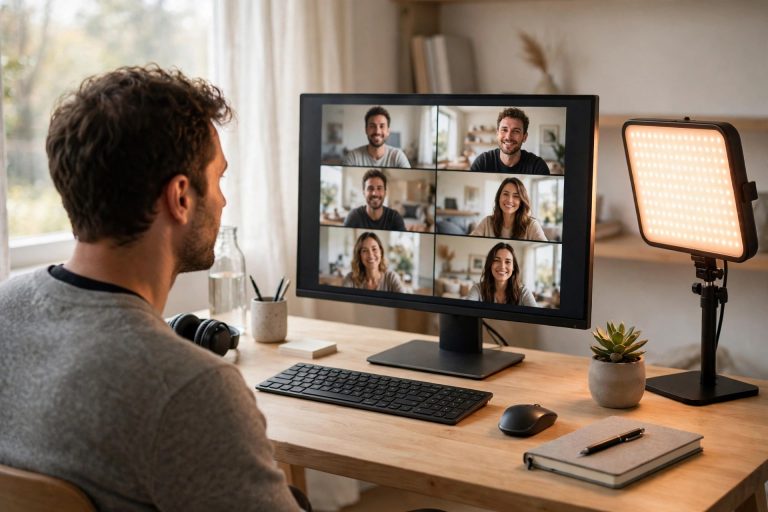
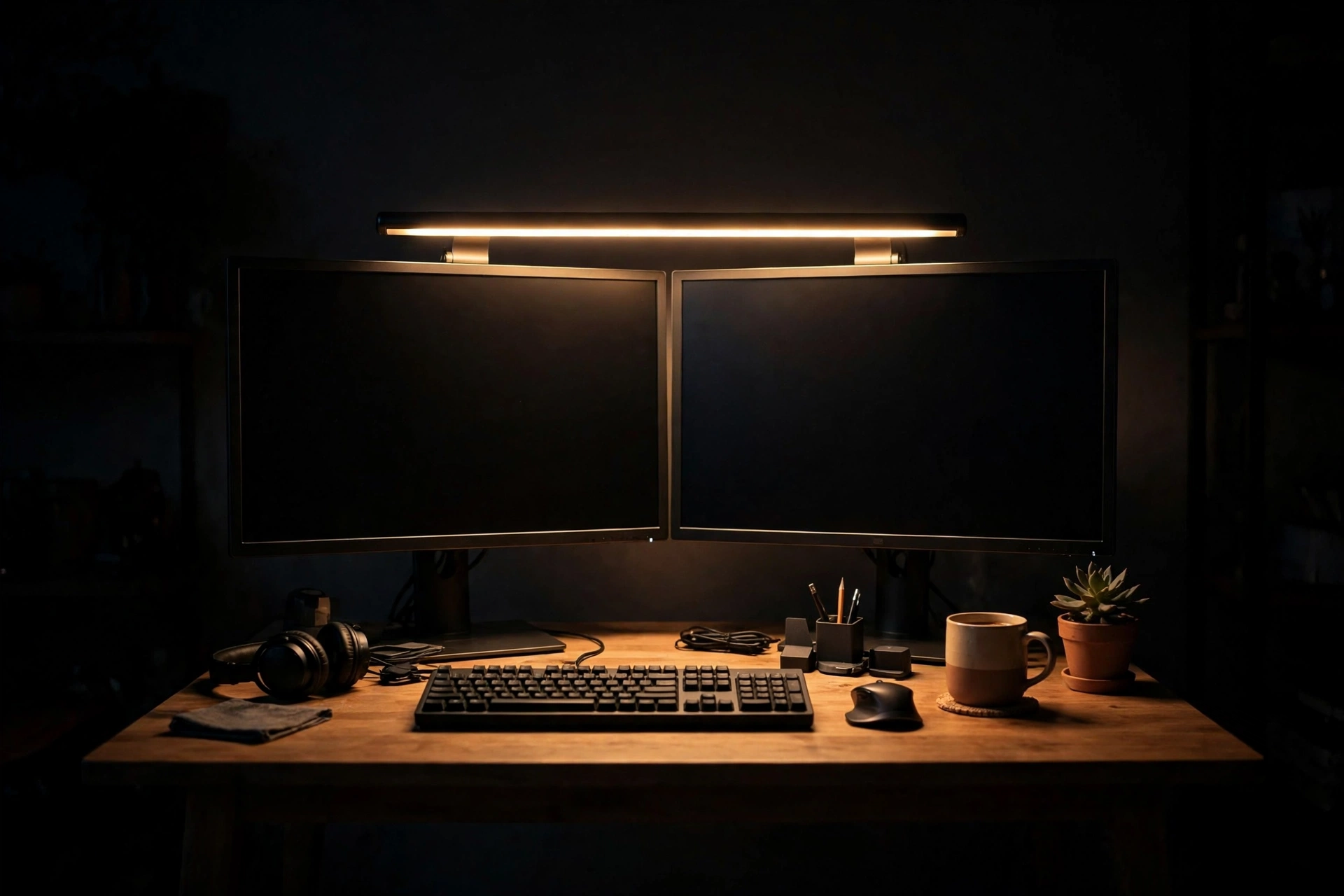
Two screens double the glare risk: every light source in the room now has two surfaces to reflect in. Keep the desk side-on to the window, the same rule as any desk, so daylight falls across the work surface instead of into the screens. For the evening, a monitor light bar (typically $30–$80) is the best fit for a small dual setup: it sits on top of the main monitor and washes light down onto the desk without shining into either screen, and it takes up no desk space at all. Do not put a lamp behind the monitors — it will silhouette the screens and glare straight at you.
9. Sit right: chair and posture at a small desk
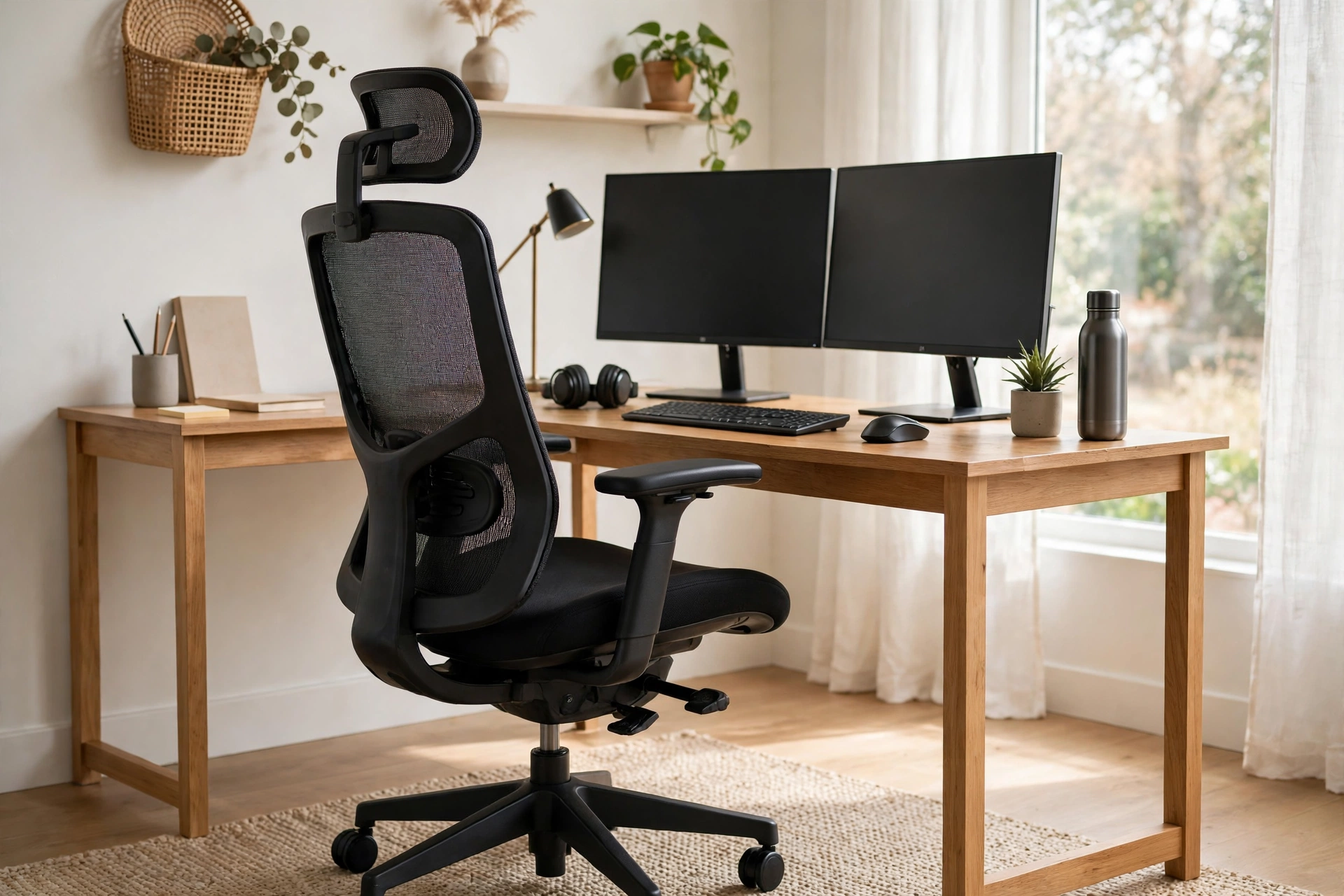
Dual screens tempt you to sit too close or to twist — and on a small desk, both are easy to do without noticing. The fix is the same posture as any desk: sit an arm’s length from the main screen, feet flat on the floor, knees at roughly a right angle, lower back against the chair. Both screens should sit at the same distance from your eyes, and the tops roughly at eye level. If the second screen makes you twist to read it, it is too far to the side: pull it in closer to the main screen or angle it further toward you.
10. The order to buy it in
Buy in this order, and nothing gets bought twice. First, the tape measure and an hour of measuring — width, depth, back edge. Second, the monitors, as a matching pair, or the one monitor your laptop needs. Third, the dual arm, which is what actually makes the pair fit. Fourth, the cable tray and clips, before the cables multiply. Fifth, the compact keyboard, once you know how much desk is left. Sixth, the light bar, once the screens are placed and you can see where the glare actually falls. Before monitors, the arm, tray, and keyboard together typically run $85–$235 — the screens are the big spend, and they are the last thing to buy, not the first.
What to buy first
If you buy one thing this week, buy the tape measure — then the arm. The arm is the purchase that decides whether two monitors fit your desk at all,. Measure, match the pair, mount the arm, tame the cables, shrink the keyboard, and light the screens — in that order, and a small desk carries two screens without the clutter. For the wider setup order, see our 21 desk setup ideas guide.