15 Standing Desk Setups That Make You Want to Stand
A standing desk only earns its keep if you want to stand at it. Most people buy the desk first and work out the setup later — then wonder why an expensive frame stays in its lowest position. The fifteen setups below work the other way around: each starts from a real room, a real budget, or a real workday, and the desk is built to fit. Measure first, pick your tier, then fix the small things — screen height, cables, the floor under your feet — that decide whether you stand for twenty minutes or two hours. Prices below are broad typical ranges.
Measure First: The Order of Work
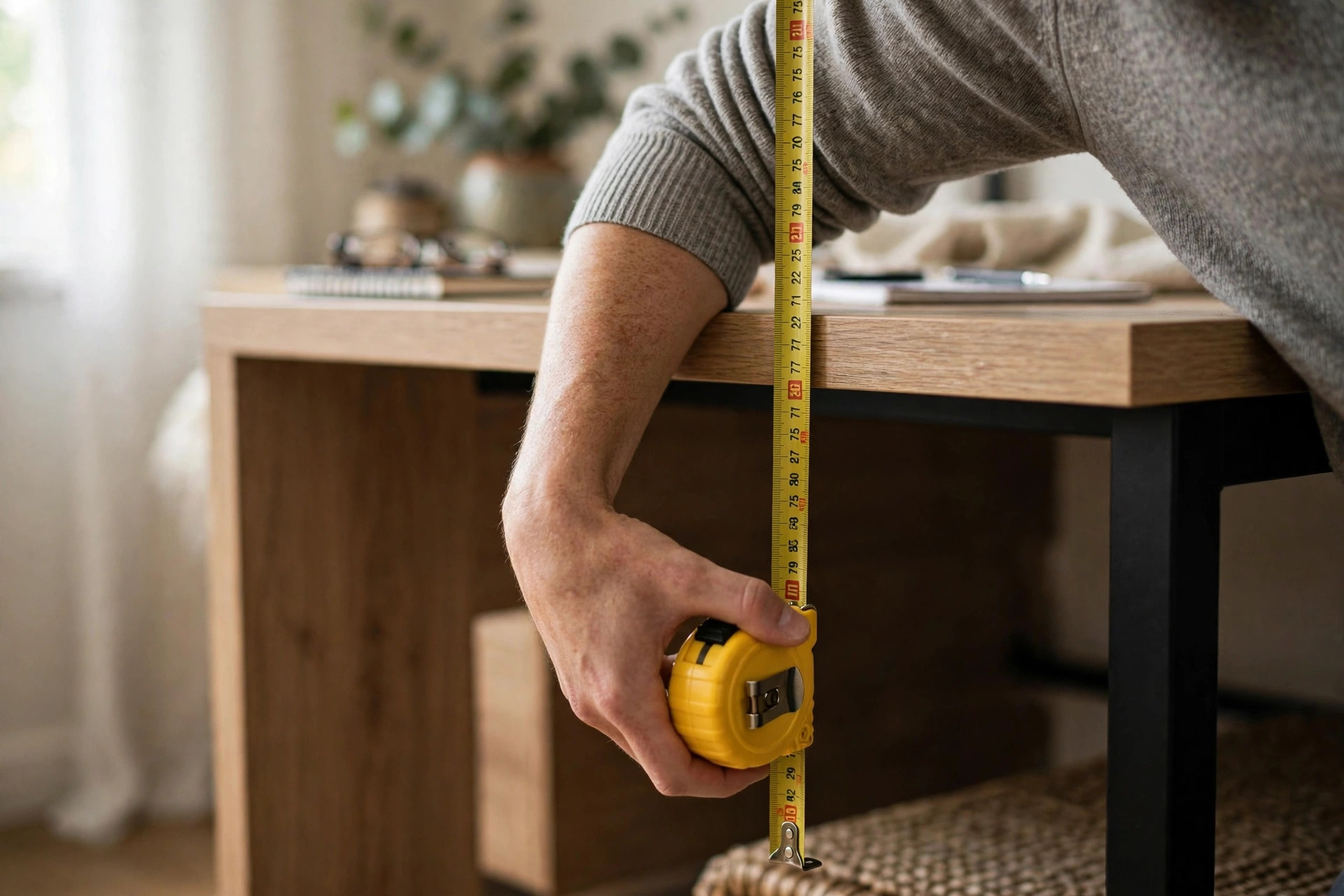
Stand in your work shoes, bend one elbow to a right angle, and measure from the floor to your elbow. That number is your standing desk height, and it is the only measurement that matters at the start. Your monitor’s top edge should sit at or just below eye level, and your keyboard should sit at elbow height so your wrists stay straight. If you sit as well as stand, your chair must let your feet rest flat with your knees at a right angle. Get these numbers right before you spend anything: a desk at the wrong height is the most common reason a standing setup gets abandoned in the first month.
5 Budget-Friendly Standing Desk Setups
1. The Desktop Converter
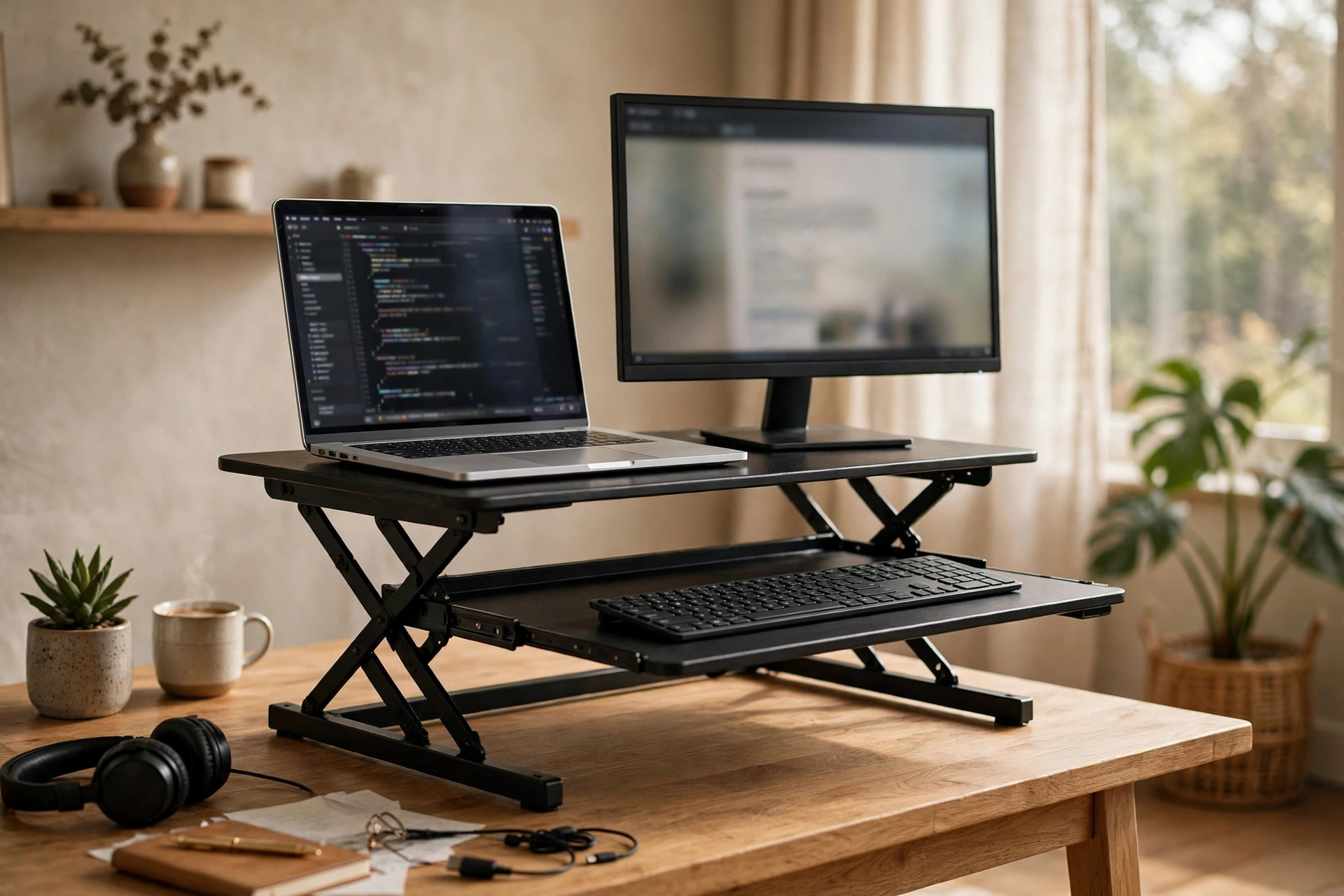
A converter is a riser that sits on your current desk and lifts your screen and keyboard to standing height. It is the cheapest way to test standing work without replacing furniture, and desktop converters typically cost $100–$300. It suits you if you already like your desk. Measure first: the converter adds height on top of your desk, so a tall desk plus a tall riser can overshoot your elbow height.
2. The Fixed-Height Shelf Desk
A sturdy shelf or worktop fixed to the wall at elbow height is the simplest standing desk there is — no motor, no crank, nothing to adjust. It costs little more than board and brackets, and it is rock solid. The trade-off is obvious: one height, no sitting option, so it works best as a second station for short standing sessions rather than your only desk.
3. The Manual Crank Frame
A crank frame gives you the full height range of an electric desk with a handle instead of a motor. Frames typically cost $150–$350, and the crank takes about half a minute to move between sitting and standing height. The catch: if changing height feels like a chore, you will stop doing it. It suits patient people and shared rooms where a motor’s hum would annoy.
4. The Laptop-Stand Standing Spot
A laptop stand on a kitchen counter, a high shelf, or a tall bookcase is a zero-cost standing desk you can try today. It is not a full setup — the screen sits high and long sessions will tire your shoulders — but it answers the only question that matters before you spend money: do you actually like working on your feet? Give it a week before buying anything.
5. The Secondhand Electric Desk
Used electric desks change hands for roughly half their new price, and a good frame lasts for years. Check three things before you pay: the motor lifts smoothly with weight on it, the desk does not wobble side to side at full height, and the weight rating covers your monitors plus everything on them. A wobbly frame at full height is the defect to walk away from.
5 Standing Desk Setups for Small Spaces
6. The Corner Standing Desk
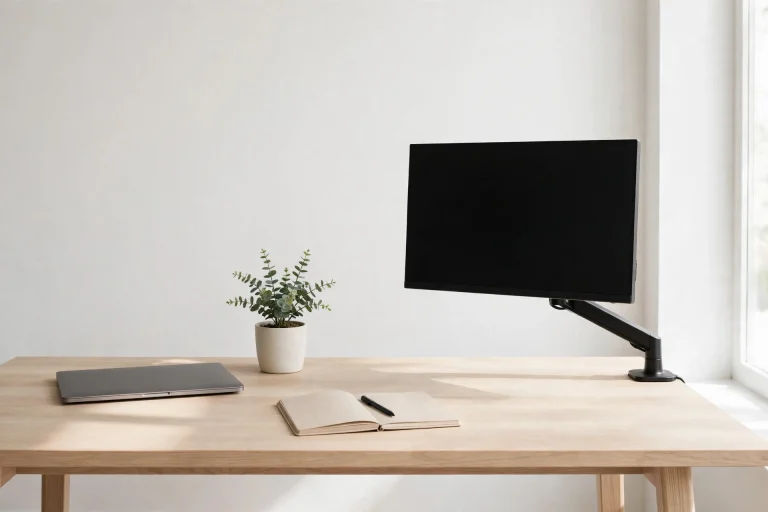
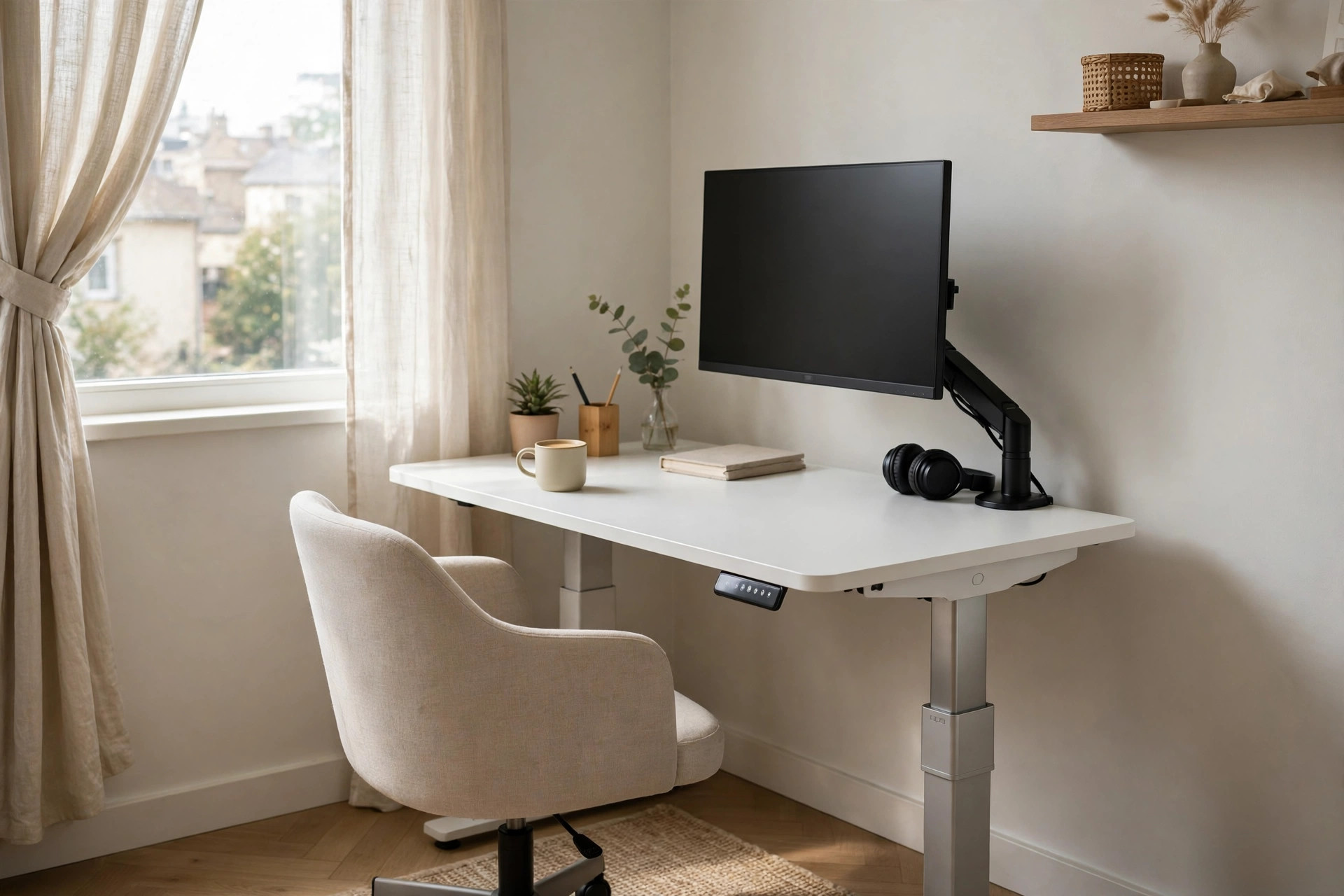
Corners are the most wasted space in a small home office, and a standing desk fits one neatly: the desk fills the corner, your chair tucks away when you stand, and the walls on two sides hold shelves and a monitor arm. Put the desk on the better-lit wall and keep the walking path clear on the open side.
7. The Wall-Mounted Fold-Down Desk
A fold-down desk mounts to the wall at standing height and drops flat when you are done, so the room goes back to being a bedroom or living room. It holds a laptop and a notebook; a full monitor setup is too heavy for most folding brackets. This is the setup for rooms that do two jobs and cannot spare a permanent desk.
8. The Dual-Monitor Arm Setup
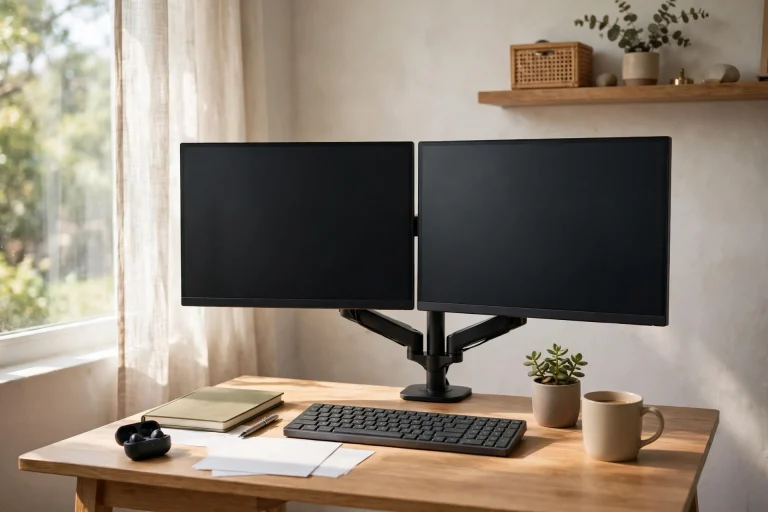
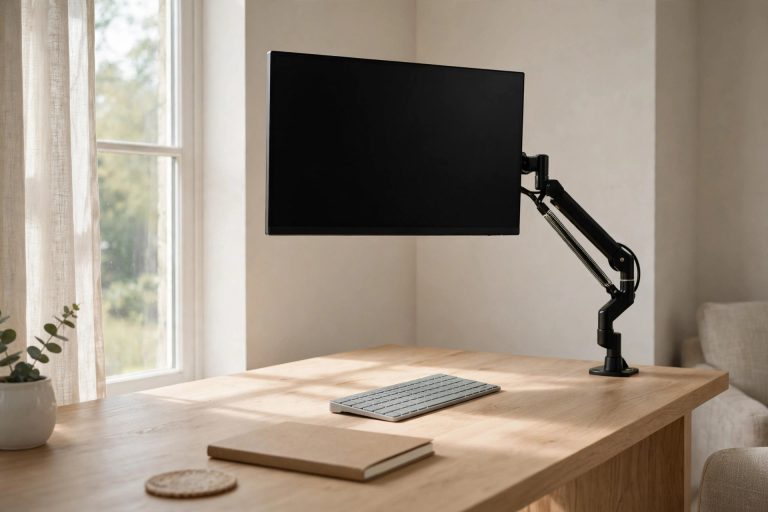
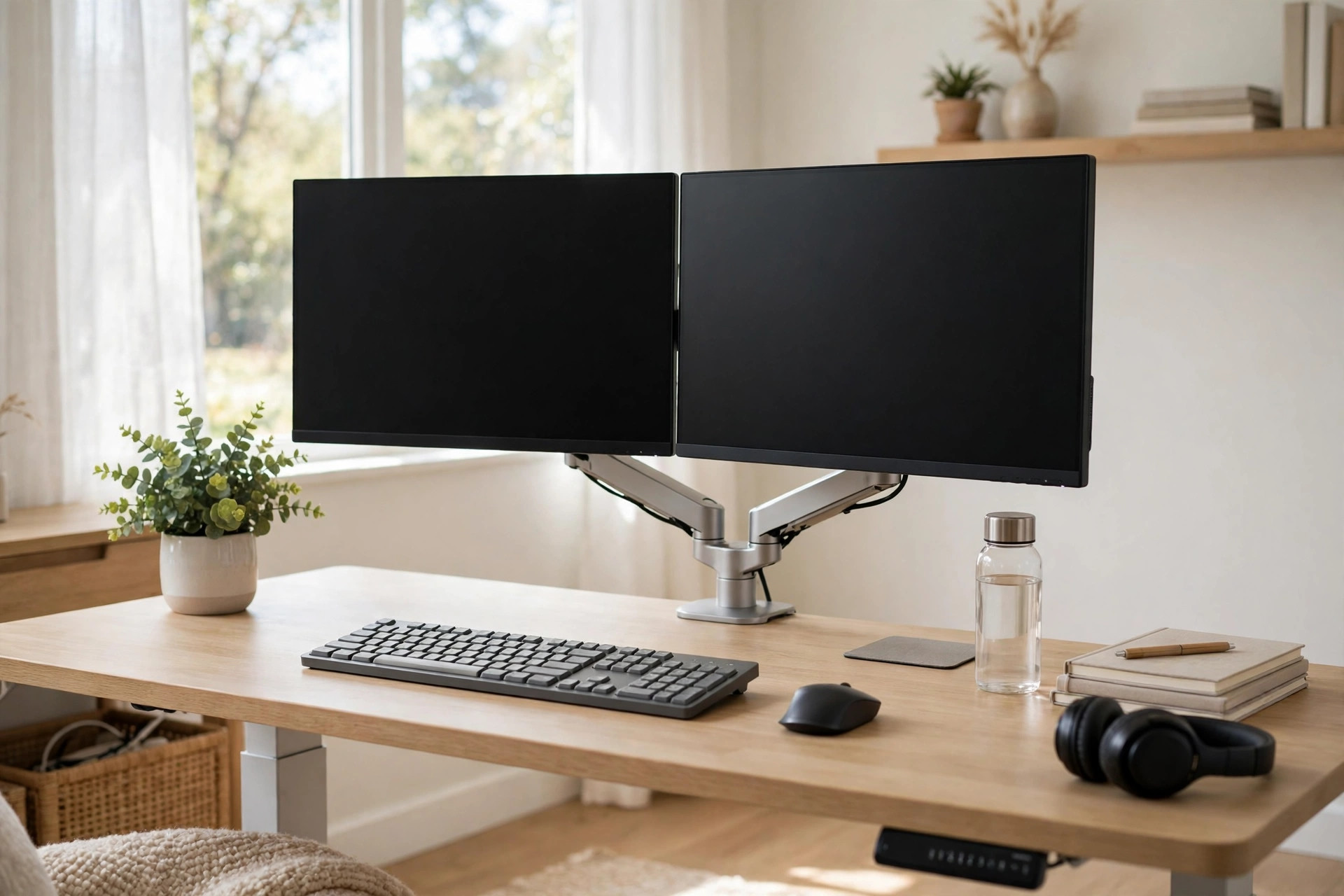
Two monitors on their factory stands eat a foot of desk depth. One dual monitor arm holds both screens, gives the depth back, and lets you set the height exactly. Measure the desk first, match the two monitors, and buy the arm before the second screen — our full guide to a dual monitor desk setup on a small desk walks through the sizes.
9. The Narrow 42-Inch Desk
A 42-inch desk sounds too small for standing work until you count what actually sits on it: a compact keyboard, one 24-inch monitor on an arm, and a mug. Keep the second monitor, the speakers, and the paperwork off the desk and the narrow frame works fine. It fails only when a wide keyboard and a monitor stand fight for the same depth.
10. The Cloffice Standing Nook
A closet with its doors removed holds a standing desk at exactly elbow height, with shelves above for everything the desk cannot hold. It is the smallest real office in this list — about the width of a closet — and it works because the walls do the storage job. Leave the doors off and keep a small fan nearby — a closed closet gets warm.
5 Full-Workday Standing Desk Setups
11. The Walking-Pad Desk
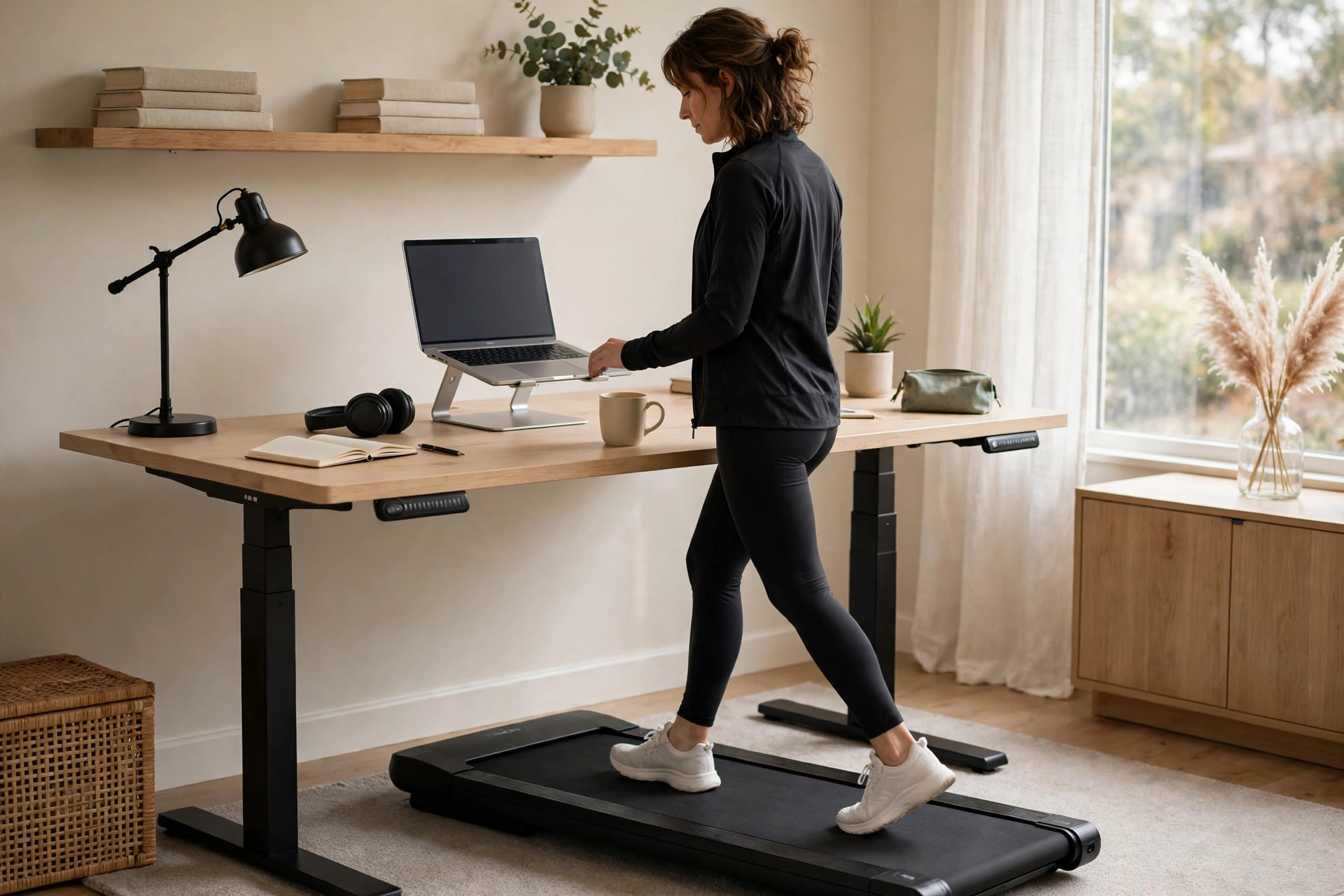
A slim walking pad slides under a raised desk and lets you walk slowly while you work. Walking pads typically cost $200–$400. Start at the slowest speed for short sessions — fifteen minutes at a time — and keep walking for calls and reading, not for precise mouse work. Listen to your feet the first week.
12. The Anti-Fatigue Mat Setup
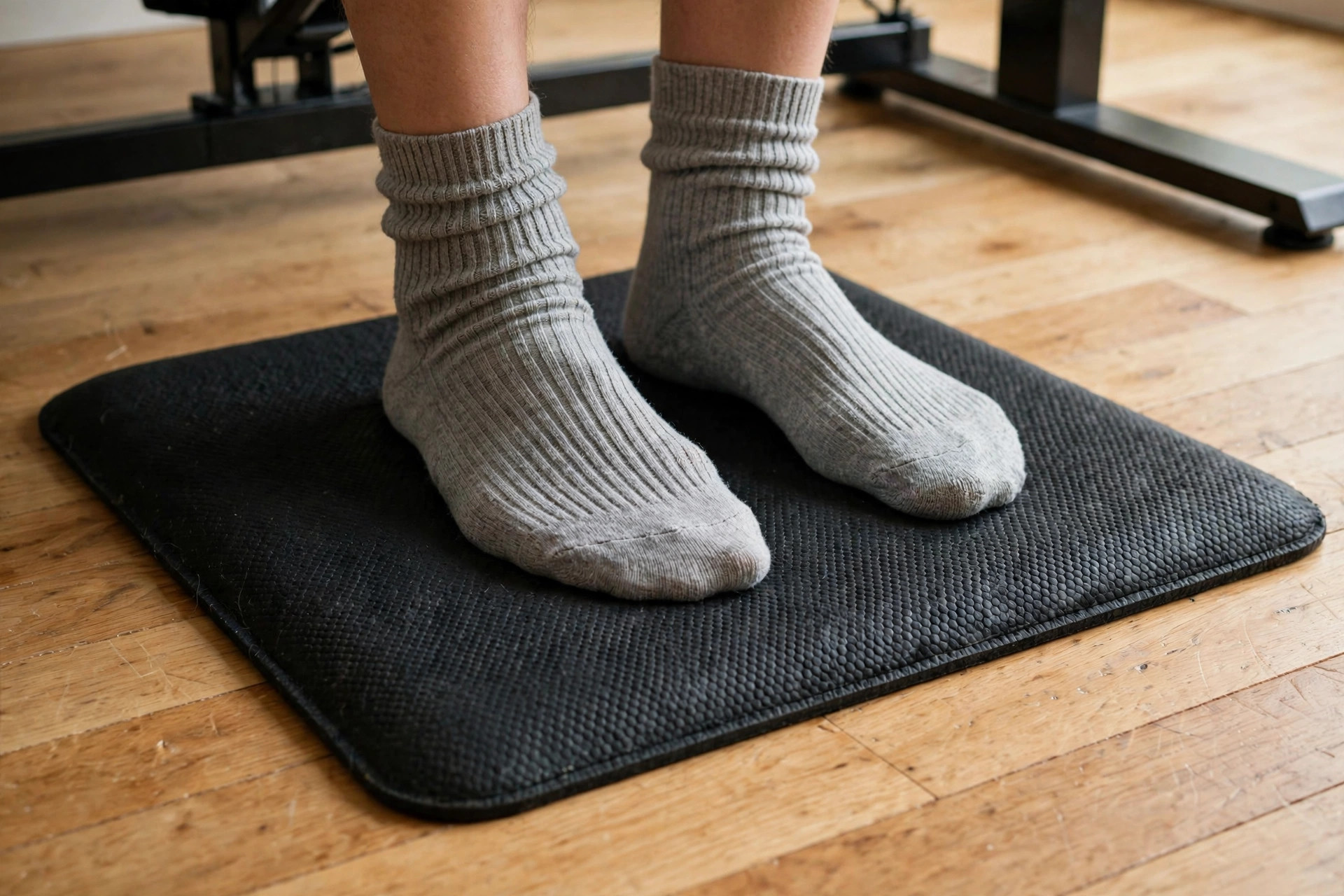
Standing on a hard floor is what makes feet and knees ache, not standing itself. A thick anti-fatigue mat — typically $30–$80 — plus supportive shoes changes the whole experience, and shifting your weight every few minutes helps more than standing perfectly still. If you buy one thing before your first full standing day, buy the mat.
13. The Cable-Tray-First Setup
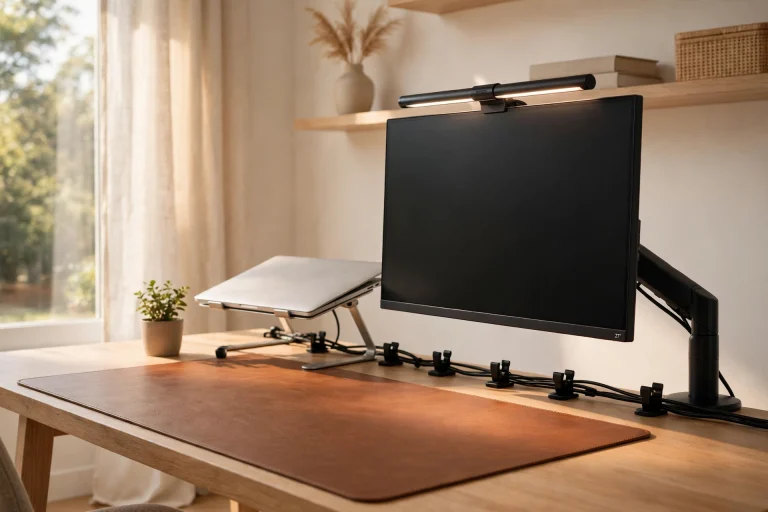
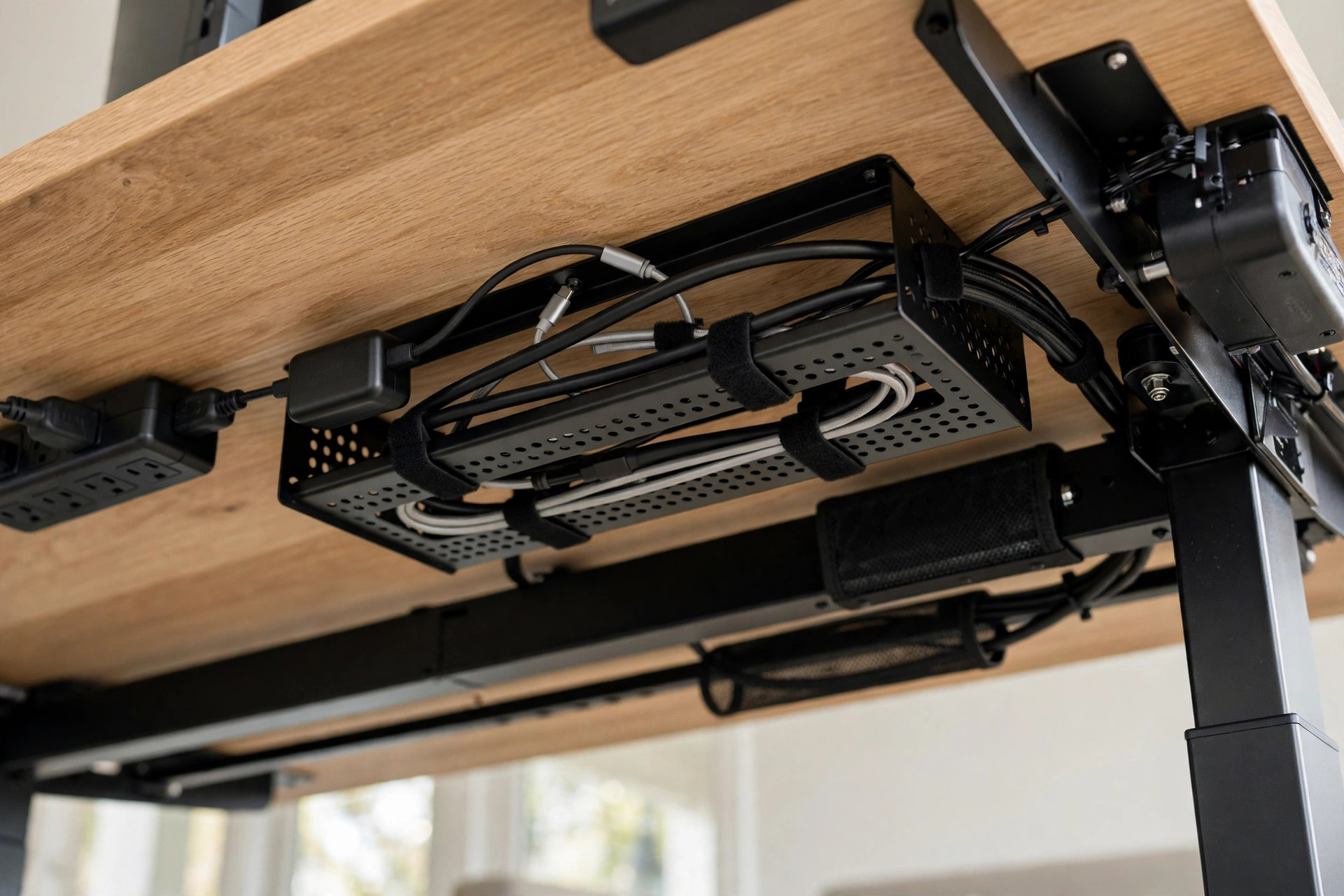
A standing desk moves, and moving desks drag cables. Fit a cable tray and sleeves before your first stand, not after the first yanked cable: the tray holds the power strip, the sleeve carries the monitor run, and nothing dangles to catch your feet. Our cable management guide covers the order in detail — tray first, then the monitor run, then the floor pile.
14. The Sit-Stand Rhythm Setup
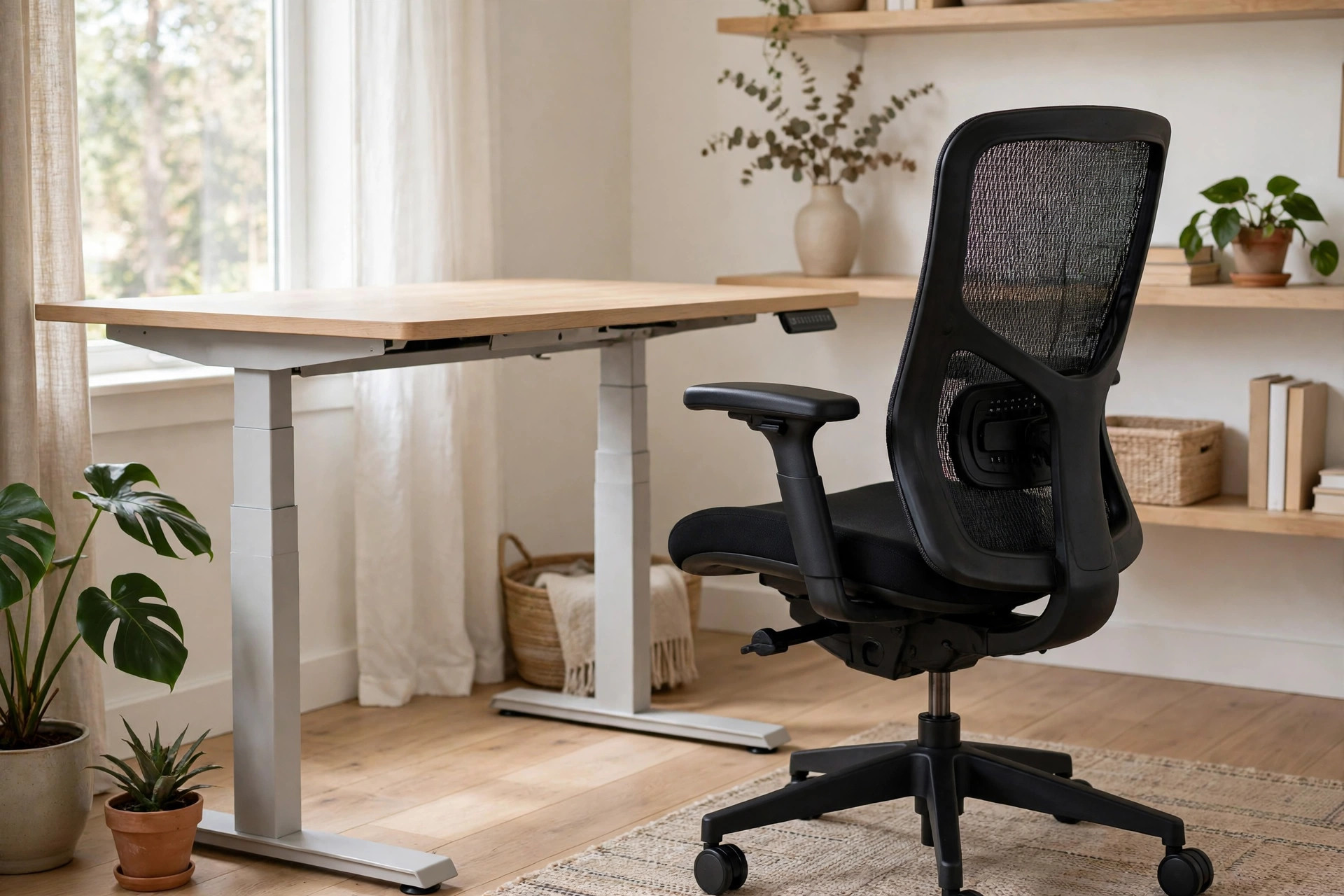
The healthiest standing desk setup is one you also sit at. Keep a real ergonomic chair beside the desk and alternate — stand for calls and reading, sit for long typing, and change position every half hour or so. The chair is not a failure of the standing desk; it is what lets you stand again tomorrow.
15. The Styled Evening Setup
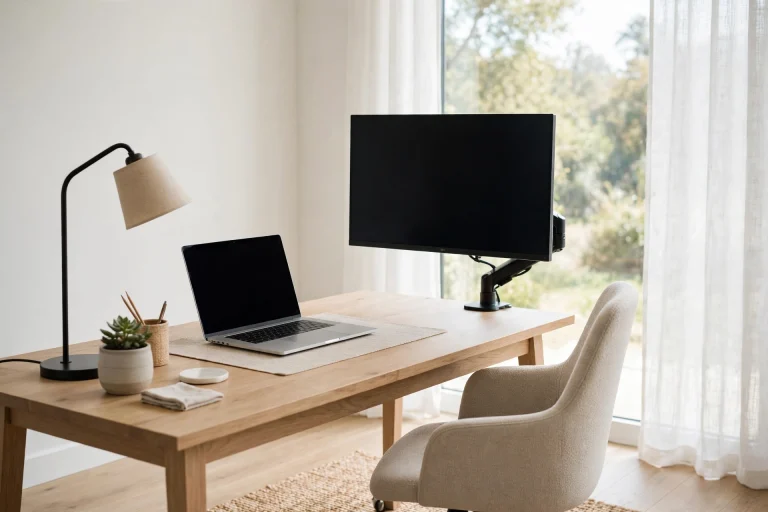
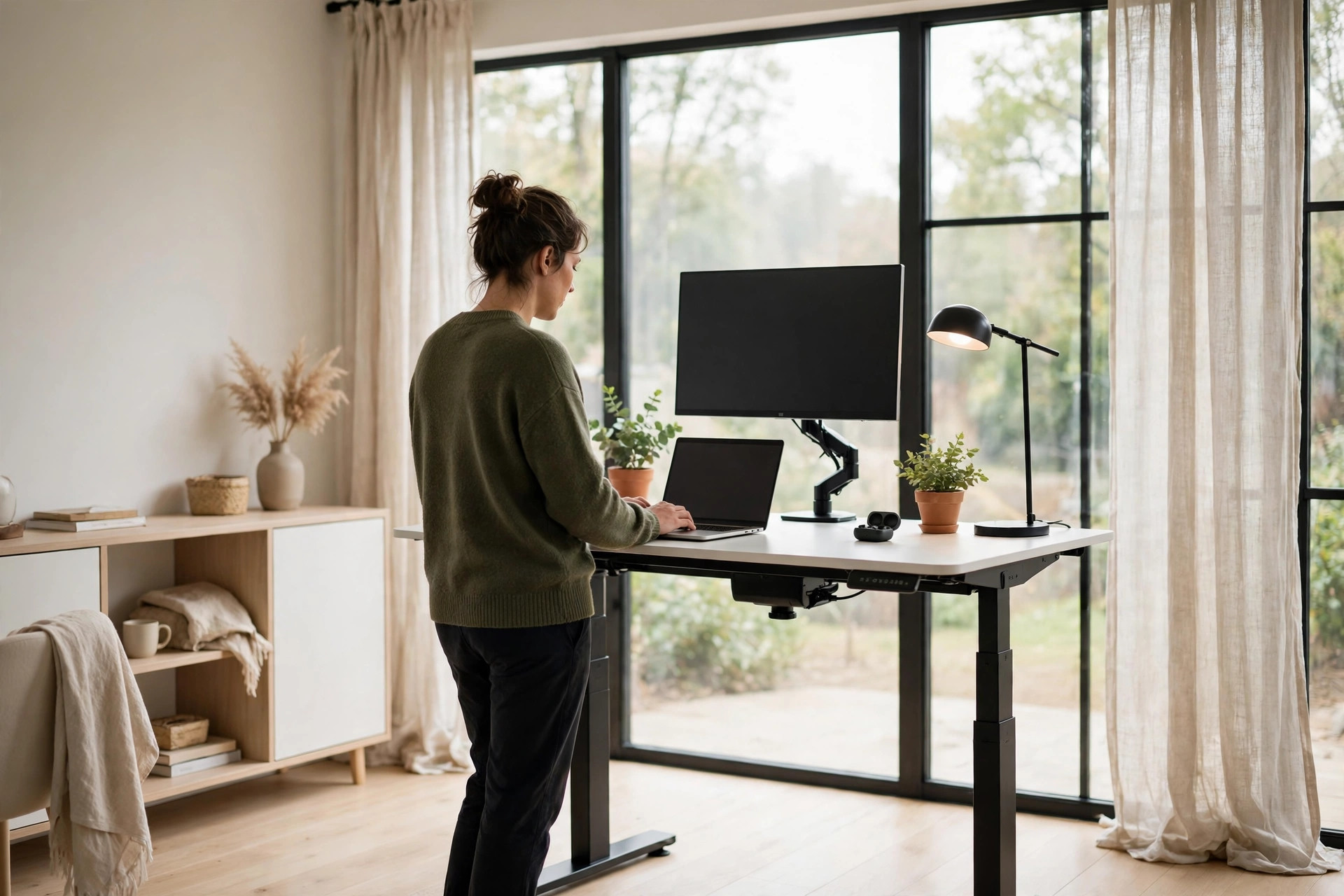
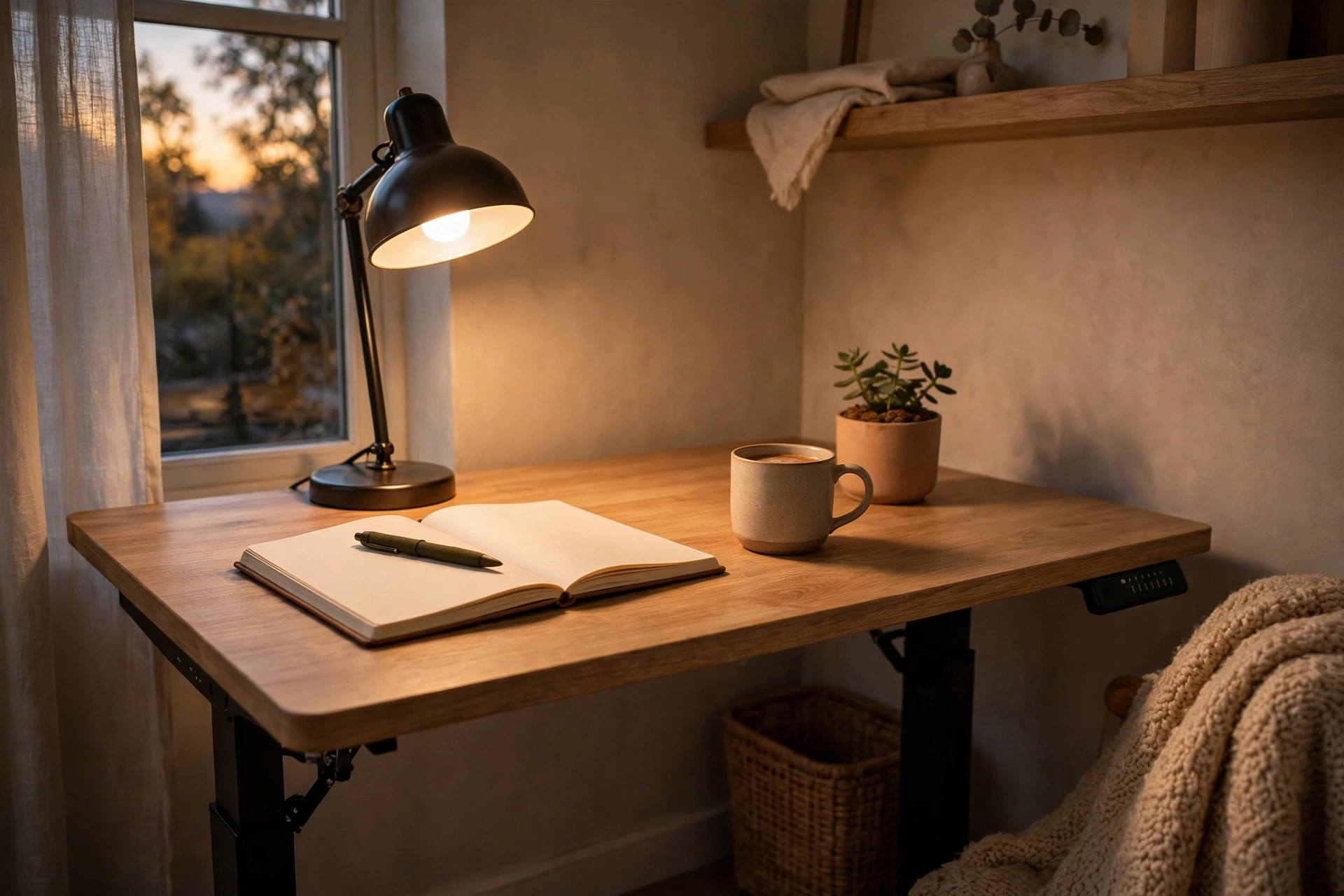
A standing desk you like looking at is a desk you will use. A warm desk lamp, a plant, and a clear surface turn the evening shift from a chore into a place you choose to stand. Light matters more after dark: a lamp at the side of the desk beats a ceiling light behind your screen.
Electric Desk vs. Desktop Converter: Which Wins?
The converter wins if you already love your desk, your budget is tight, and you stand for part of the day. The electric frame wins for a full workday, a desk shared by two people of different heights, or anyone who changes height several times a day — the button removes the friction that makes people stop standing. The manual crank sits between them: full range, lower price, but slow enough that most people leave it at one height. Buy the converter to test the habit; buy the electric frame once the habit has stuck.
What to Buy First
Buy in this order and you will not waste money: measure your elbow height first, then the anti-fatigue mat, then a monitor arm or laptop stand to get the screen to eye level, then the converter or frame, then the cable tray, and the walking pad last. The pad is the most fun purchase on this list and the least useful until everything before it is right. Skip a step and the next one will not work — a perfect desk at the wrong height is still the wrong desk.
Pick the setup that matches your room and budget, measure before you buy, and give the habit two weeks before judging it. The best standing desk setup is the one you are still standing at next month.