11 Minimalist Desk Setups (and What They Kept)
A minimalist desk is not an empty desk. Every setup below looks nearly bare in a photo — and that is the point. The owners kept exactly what a working day needs and gave everything else a home somewhere else. The result is the same in all eleven: a screen at eye level, light you can work in, cables you cannot see, and a surface with room to think.
Most of these setups cost less than one gadget-heavy desk, because the work is subtraction, not addition. A monitor arm runs about $30–$60, a floating shelf desk about $40–$120. The order matters: clear the surface, fix the screen height, hide the cables. Buy nothing until the first two are done.
1. The One-Screen Desk
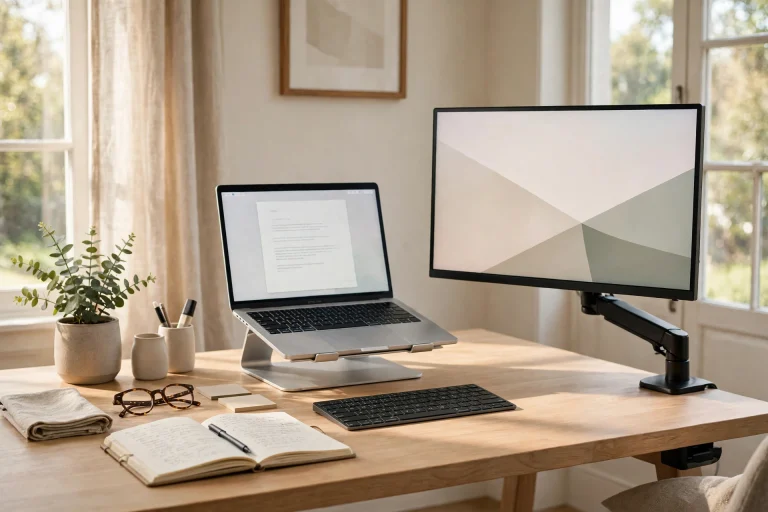
One monitor, one notebook, one pen. The one-screen desk is the simplest minimalist setup there is, and it works because it removes the decision fatigue of a second display. A single 24- to 27-inch screen at eye level holds the work; a paper notebook holds the thinking. Everything else lives in a drawer, not on the desk.
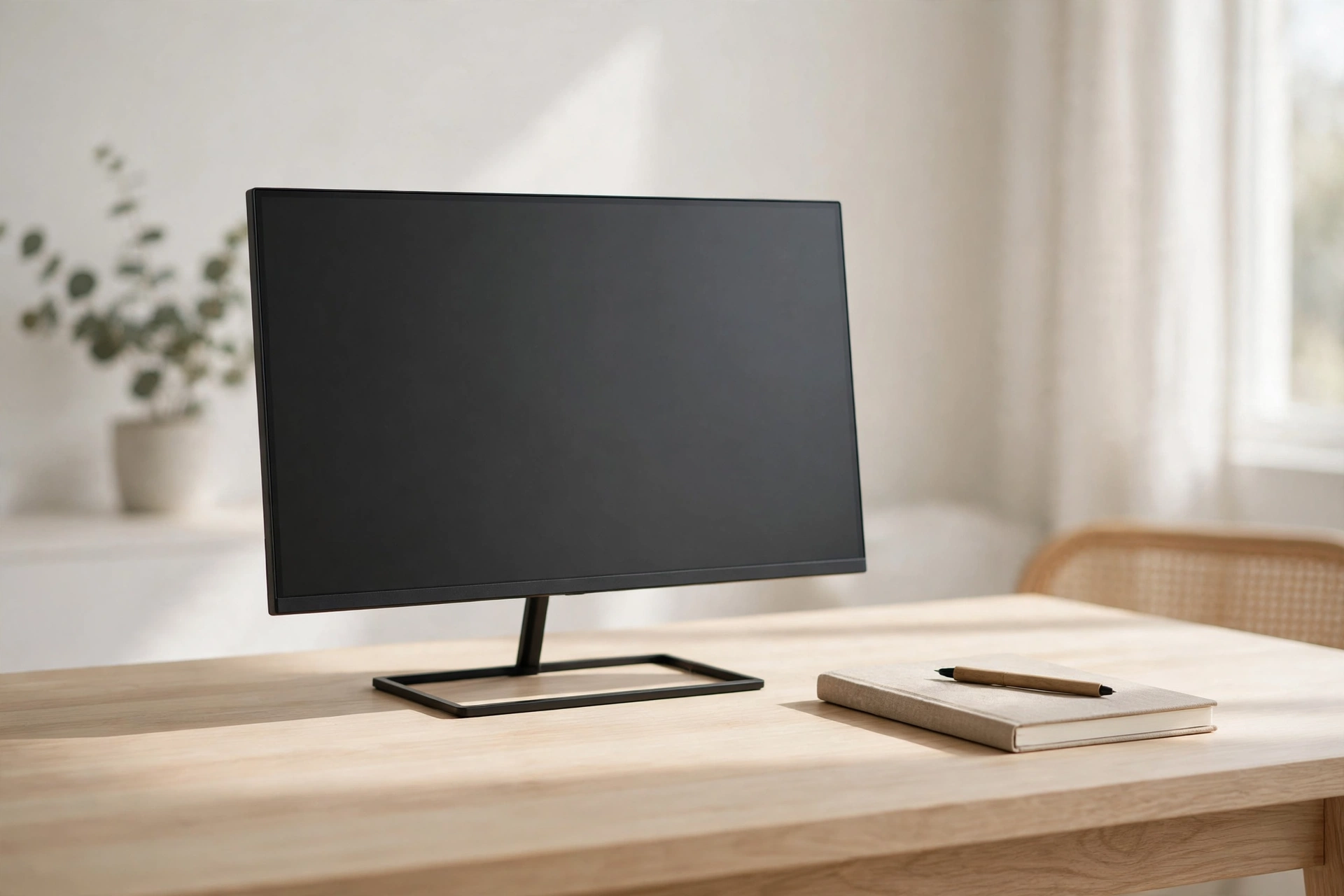
It suits writers, students, and anyone whose work lives mostly in one window. If your day is two windows side by side all day, this is the wrong setup. What it kept: one screen at eye level, one notebook, and a clear square of desk in front of you.
2. The Laptop-Only Floating Desk
A wall-mounted shelf, a laptop, a small lamp — and nothing touching the floor except the chair. The floating desk is the minimalist answer to a room with no space for furniture: a deep shelf bracketed to the wall at desk height, usually about 20 inches deep, holds the whole office. When the day ends, the laptop closes and the shelf becomes a ledge again.
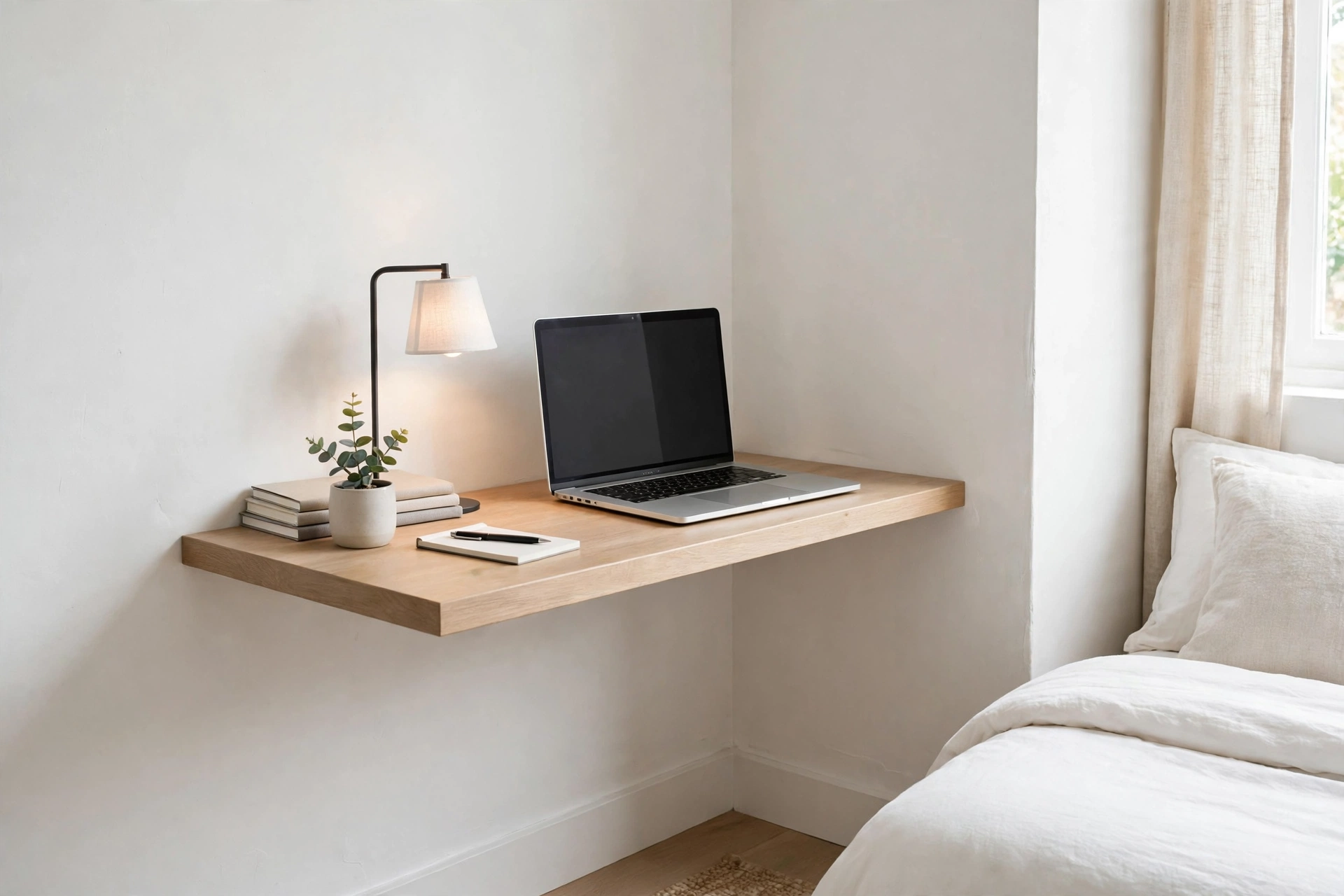
It works best in bedrooms, hallway nooks, and rented rooms where a full desk would block a walkway. The catch is the wall: it needs solid fixings into studs or masonry, not plasterboard plugs. What it kept: a shelf, a laptop, a lamp — and the whole floor.
3. The Monitor-Arm Desk
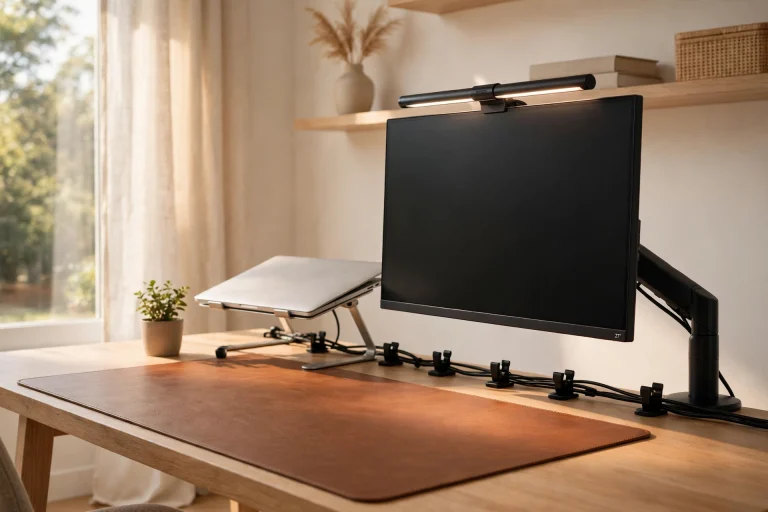
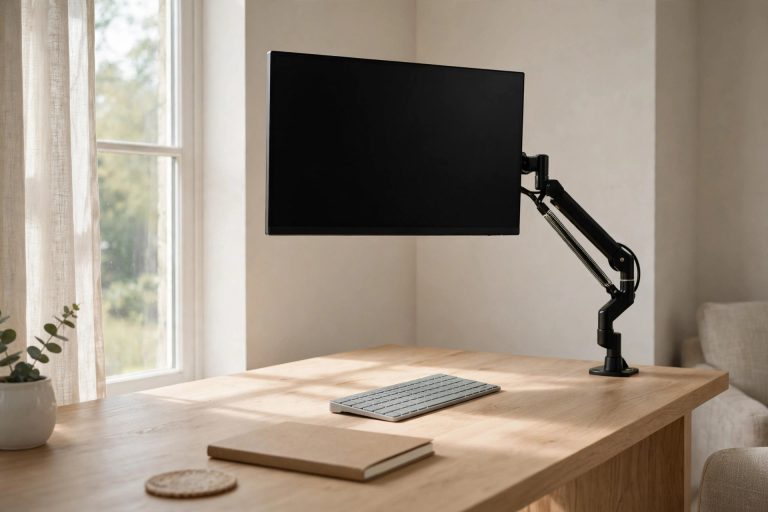
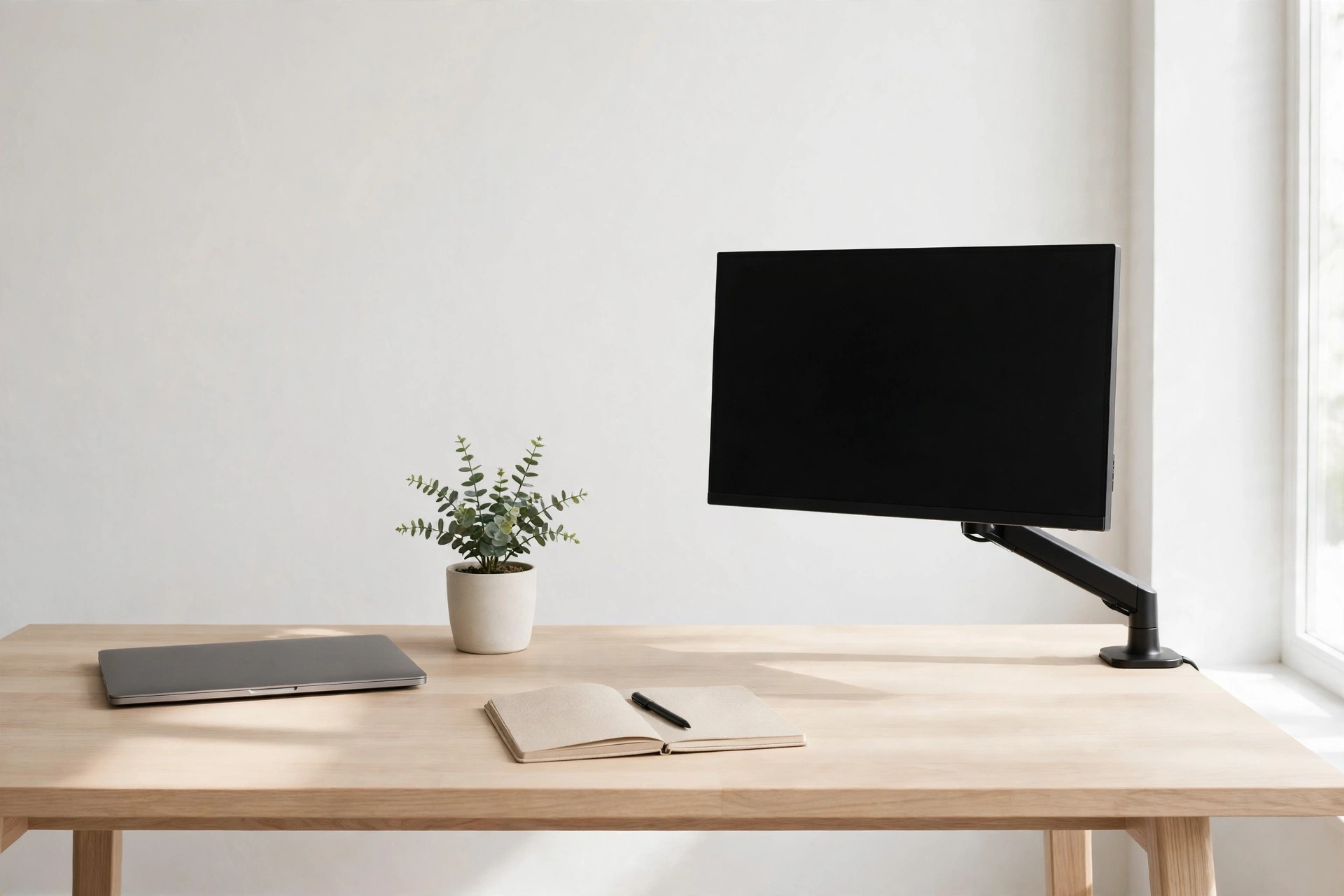
A monitor arm is the cheapest way to make a small desk feel twice as big. Clamp the arm to the back edge, lift the screen to eye level, and the monitor’s footprint simply disappears. The desk underneath becomes usable again.
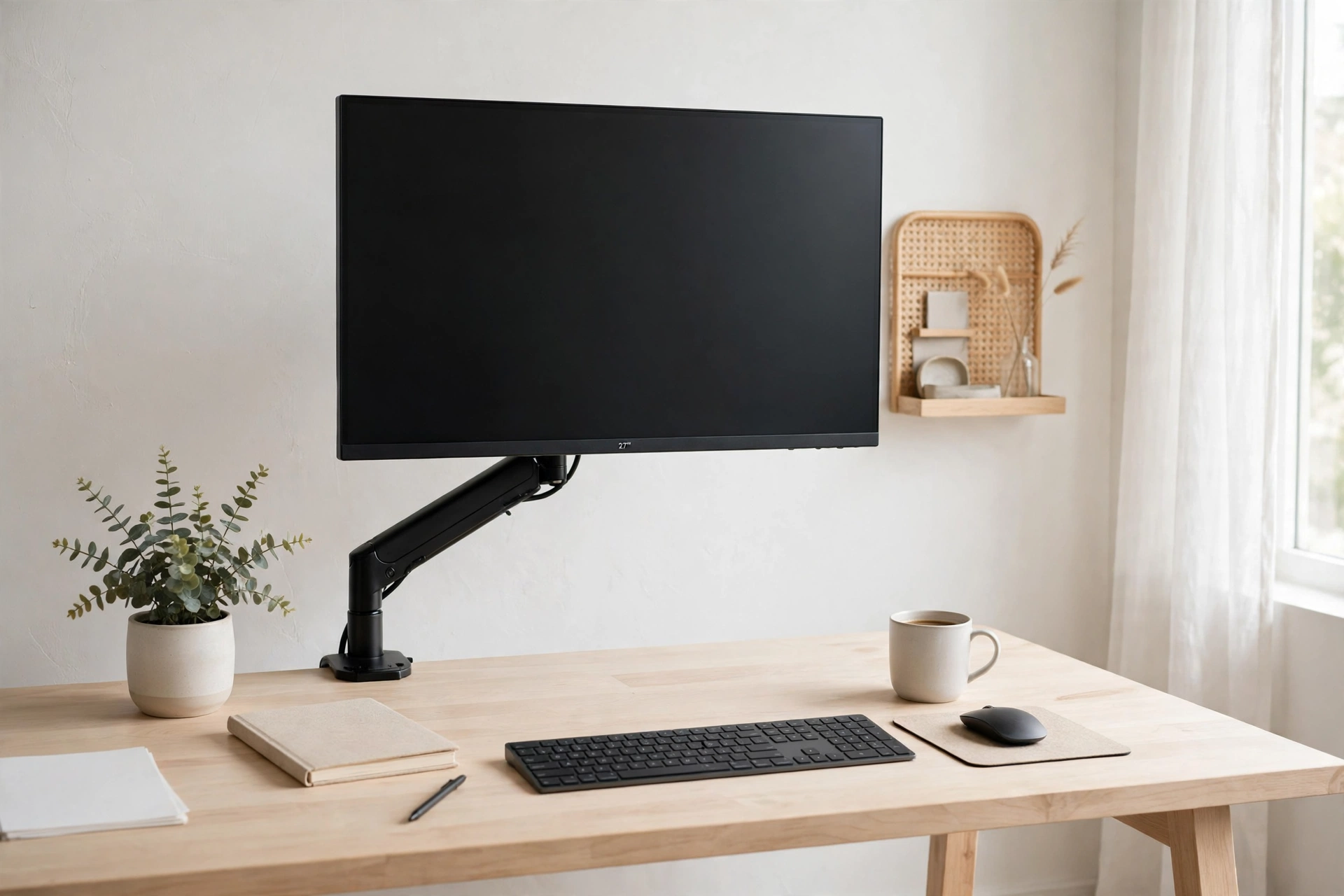
This is the one minimalist move that is genuinely also an ergonomic move: a screen on its factory stand is almost always too low, which is how necks end up sore by three in the afternoon. An arm fixes the height and frees the surface in ten minutes — see our guide to why a monitor arm is the best $40 desk upgrade for gas-spring versus fixed arms. What it kept: the screen, floating — and the whole desk surface underneath it.
4. The Fold-Down Wall Desk
The fold-down desk is a desk that stops being a desk. Hinged to the wall, it folds flat when the day is done and drops down to a full working surface when it is needed. Closed, it is a slim panel; open, it holds a laptop, a notebook, and a mug.
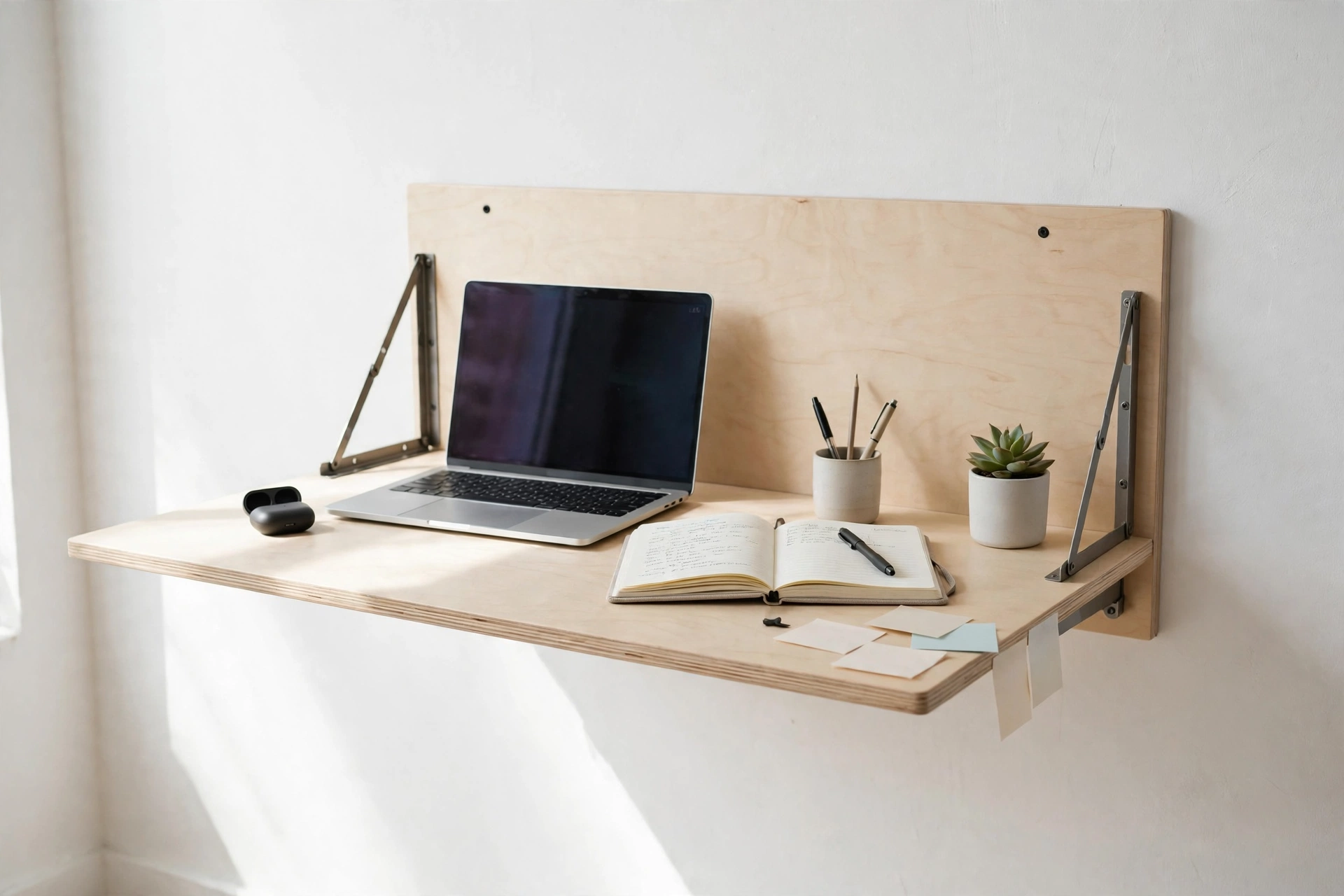
It suits rooms that serve two purposes — a guest room that is also an office, a living room corner, a studio flat. The trade-off is depth: most fold-down desks are 16 to 20 inches deep, enough for a laptop but tight for a monitor and keyboard side by side. Keep it laptop-first and it never fights you. What it kept: a full desk, but only while you are using it.
5. The Single-Drawer Desk
One shallow drawer, built into the desk, holds the entire daily kit: charger, pen, notebook, headphones. The surface holds only what is in use right now. The rule is simple and strict — if it does not fit in the drawer, it does not live at the desk.
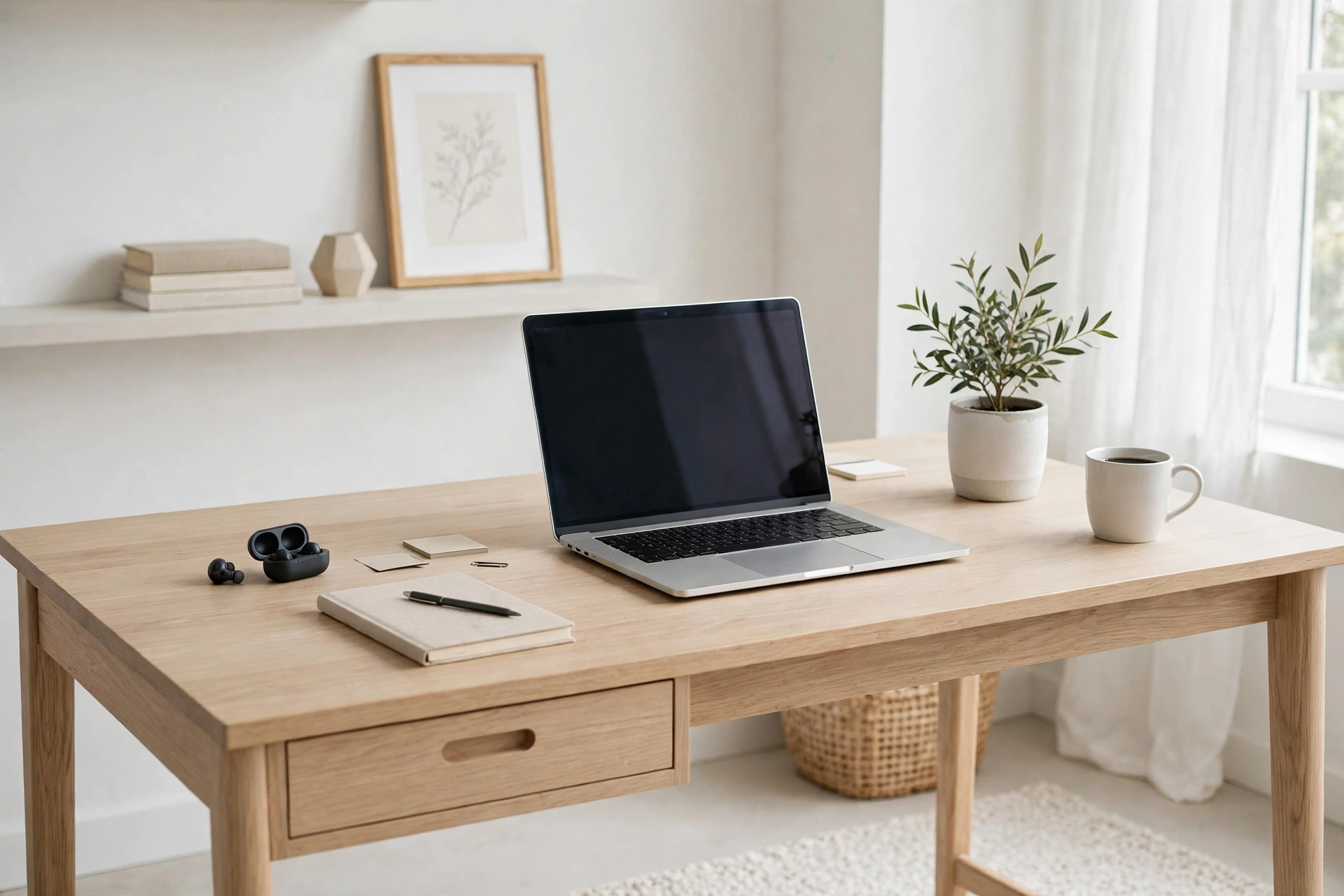
The drawer is the system, not an afterthought: without it, the same few items drift back onto the surface within a week. With it, clearing the desk takes ten seconds: open the drawer, put the day away, close it. A simple under-desk drawer unit costs roughly $30–$80 new. What it kept: one drawer of essentials, and a surface that starts every morning empty.
6. The All-White Corner
White desk, white chair, white walls, one green plant. The all-white corner is minimalism as a visual trick: with nothing to catch the eye, the room reads as larger and calmer than it is, and the desk itself almost disappears.
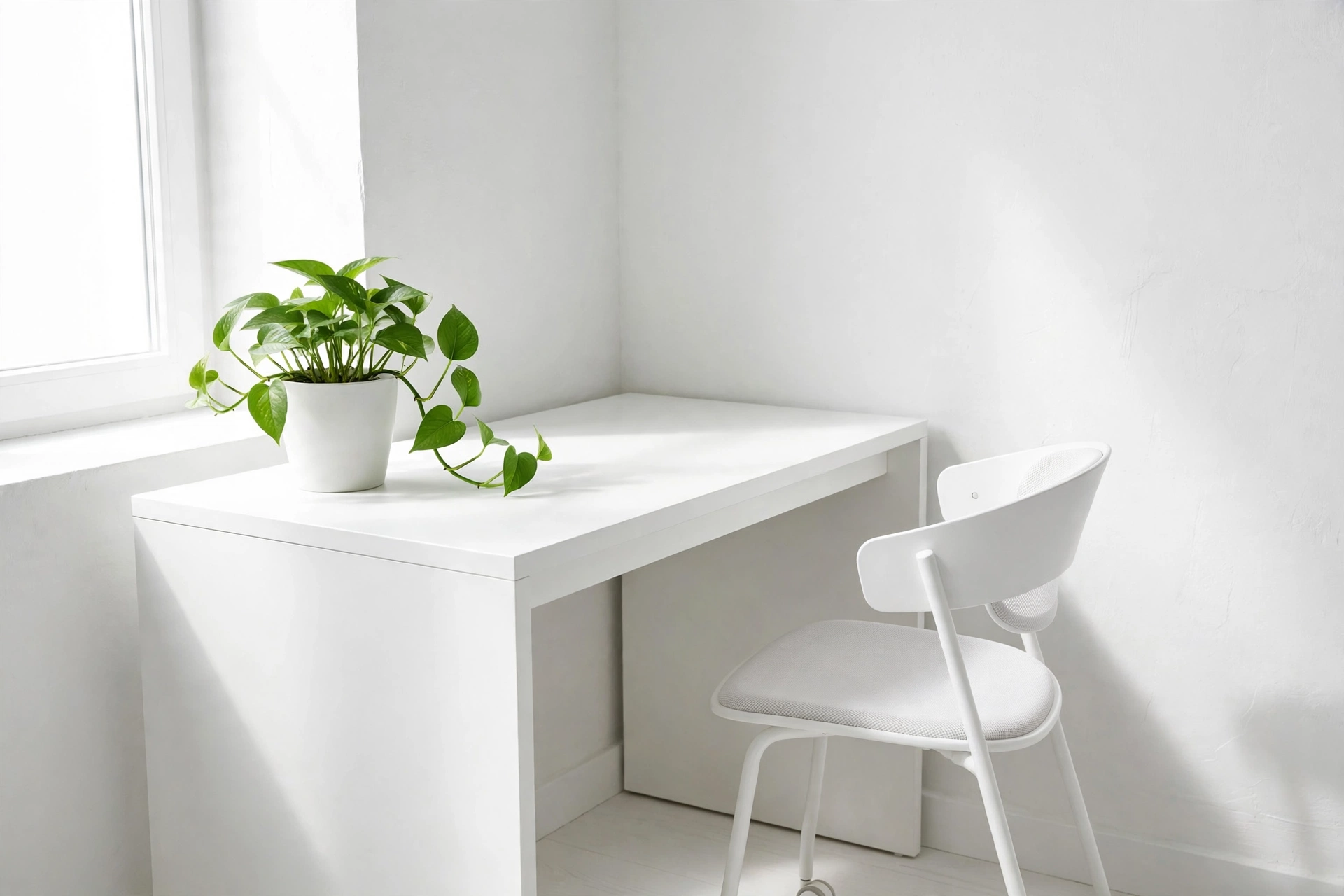
The catch is upkeep: white shows every coffee ring and dust line, so the setup only stays minimalist if it is wiped down. A five-second wipe at day’s end is the habit that keeps the desk clear — choose a matte or satin finish, not gloss, which shows fingerprints within the hour. What it kept: one plant, and a room that feels twice its size.
7. The Standing Minimalist Desk
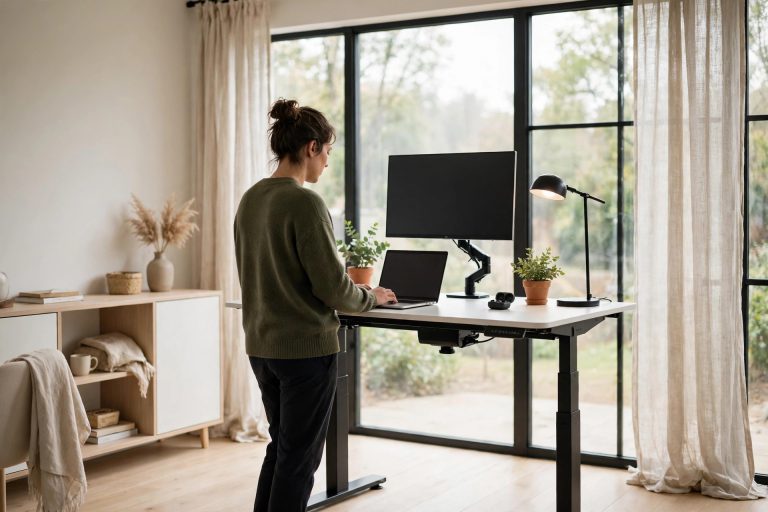
A slim standing desk, raised to elbow height, holding a monitor and a keyboard and nothing else. No drawers, no shelves, no second screen — there is nowhere for clutter to accumulate.
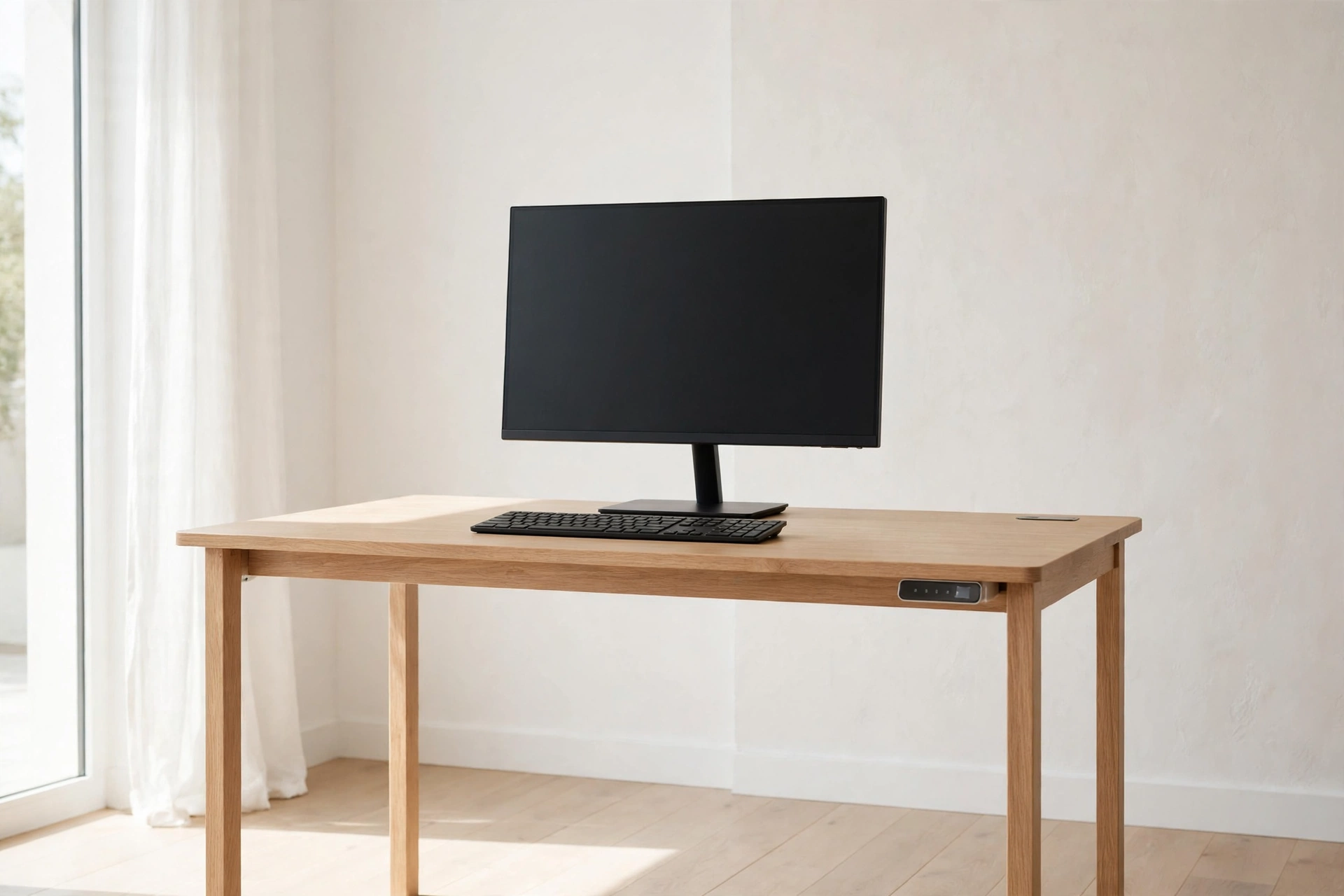
Standing desks get sold as health equipment; the honest version is simpler: they suit people who already stand up a lot during the day — calls, thinking, short bursts — and less as an all-day replacement for sitting. The minimalist version keeps it cheap: a compact frame, roughly $150–$300 for a basic electric one. What it kept: a surface that moves, and a reason to stand up every hour.
8. The Keyboard-Tray Desk
The keyboard slides away under the desk on a tray, and the surface above it stays completely clear. This is the minimalist setup for people who write by hand, sketch, or spread papers out — the desk is a table first and a computer station second, and the keyboard only appears when it is needed.
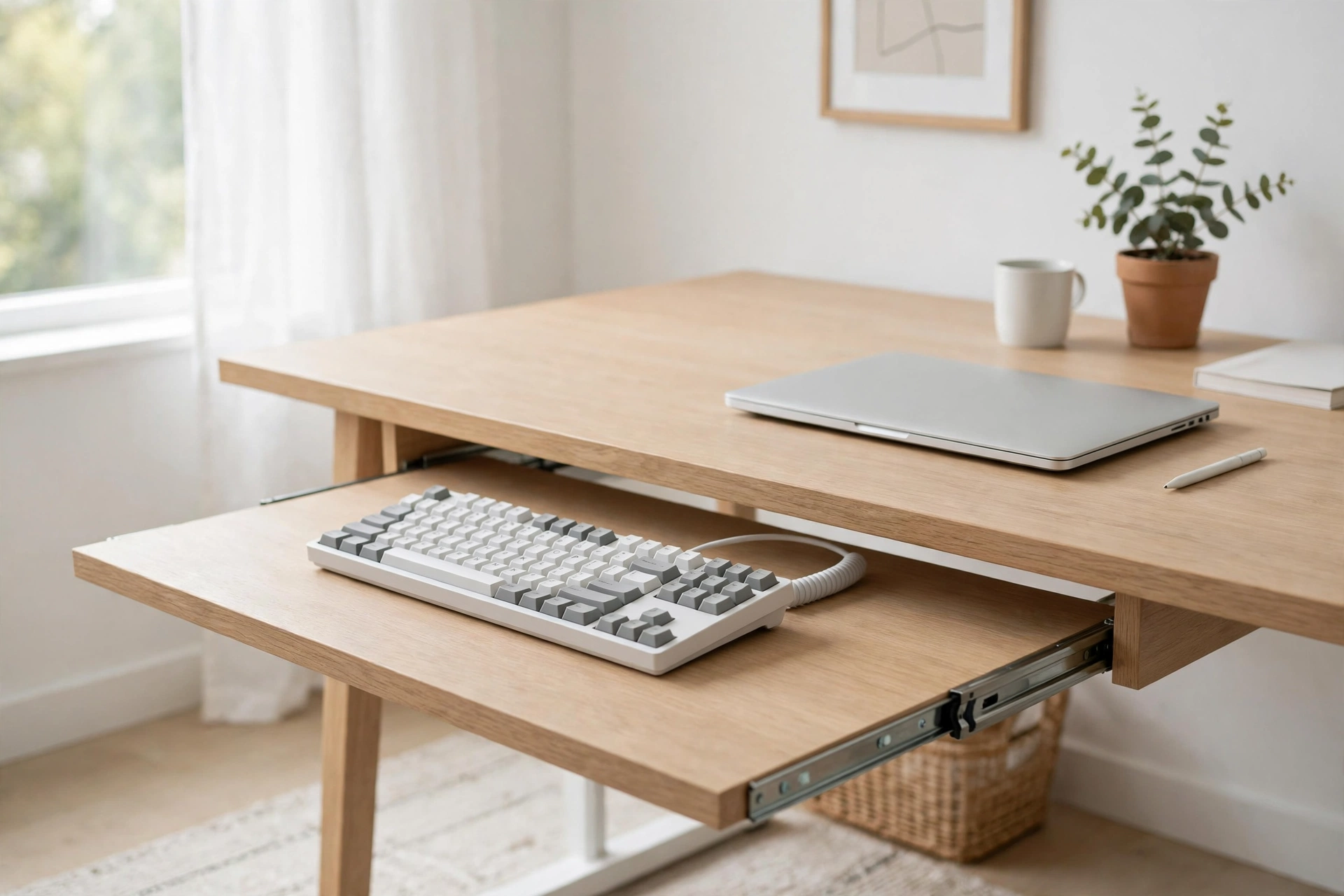
It needs a desk at least 24 inches deep and a tray that slides smoothly on full-extension runners — a sticky tray is worse than no tray at all. The trade-off is typing height: a tray sits lower than the desktop, which suits most people but not everyone. What it kept: a clear tabletop, with the keyboard one pull away.
9. The Shelf-Edge Desk
A desk built into the edge of a bookshelf, or a shelf that became a desk. The shelf-edge desk borrows storage it already has: books and boxes live on the shelves beside and above, and the desk surface itself holds only the screen and the day’s work.
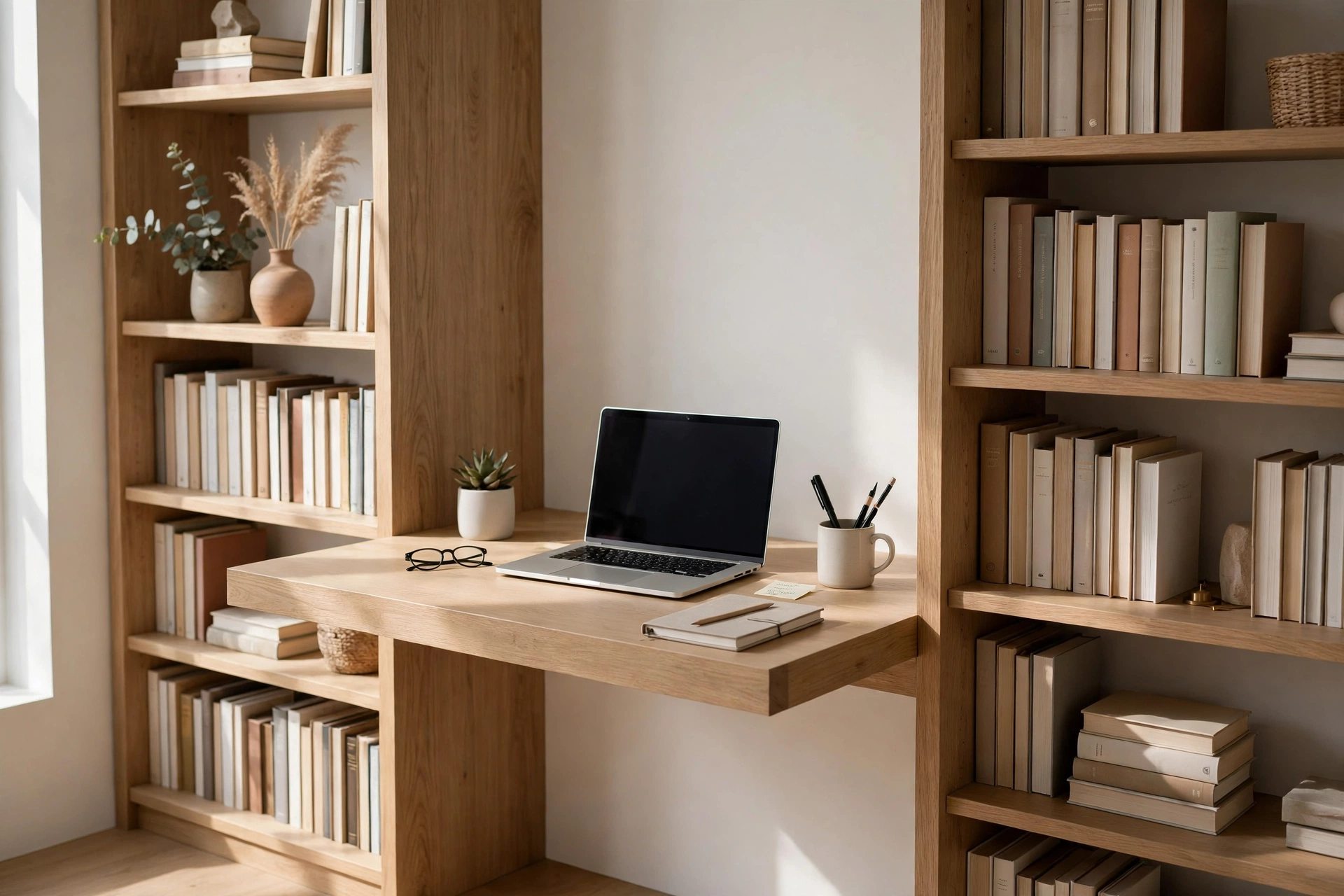
It is the best minimalist setup for renters and tight budgets — a sturdy shelf board bracketed between two uprights, or a desk pushed flush against a bookcase so the two read as one piece. The rule that makes it work: the shelves hold the stuff, the desk holds the work, and the two never swap jobs. What it kept: the bookshelf’s storage, and a desk that cost almost nothing.
10. The Two-Item Desk
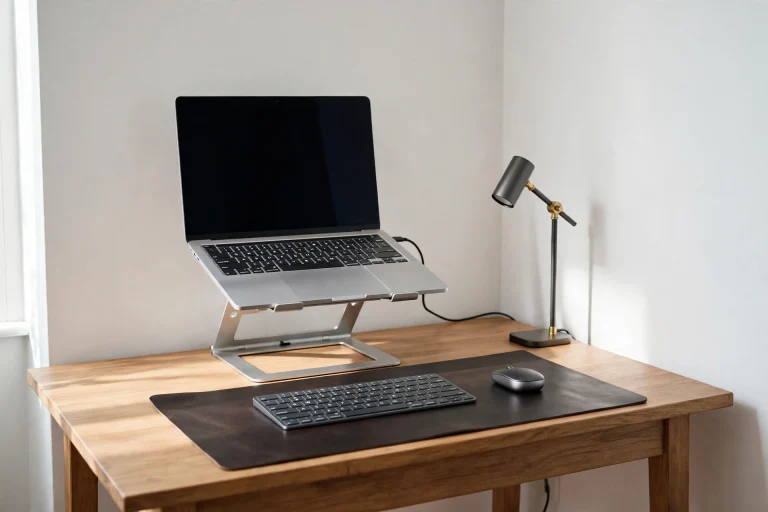
A laptop and a lamp. That is the whole setup. No monitor, no stand, no accessories on the surface at all — the laptop is the computer and the lamp is the light, and everything else lives in a bag by the door. The office packs into a backpack in two minutes.
The honest limit is ergonomics: a laptop screen sits too low for a full eight-hour day, so this suits short sessions and café work — not a permanent full-time desk. The fix, when it becomes permanent, is a laptop stand and a separate keyboard. What it kept: a laptop, a lamp, and total freedom to move.
11. The Everything-Has-a-Home Desk
The last setup is not a piece of furniture at all — it is a rule. Every item in the office has one home that is not the desk: chargers in a box, papers in a tray, pens in a cup on a shelf, cables in a drawer. The desk surface is kept clear by habit, not by design, and the setup works with any desk you already own.
Start here if you are not sure which of the other ten fits. It costs nothing, it works on a kitchen table, and it teaches the skill every other setup depends on: putting things away. Once the habit holds for a month, the furniture choices get easy. What it kept: the habit, which is the only part that matters.
What Every Minimalist Desk Kept
Eleven desks, one pattern: the screen at eye level, light from the front or side, one place for paper, cables out of sight, and a clear stretch of desk in front of the keyboard. Nothing else survived the cut.
Starting from a cluttered desk? Do it in this order: clear the surface completely; fix the screen height with a monitor arm or laptop stand; hide the cables with a tray or sleeve; give everything you removed one home that is not the desk. Only then look at buying anything.
Once the surface is clear, our roundup of 21 desk setup ideas for a productive home office covers the setups that keep a little more gear — dual monitors, docking stations, and the rest — in the same order of work.