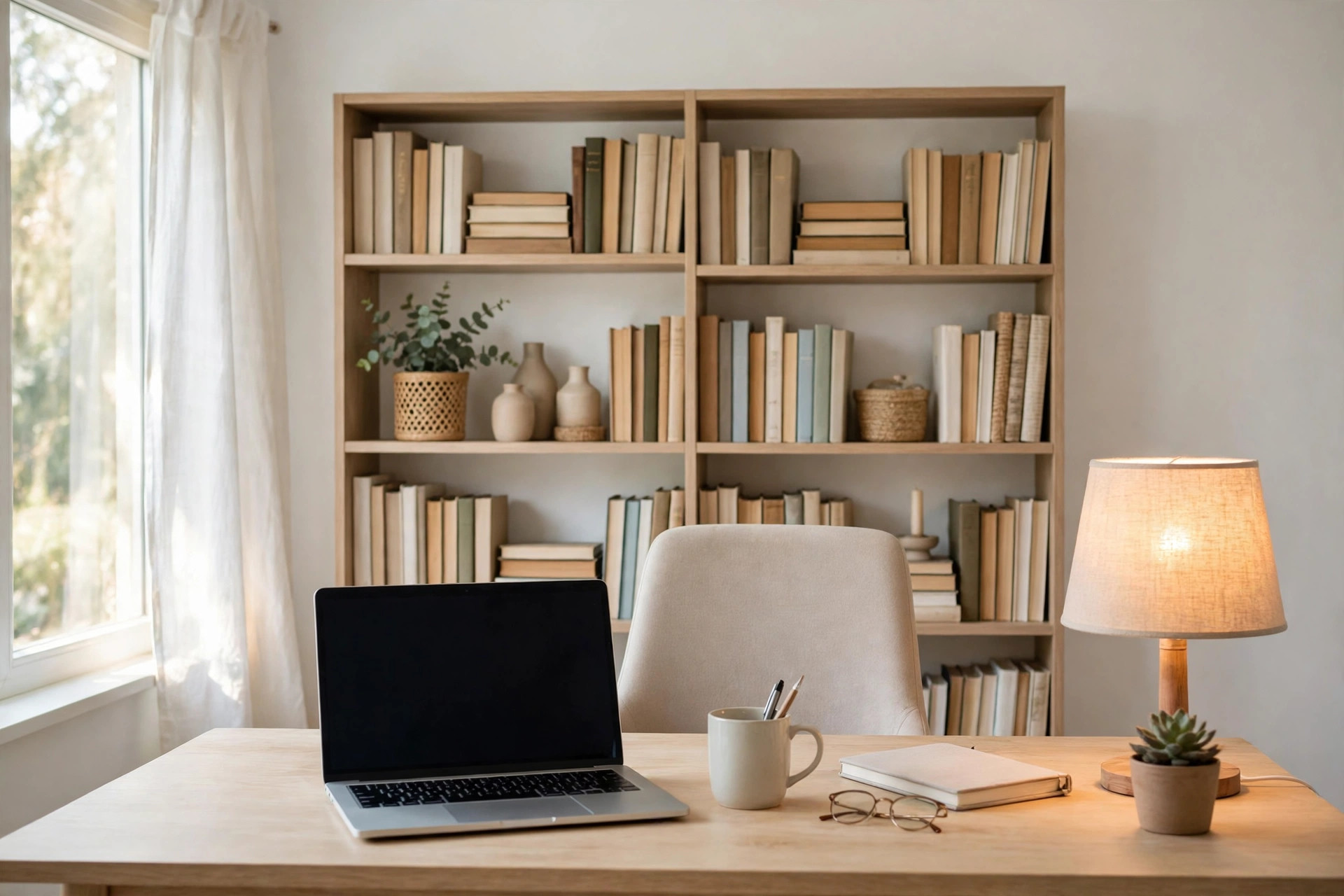
Zoom Background Styling: 10 Pro Looks
On a video call, nobody sees your room. They see a rectangle about a metre wide, from your shoulders up, with whatever happens to sit behind you. That is the whole canvas — and it is why most video-call backgrounds look accidental. The fix is not a green screen or a fake office backdrop. It is deciding, in the right order, what the camera actually sees.
Work in this order and you will not waste money: camera height first (lens at eye level, on a stack of books or a laptop stand if needed), light on your face second (face a window or a lamp — never sit with a bright window behind you), background third, and props last. The ten looks below all follow that order, and each one is built from things you can buy for roughly $15–$60, or already own.
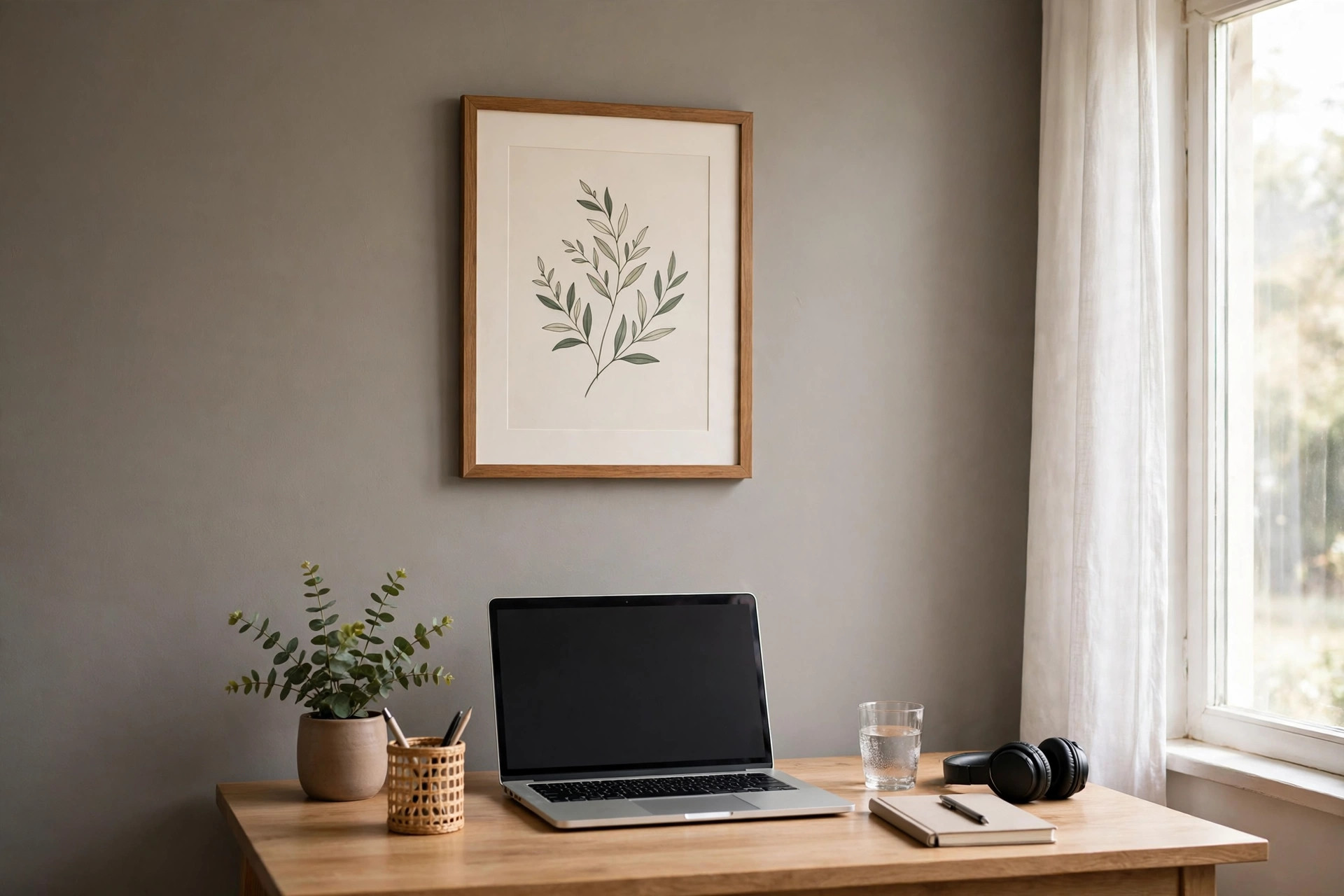
1. The plain wall, done right
A flat wall is the most underrated video-call background there is — provided it is not white. A white wall blows out your webcam’s exposure, so your face goes dark while the wall goes grey. A mid-tone colour works far better: warm grey, sage, dusty blue, or a soft clay. If repainting a whole wall is too much, one large board painted in that colour and leaned against the wall does the same job.
Hang a single framed print at eye level, its centre sitting just above your head in frame. One frame, not three — a row of small frames turns to visual noise at webcam resolution. A frame of 40 × 50 cm or larger usually costs $15–$40, and it is the only thing this look needs.
2. The styled bookshelf
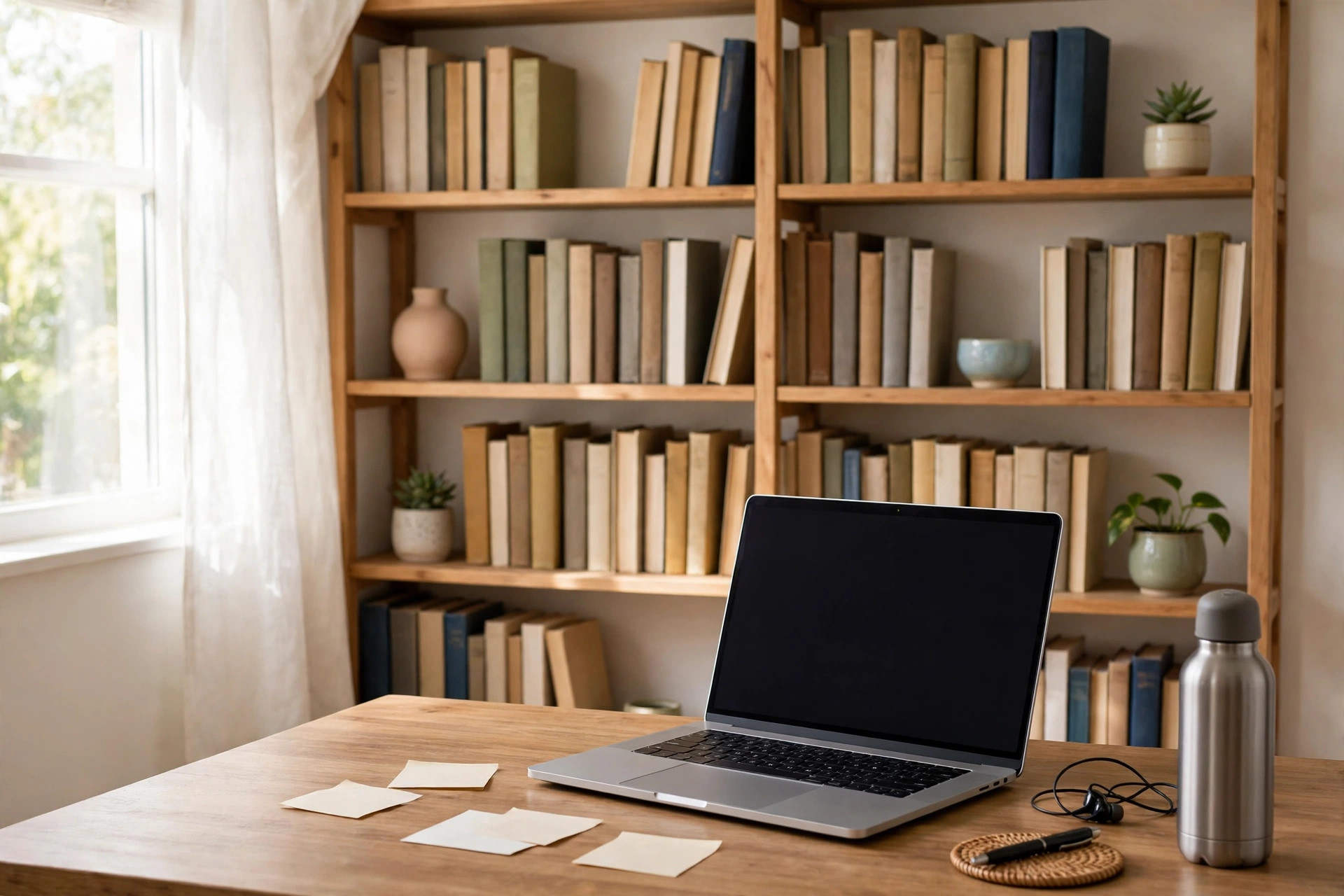
A bookshelf is the classic video-call backdrop because it reads as “this person reads and works” in half a second. The difference between a shelf that looks professional and one that looks like storage is restraint: books standing upright with a few gaps, one small plant, one object per shelf. Push the books forward to the shelf edge so the spines read, and take the top shelf’s clutter down entirely.
Keep shiny objects off the shelves — glass and gloss catch the light and flare on camera. Matte ceramics, wood, and fabric are safe.
3. The plant corner
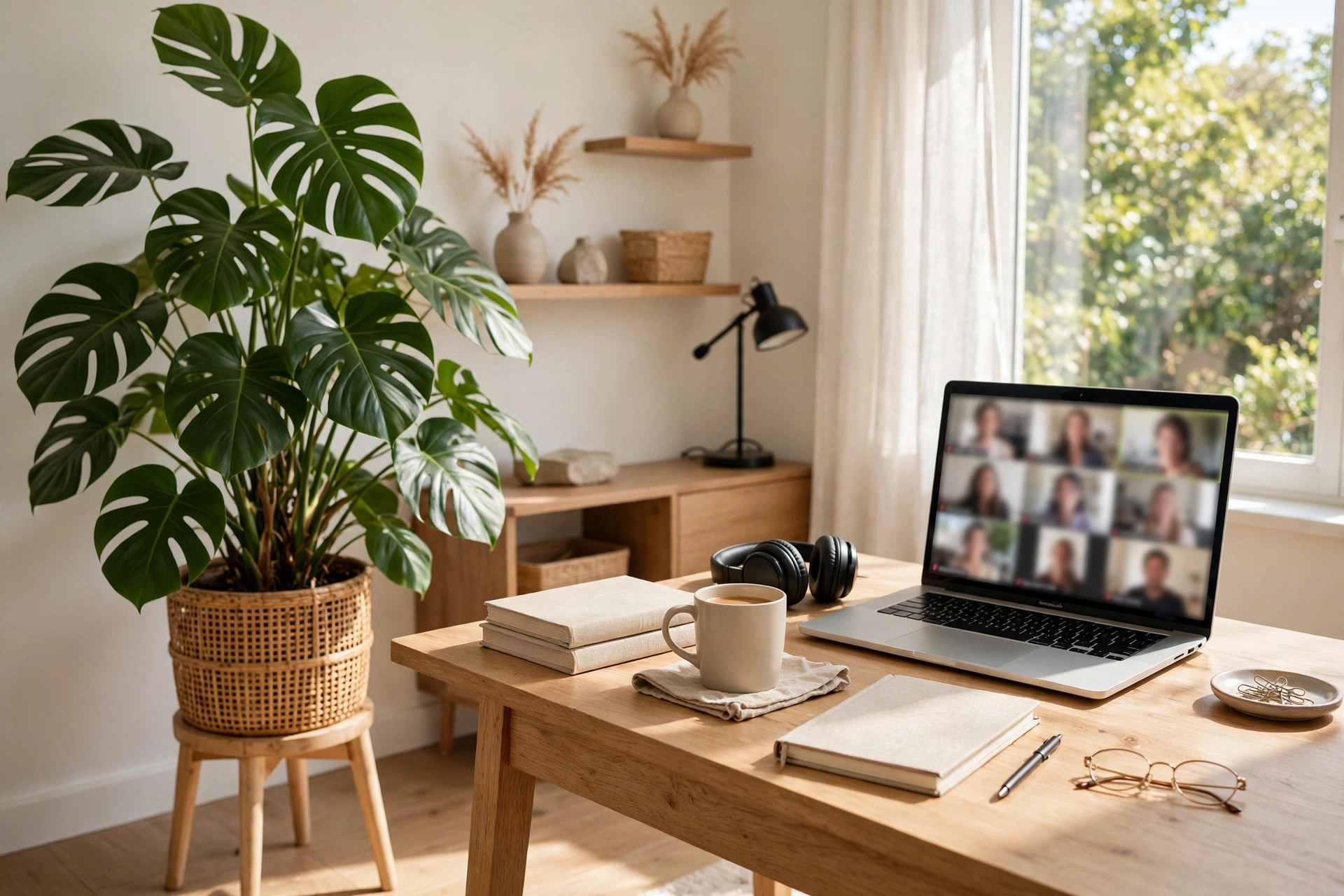
One large plant does more for a video-call background than five small ones. A fiddle-leaf fig, a monstera, or a tall snake plant in a plain pot, raised on a stand so its leaves sit at shoulder height, gives the frame life and colour without demanding attention. Place it to one side of the frame, never dead centre behind your head — nothing should appear to grow out of you.
A plant plus pot usually costs $25–$60. Buy the plant a week before an important call, not the morning of it: a drooping plant reads worse than no plant at all.
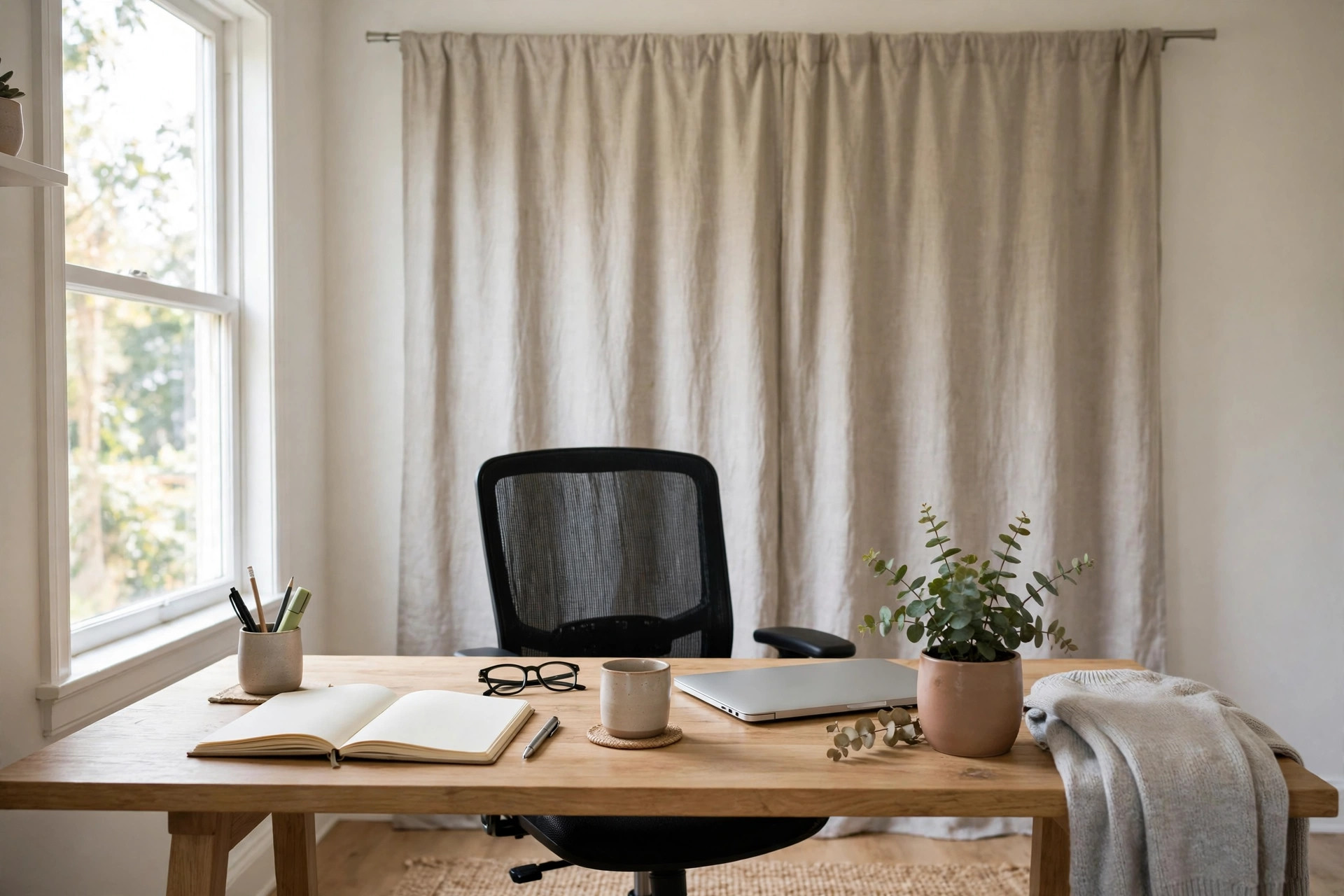
4. The curtain backdrop
When the room behind you is not worth showing, a curtain is the fastest honest fix. A tension rod — the spring-loaded kind, $10–$20 — wedges between two walls, the sides of a bookcase, or a door frame, and holds a length of plain, mid-tone fabric as a backdrop. Pick a fabric with no pattern: stripes and florals shimmer on camera, while a flat linen or cotton reads calm.
Hang the rod so the fabric falls just behind your chair, not stretched across the whole wall — a metre of coverage is enough for a webcam frame. Steam or iron the fabric first; wrinkles read as mess on camera. For the full no-nails version of this idea, including the rod and fabric choices that survive a rental inspection, see our renter-friendly home office guide — the curtain backdrop there is the same build, step by step.
5. The room divider
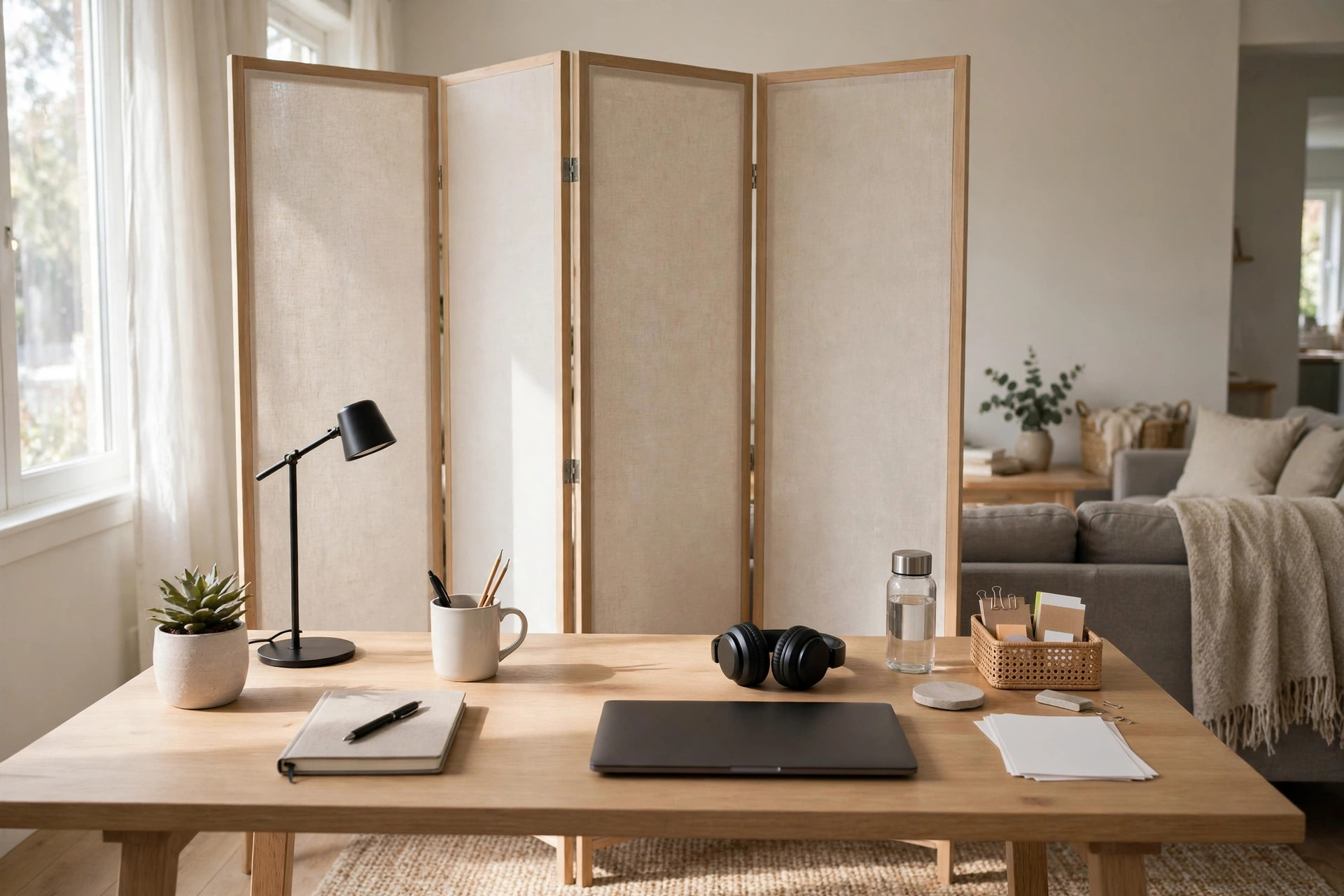
If your desk sits in a shared room, a folding screen or a low bookshelf behind you draws the line between “office” and “everything else” — for you and for everyone on the call. A three-panel folding screen with a plain side to the camera costs roughly $40–$120, folds flat when the working day ends, and needs no fixings at all.
Choose a screen whose camera-facing side is plain: a solid colour, a simple weave, or light wood. A busy print on the screen competes with your face for attention. A low open bookshelf works the same way, and it doubles as storage — keep it waist to chest height so the room still shares its light.
6. Warm lamp glow
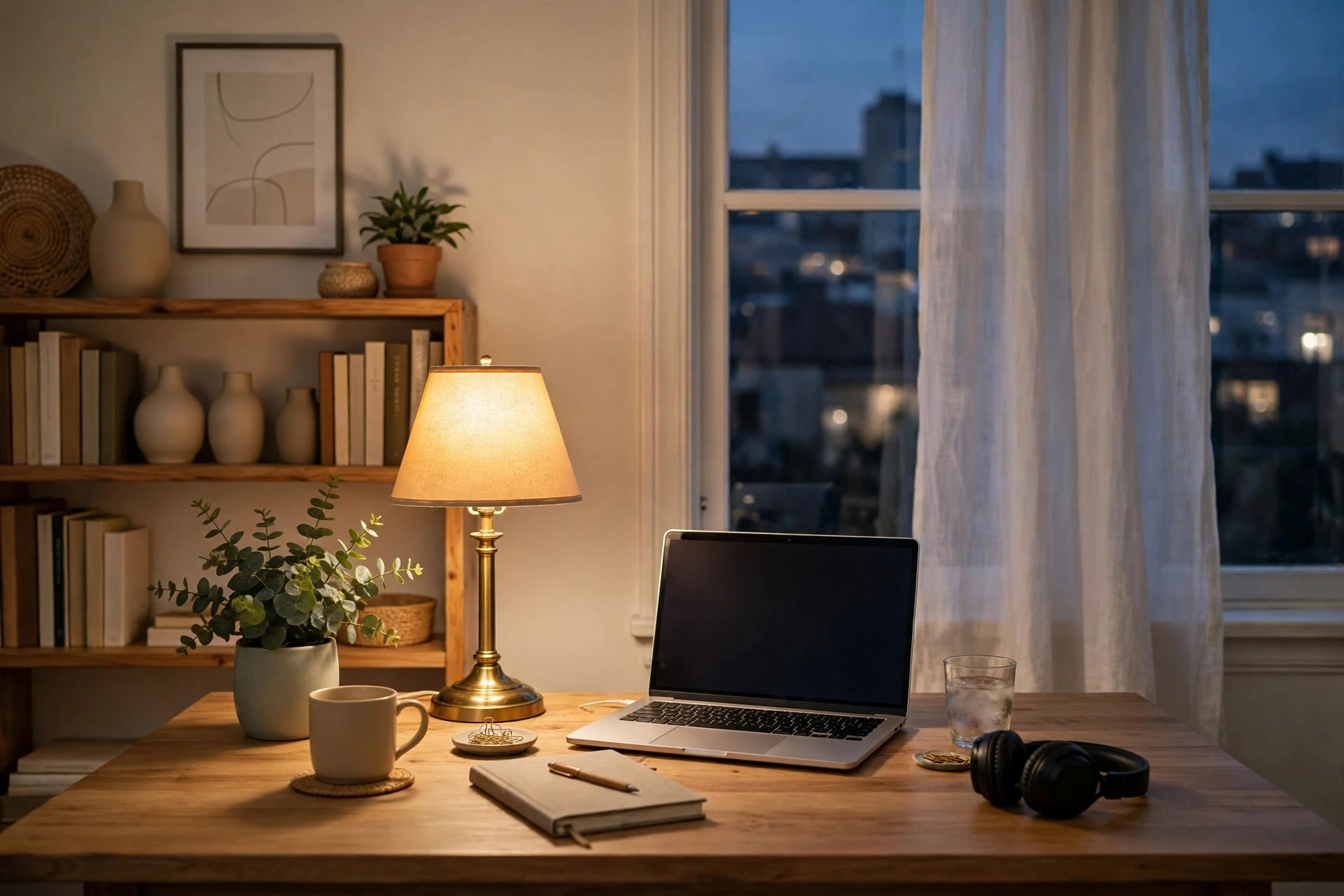
A lamp in frame adds the one thing most video-call backgrounds lack: depth. A small table lamp glowing behind you to one side — warm white, around 2700–3000K — separates you from the wall and makes the whole frame feel like a real room rather than a flat backdrop. A basic lamp usually costs $20–$50, and the bulb matters more than the lamp: warm and dimmable.
Two placement rules. First, keep the lamp to the side, not directly behind your head — a bulb behind your head makes a halo. Second, the lamp lights the background, not your face; your face still needs its own light from the front. If your room lighting still feels off, our no-window lighting guide covers the order to add light in — ceiling first, desk lamp second — and it applies just as well to rooms that do have a window.
7. One big print
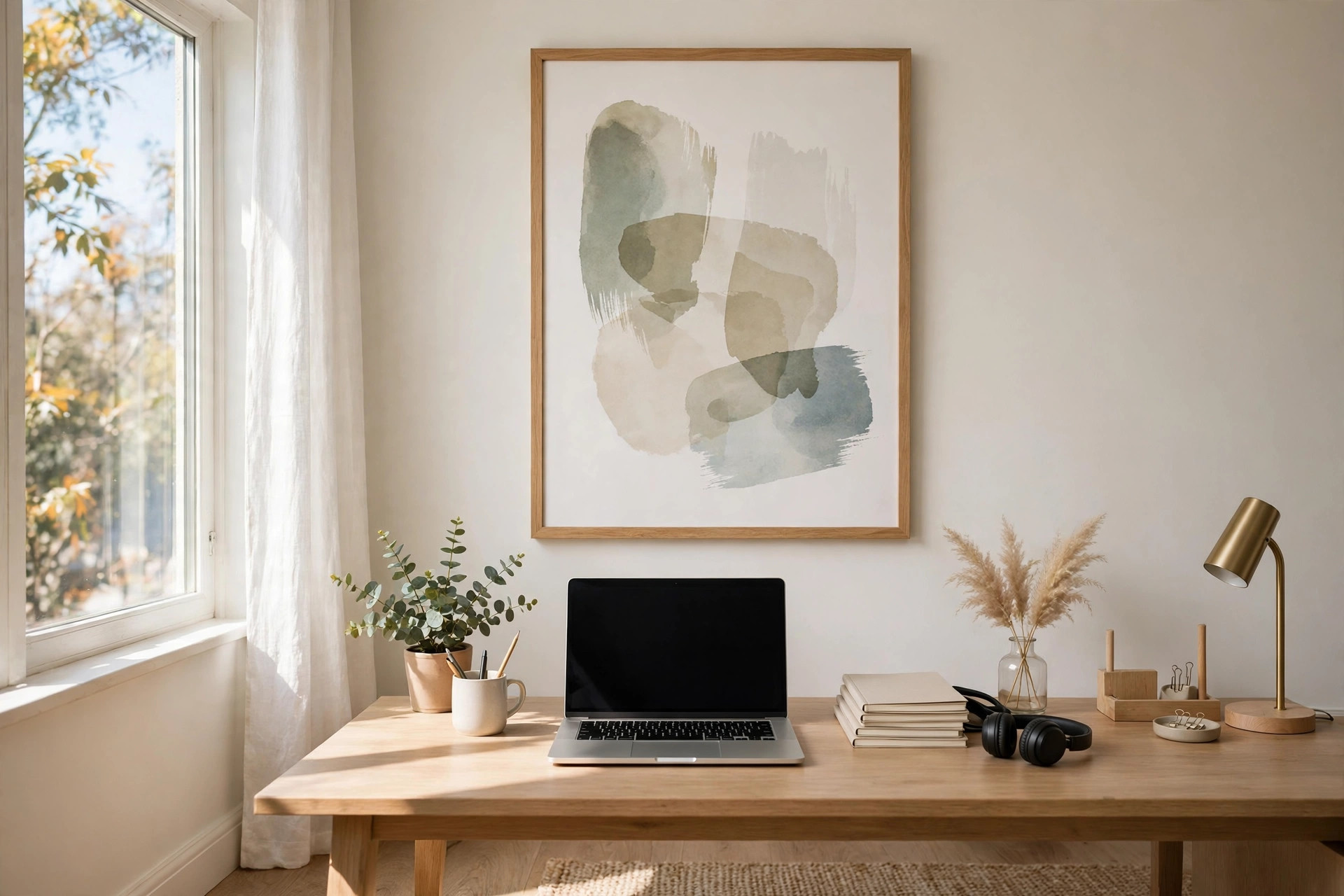
A single large framed print, centred behind you at eye level, is the most formal of the ten looks — and the simplest to get right. At 60 × 80 cm or larger, one strong image fills the frame behind you and says “deliberate” in a way a gallery wall never does at webcam resolution, where five small frames blur into clutter.
Pick an image with one subject and breathing room around it: a landscape, a single building, an abstract with large quiet areas. Avoid text in the artwork — reversed or tiny lettering distracts — and avoid faces, which pull the eye away from yours. A framed print this size typically costs $30–$80.
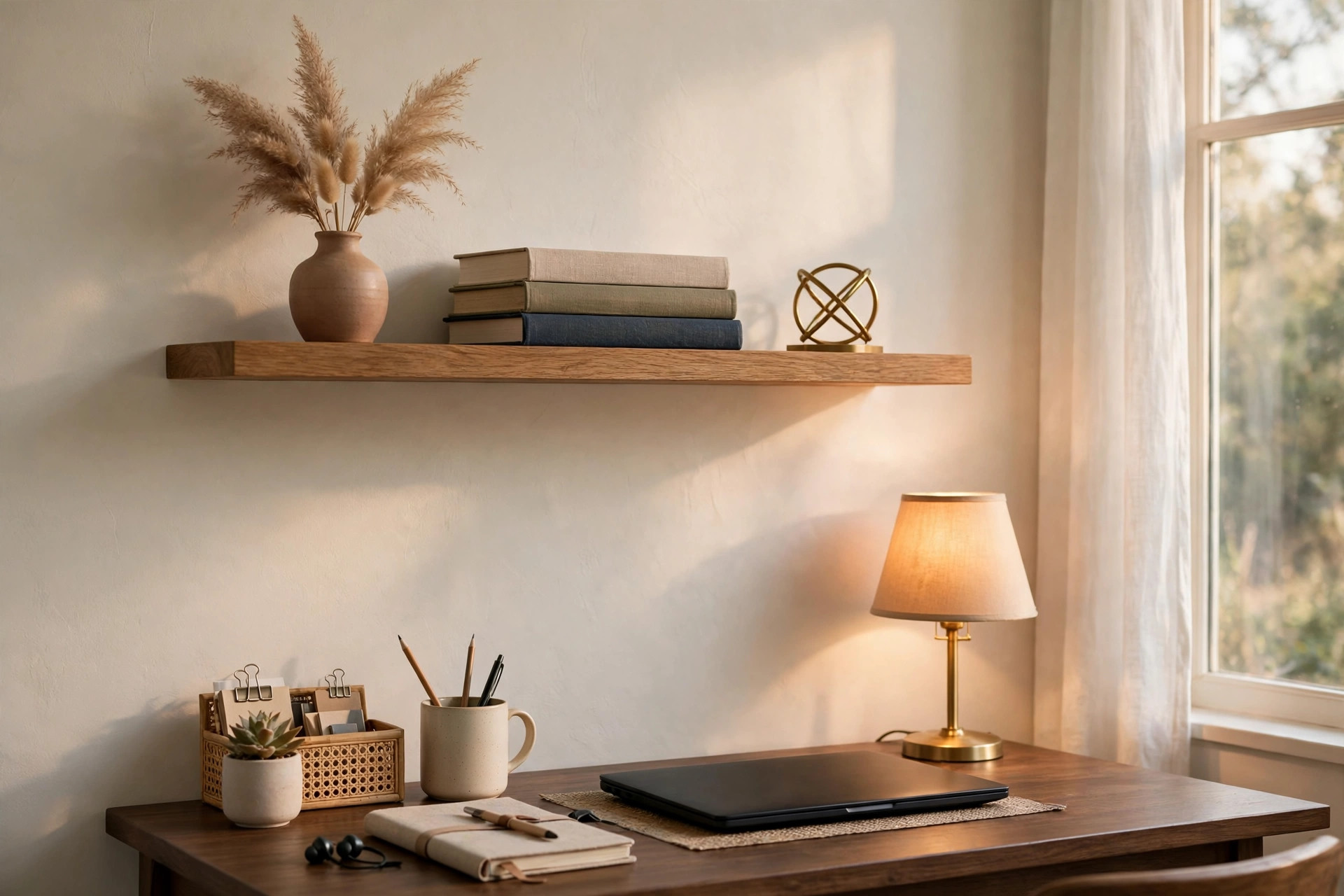
8. The shelf-and-lamp combo
This is the look clients and managers trust most, and it is really just two ideas combined: one shelf, one lamp. A single floating or leaning shelf above or beside the desk, styled with three objects at most — a stack of two books, a small vase, one sculptural object — plus a small warm lamp on the desk below it. Restrained, roughly symmetrical, nothing competing with your face.
The rule is three objects, not six: every object past the third makes the frame busier without making it better. Leave empty space on the shelf on purpose — the gaps are what make the three objects look chosen rather than stored. A shelf and a lamp together usually cost $30–$70, and the look works in the smallest rooms because it needs almost no wall.
9. The tidy real desk
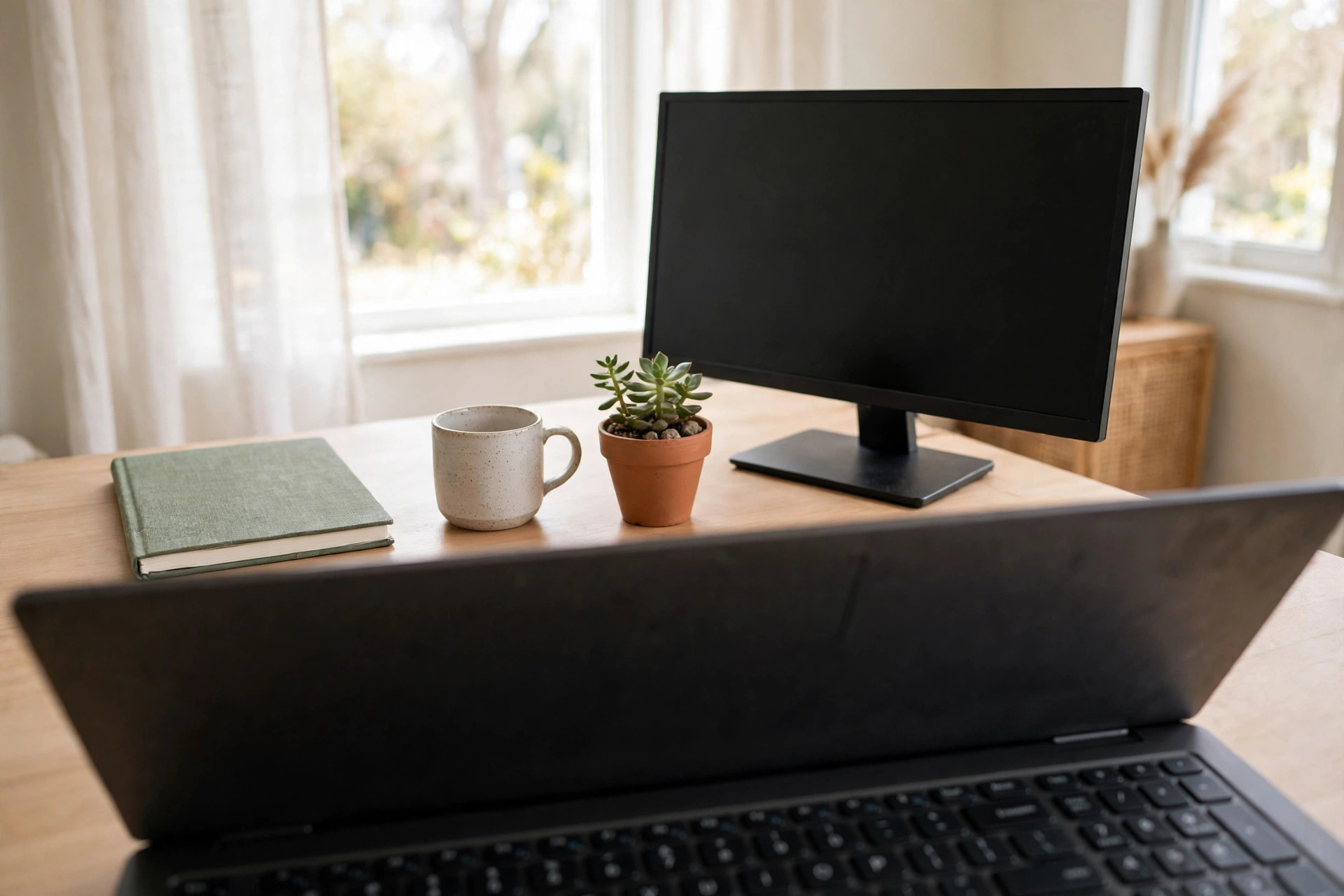
Some calls are better with the honest look: your actual desk, tidy. Seen from the camera’s side, that means a laptop or monitor, a closed notebook, a mug, and one plant — everything in frame earning its place, cables hidden behind the desk or in a tray. It reads as “I actually work here,” which, for a freelancer or a remote worker, is a stronger signal than a styled set.
Do the tidy pass the night before, not five minutes before the call: clear the desk to bare wood, then put back only the four or five things that belong in the frame. Anything you would not want a client to read goes in a drawer, not just out of frame.
10. The minimal blank
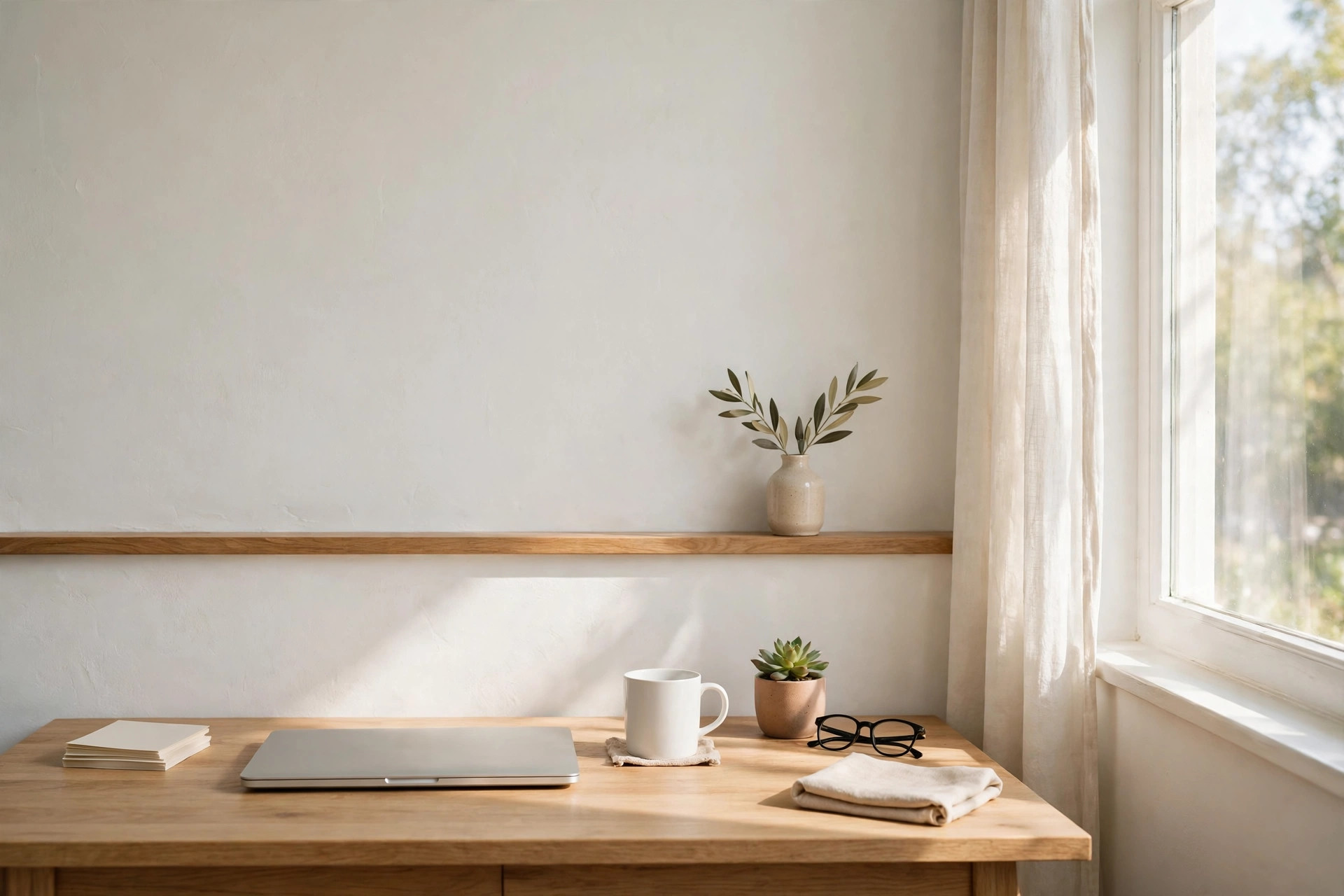
For formal calls — interviews, pitches, first meetings with a client — the safest background is almost nothing: a near-empty wall in a pale, even colour, with one small object on a ledge or shelf. No books, no plant, no art competing for attention. The focus stays on you, and there is nothing in the frame anyone can misread.
This look is also the cheapest: a clear wall costs nothing, and the one object can be anything quiet — a small vase, a single book, a plain clock. The discipline is in what you remove, not what you add. If the wall has marks, one coat of paint is cheaper than any backdrop you can buy.
Pick one look, not ten. Set it up, then record a ten-second test clip on your phone and watch it back — that is the only test that matters, because it shows you exactly what the other side sees. Change one thing at a time: the lamp position, the plant’s side, the frame’s height. Most people need one change, not a new room, and once the background is settled you can stop thinking about it and get on with the call.