How To Choose A Minimalist Computer Table: A No-Nonsense Buying Guide
Most people buying a minimalist computer table make the same mistake: they choose based on how a desk looks in a product photo, then spend the next two years fighting with cables, wobbly legs, or a surface six inches too shallow for their monitor. A minimalist desk isn’t just a plain slab of wood on thin legs — it’s a functional piece of furniture that has to work harder than a cluttered, feature-heavy desk because it has fewer places to hide flaws.
If you’re wondering how to choose a minimalist computer table that actually holds up to daily use, this guide walks through the specific measurements, materials, and configurations that separate a desk you’ll love from one you’ll regret within a month.
What ‘Minimalist’ Actually Means for a Computer Table
Minimalist doesn’t mean flimsy or empty. It means intentional. A well-designed minimalist computer table strips away ornamentation, visible hardware, and bulky storage, but it keeps everything that affects function: adequate surface area, stable legs, and smart cable routing.
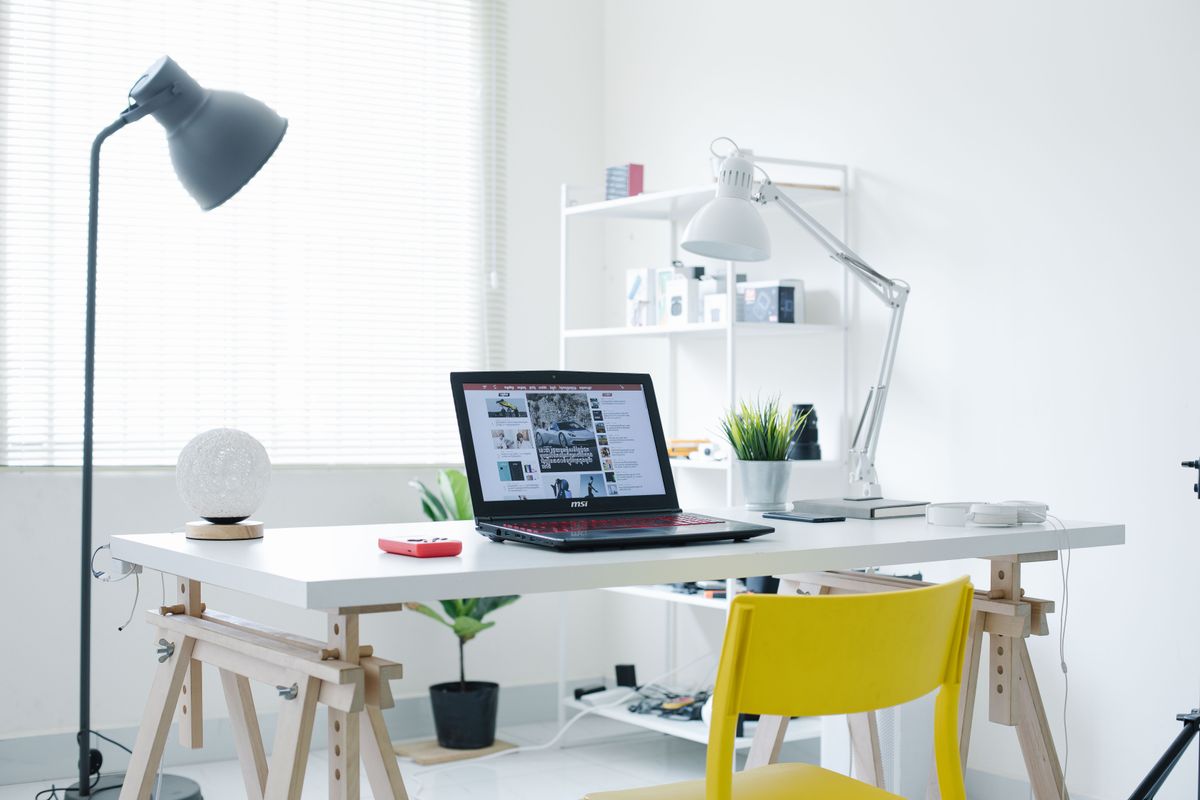
The confusion happens because a lot of budget furniture brands slap the word ‘minimalist’ on any desk with straight lines, regardless of build quality. A $79 particleboard desk with hairpin legs is not automatically minimalist — it’s just cheap. True minimalist design in furniture (think Muji, Vitsoe, or higher-end IKEA lines like the IDASEN) focuses on proportion, negative space, and material honesty — meaning the wood looks like wood, the metal looks like metal, with no fake wood-grain laminate trying to pass as oak.
The Three Non-Negotiables
- Clean sightlines: no visible screws, exposed brackets, or mismatched hardware finishes
- A monochrome or two-tone palette: desks with more than two materials/colors rarely read as minimalist
- Structural simplicity that doesn’t sacrifice stability: thin legs are fine as long as they’re properly braced
How To Choose A Minimalist Computer Table Based on Your Room, Not Pinterest
Before you look at a single product listing, measure your room. This step gets skipped constantly, and it’s the single biggest reason people return desks.

Stand where you want the desk to go and measure three things: the wall width available, the depth from wall to the nearest walking path (you need at least 30 inches behind the chair to push back and stand comfortably), and the ceiling height if you’re considering a standing desk converter later.
Small Rooms (Under 100 sq ft)
Stick to desks 40-48 inches wide and no more than 20 inches deep. A corner-adjacent placement against a wall works better than floating the desk in the middle of the room, which minimalist design often tempts you to do but rarely suits small spaces.
Medium to Large Rooms
You have room to go with a 55-63 inch wide desk, which is the sweet spot for a dual-monitor setup without needing an L-shape. Depth of 24-28 inches gives you enough room for a laptop stand and a notebook without crowding the monitor.
The Dimensions That Actually Matter
Desk dimensions are where most buyers guess instead of calculate. Here’s what to measure before you buy anything.
Height
Standard desk height is 28-30 inches, designed for people between 5’4″ and 5’11”. If you’re taller than 6 feet, look for adjustable-height options starting around 26 inches and going up to 33 inches — brands like Fully (Jarvis desk) and Uplift V2 offer this range starting at roughly $399-$599.
Width and Depth by Use Case
- Single monitor + laptop: 47 inches wide x 24 inches deep minimum
- Dual monitor setup: 60 inches wide x 28 inches deep
- Ultrawide monitor (34 inch+): 55 inches wide x 26 inches deep, prioritizing depth over width since ultrawides are less tall but need distance for your eyes to take in the full curve
Weight Capacity
Check this number specifically — don’t assume. A minimalist desk with thin hairpin legs might only hold 100-150 lbs, which sounds like plenty until you add a 27-inch monitor (15-20 lbs), a monitor arm (adds leverage stress, not just weight), a laptop, books, and a desk lamp. Look for a stated capacity of at least 200 lbs if you’re running dual monitors on arms.
Material Comparison: What Holds Up and What Doesn’t
This is where minimalist design and durability either align or clash. Here’s a direct comparison of the five most common desktop materials used in minimalist tables.
| Material | Price Range | Durability | Weight Capacity | Best For |
|---|---|---|---|---|
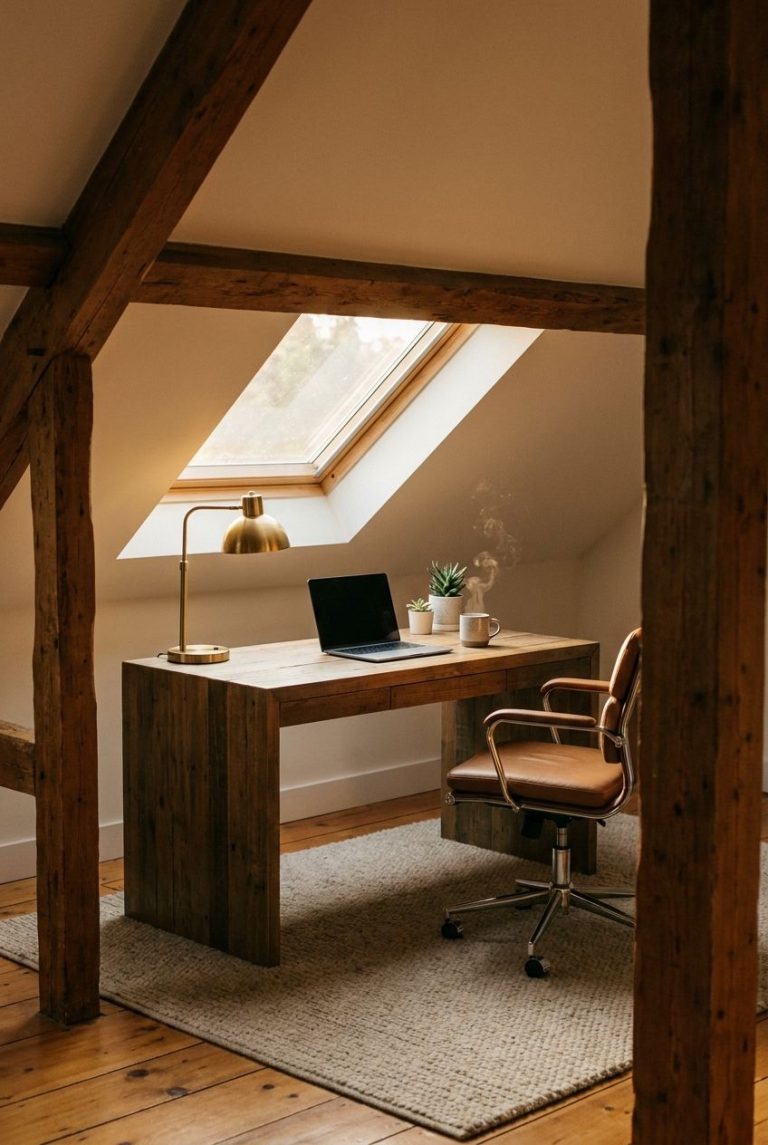
| Solid Wood (oak, walnut, ash) | $350-$1,200 | Excellent, 15+ years | 250-300 lbs | Long-term investment, warm minimalism |
| Engineered Wood/MDF with Veneer | $120-$400 | Good, 5-8 years | 150-220 lbs | Budget-conscious buyers wanting a wood look |
| Bamboo | $180-$450 | Very good, 10+ years | 200-275 lbs | Eco-conscious, warp-resistant in humidity |
| Powder-Coated Steel Frame + Laminate Top | $200-$600 | Excellent frame, moderate top | 250+ lbs | Standing desks, high durability needs |
| Tempered Glass | $150-$500 | Fair, prone to scratches/fingerprints | 100-150 lbs | Ultra-minimal look, low storage needs |
If you want a genuinely minimalist look that lasts, solid wood or a powder-coated steel frame with a laminate top are your best bets. Glass looks stunning in photos but shows every fingerprint and dust particle within hours, which undercuts the clean aesthetic you’re going for.
Cable Management: The Feature That Makes or Breaks Minimalism
You can buy the most aesthetically clean desk on the market, and it will look like a mess within a week if it doesn’t have proper cable routing. This is the single most overlooked factor in choosing a minimalist computer table.
What To Look For
- A rear grommet hole (2-3 inches in diameter): lets cables drop straight down instead of trailing across the desktop
- An under-desk cable tray: basic ones cost $15-25 separately if not included, and they keep power strips off the floor
- Cable clips built into the legs or frame: higher-end desks like the Fully Jarvis and Branch Standing Desk include these standard
The DIY Fix If Your Desk Lacks This
If you fall in love with a desk that has zero cable management, you can retrofit it for under $30: a $12 adhesive cable tray (3M or similar), a $10 velcro cable sleeve to bundle cords running to the wall, and a $8 under-desk power strip mount. This isn’t ideal, but it’s a workable fix rather than a dealbreaker.
Desk Shapes: Straight, L-Shaped, or Floating
Minimalist doesn’t mean you’re locked into a straight rectangular table. The shape should match your workflow, not just the aesthetic trend.

Straight/Rectangular
The default minimalist shape. Works for single or dual monitor setups. Widths typically run 40-72 inches. This is the easiest shape to keep visually clean because there are no corners creating dead space.
L-Shaped
Contrary to popular belief, L-shaped desks can be minimalist if the corner join is seamless and the legs are consistent. Brands like Fully and Autonomous make L-shaped desks in the $450-$700 range that maintain clean lines. Only choose this shape if you genuinely need the corner workspace — otherwise it’s 15-20 sq ft of wasted floor space that works against the minimalist goal of reducing visual clutter.
Floating Wall-Mounted Desks
These are the most minimalist option by definition — no legs, no visible support structure below the desktop. They typically hold less weight (80-120 lbs) and require solid wall studs for mounting, which limits placement options. Expect to spend $150-$350, plus mounting hardware.
Height and Ergonomics: Where Minimalism Meets the Body
A beautiful desk that gives you wrist or neck pain isn’t a good desk, minimalist or otherwise.

Fixed-Height vs. Adjustable
Fixed-height desks are simpler in construction and cheaper ($150-$400), which often makes them more visually minimalist since there’s no visible lift mechanism. Adjustable desks (electric sit-stand models) run $400-$900 but let you switch positions throughout the day. If ergonomics matter more to you than pure aesthetic simplicity, brands like Uplift and Fully hide the lift columns well enough that the desk still reads as clean and modern.
Monitor Position Check
Regardless of desk height, your monitor’s top edge should sit at or just below eye level, roughly 20-28 inches from your eyes. If your minimalist desk is too low for this with your chair at proper height (knees at 90 degrees, feet flat), you’ll need a monitor riser — a $20-40 investment that doesn’t disrupt the aesthetic if you pick one in a matching finish.
Storage: How Little Is Too Little
Minimalist doesn’t have to mean zero storage — it means storage that’s hidden or integrated rather than bulky and visible.
Options That Preserve the Look
- A single slim drawer (2-3 inches deep): enough for cables, a notebook, and pens without adding visual bulk
- Under-desk mobile pedestal: a separate 15×20 inch unit on casters that tucks away, giving you 2-3 drawers without it being part of the desk’s visual footprint
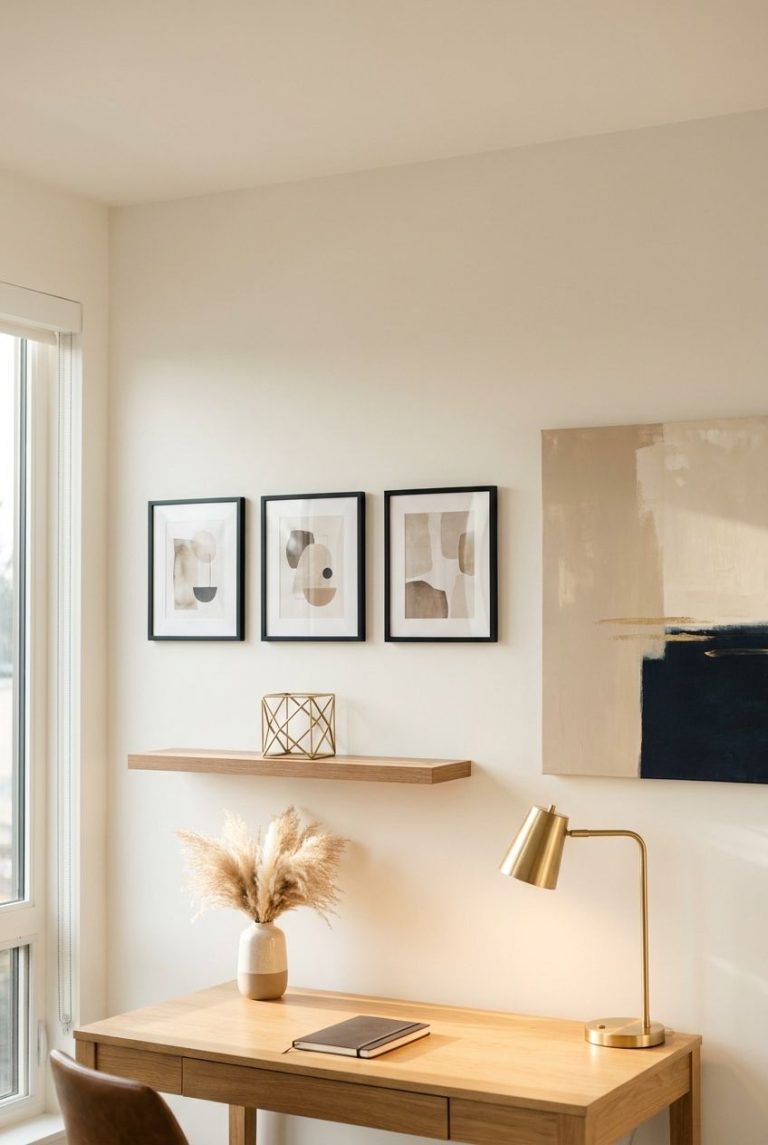
- Floating shelf above the desk: keeps items off the surface entirely, maintaining a clean desktop
Avoid desks with built-in bulky hutches or multiple stacked drawers — they add visual weight that contradicts the minimalist goal, and most people only use the top drawer regularly anyway.
Common Mistakes People Make When Choosing a Minimalist Desk
These three mistakes account for the majority of desk returns and post-purchase regret.

Mistake 1: Prioritizing Looks Over Weight Capacity
Buyers see a sleek, thin-legged desk and don’t check the weight rating. Within months, the desktop bows slightly under a monitor arm’s clamping pressure. Fix: always check the stated weight capacity and add up your actual equipment weight before buying, including future additions.
Mistake 2: Ignoring Depth in Favor of Width
People obsess over getting a wide enough desk for two monitors but forget depth. A 60-inch wide, 20-inch deep desk feels cramped because your monitor ends up too close to your face. Fix: prioritize at least 26 inches of depth if you’re running any monitor 27 inches or larger.
Mistake 3: Buying Without Measuring Doorway/Stairwell Access
Solid wood minimalist desks, especially one-piece designs without flat-pack assembly, can be 5-6 feet long and won’t fit around tight stairwell turns. Fix: measure your doorways and any turns in the path from delivery point to final room before ordering a non-flat-pack desk.
Budget Breakdown: What You Get at Each Price Tier
Here’s a realistic breakdown of what to expect at different price points, based on current market offerings from IKEA, Fully, Branch, Article, and Autonomous.
- $100-$200: Engineered wood or MDF desktop, basic metal legs, fixed height only, minimal to no cable management. Example: IKEA LINNMON/ADILS combo (about $60-90) or MICKE desk (about $130).
- $200-$400: Better engineered wood or entry bamboo, sturdier steel frames, some include a grommet hole. Example: Branch’s Anywhere Desk (about $350).
- $400-$700: Electric height adjustment becomes standard, better cable management, higher weight capacity (250+ lbs). Example: Fully Jarvis (about $599), Autonomous SmartDesk Core (about $429).
- $700-$1,200+: Solid wood tops, premium steel or aluminum frames, dual-motor lift systems, superior finish quality. Example: Fully Jarvis Bamboo with premium frame (about $750-900), custom solid wood desks from Article (about $800+).
What If Scenarios: Answering the Objections
Here are the real questions people get stuck on when choosing a minimalist computer table.

What if I need more storage later?
Don’t build storage into the desk itself. Buy a separate mobile pedestal or slim rolling cart ($40-80) that you can wheel in only when needed. This keeps the desk’s minimalist footprint intact while giving you flexibility.
What if my monitor arm needs desk clamping and my desktop is thin?
Most desktops need to be between 0.75 and 3 inches thick for standard C-clamp monitor arms. Check this spec before buying either the desk or the arm — thin glass or under-0.75-inch tops will need a grommet-mount arm instead, which is a different (and sometimes pricier) hardware category.
What if I rent and can’t mount a floating desk?
Skip wall-mounted designs entirely. Go with a freestanding straight desk with a solid, weighted base — no drilling required, and it’s fully portable when you move.
What if my space is oddly shaped or has radiators/vents nearby?
Consider a desk with adjustable-length legs (many steel-frame models allow +/- 2 inches) so you can level it on uneven flooring, and keep at least 6 inches of clearance from any heat vent to avoid warping wood tops over time.
Final Thoughts: Making the Decision
Choosing a minimalist computer table comes down to matching three things simultaneously: your room’s actual dimensions, your equipment’s actual weight and size, and a material that ages well rather than just photographing well. Skip any desk that doesn’t list a weight capacity, skip glass tops if you’re prone to setting down coffee mugs, and always measure twice — your room, your doorway, and your monitor setup — before you order once. A well-chosen minimalist desk should disappear into your workflow, not demand constant adjustment or repair. Get the fundamentals right first, and the clean aesthetic will take care of itself.