8 Best Standing Desks for Home Offices
A standing desk only earns its place if you actually stand at it. Most people buy one for the idea of standing, then leave it at sitting height because the desk wobbles, the motor is slow, or the desktop is too small for real work. The desk itself is not the hard part — picking the right type for your room, your height, and your work is. This guide does that first, then gives you eight picks matched to eight real situations.
Prices below are broad typical ranges for each type of desk, not a quote for one model — check the current price before you buy. The order of work matters: measure first, match a pick second, set it up third. A $250 desk at the right height beats a $600 desk adjusted wrong.
The 5 Checks That Decide a Good Desk, in Order
Run through these on any standing desk before you buy. A desk that fails the first two is a no, whatever it costs.
- Height range: the desk must go low enough for sitting (around 25–28 inches for most people) and high enough for standing — your elbows at about 90 degrees when you stand. If you are over 6 feet, check the maximum height first; many desks top out around 48 inches and leave tall users hunching.
- Stability at full height: a desk that is rock solid sitting down can wobble badly raised up. Two-motor frames and a wide foot design hold steadier than a single motor or narrow feet. If you type hard or use a monitor arm, this is the check that matters most.
- Weight capacity: add up your monitors, laptop, and everything that lives on the desk. A capacity of 150–200 lbs covers most two-monitor setups; a single motor usually lifts less than two motors, and a converter lifts least of all.
- Desktop size: measure what sits on the desk today, then add six inches of breathing room. A 48-inch top fits a laptop and one monitor comfortably; two monitors or a monitor plus paperwork wants 55–60 inches or more.
- Motor and warranty: an electric desk should move smoothly and quietly, and the frame warranty should run at least five years. A one-year warranty on a desk you will raise and lower daily is a warning sign.
Treat the first three as non-negotiable and the last two as the tiebreakers. Now the eight picks.
1. Best Overall: A Two-Motor Electric Desk
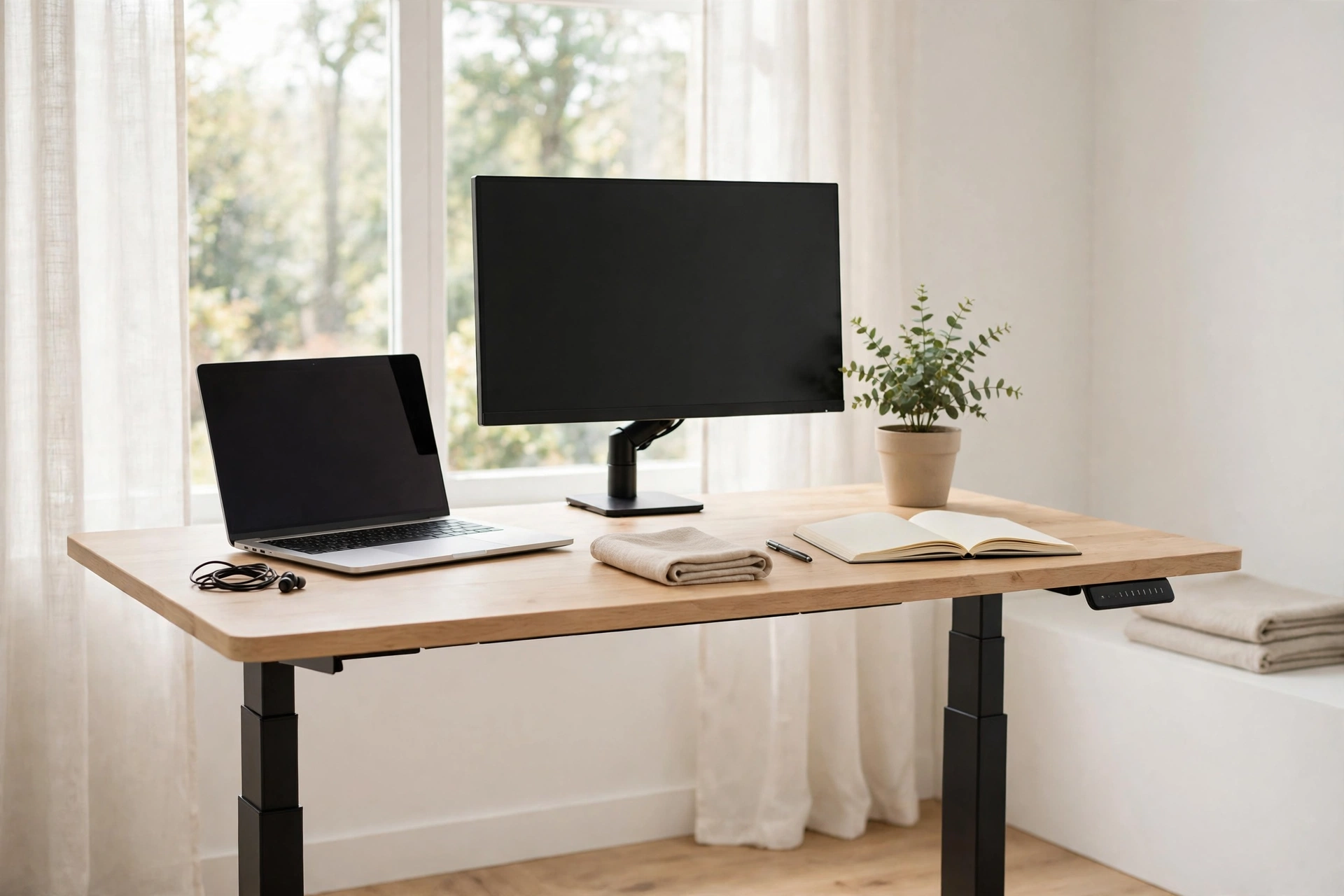
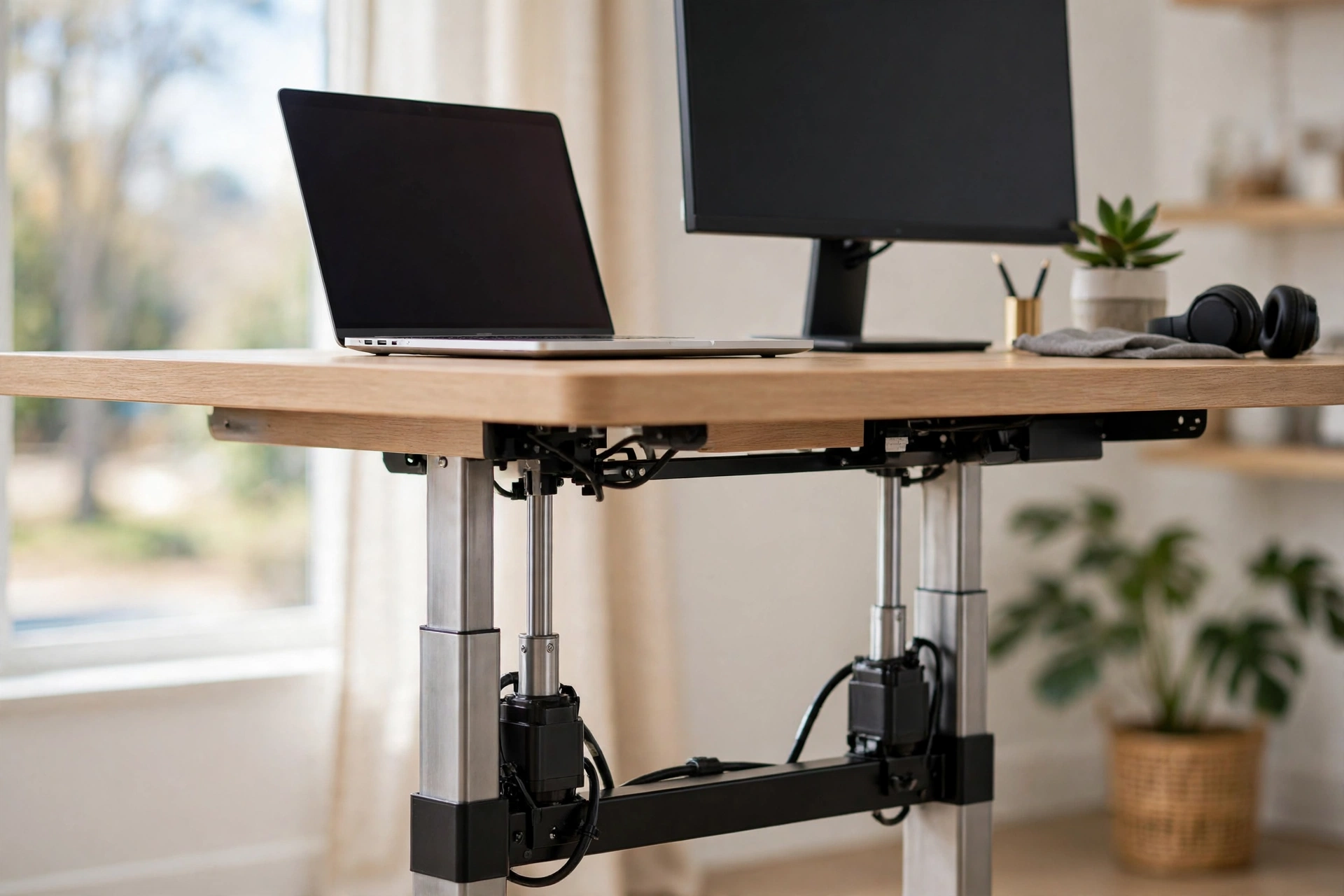
The safest single buy in this category. Two motors — one per leg — lift evenly, hold more weight, and stay steadier at full height than a single motor, and the desk moves at the push of a button with memory presets for your sitting and standing heights. Look for a height range that covers both your sitting and standing elbow heights, and a desktop at least 48 inches wide. Typical range: $350–$650. If you buy one desk and stop thinking about desks, buy this type.
2. Best Budget: A Single-Motor Electric Desk
If the two-motor price stings, a single-motor desk gets you electric height adjustment for less. One motor drives both legs through a connecting rod, so it lifts a little slower and usually carries less weight — fine for a laptop and one monitor, tight for a heavy dual-monitor setup. Check the weight capacity before you order, and keep the desktop small so the frame is not working at its limit. Typical range: $180–$350. The right pick if your setup is light and your budget is fixed.
3. Best Compact Pick: A Small-Frame Desk for Tight Rooms
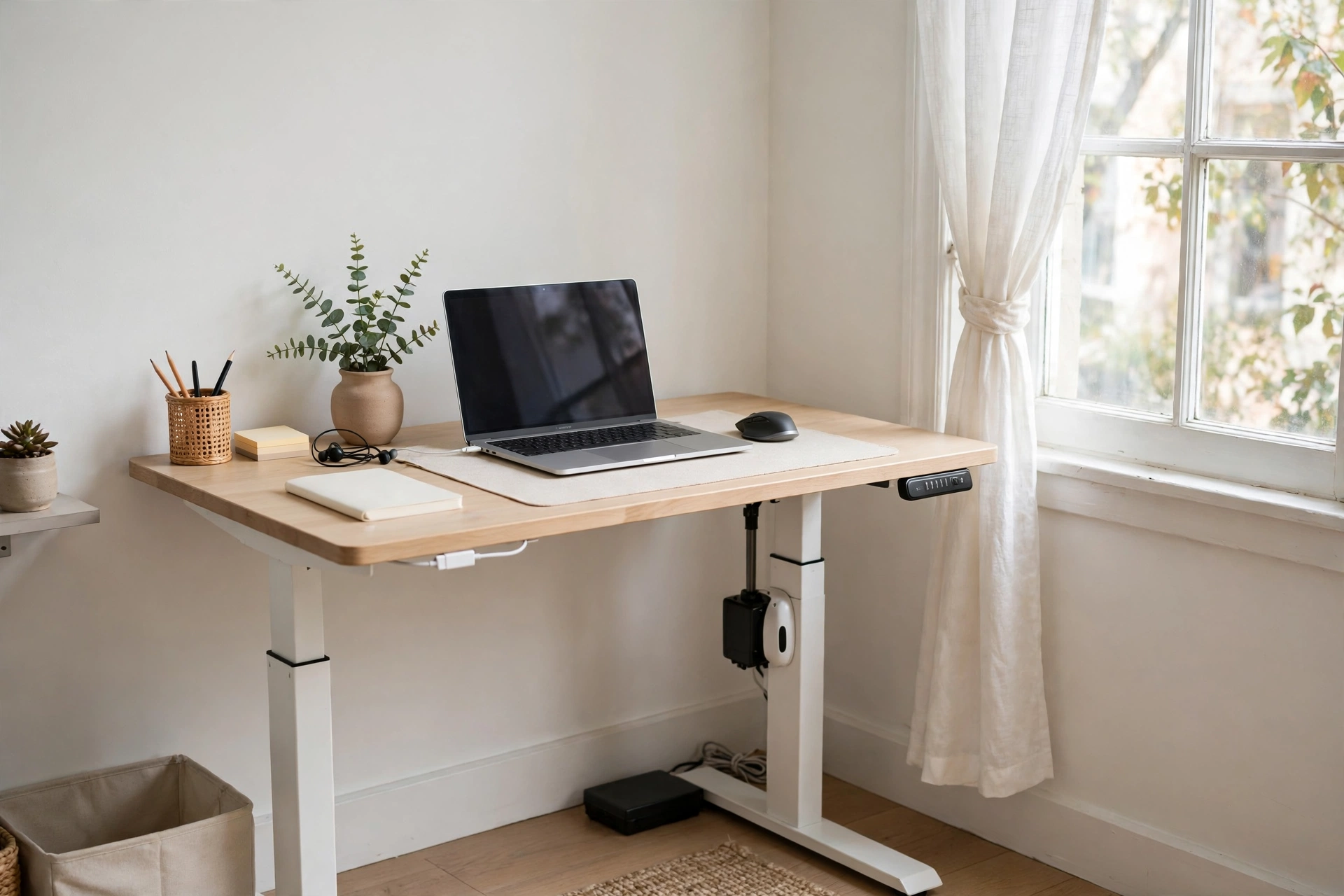
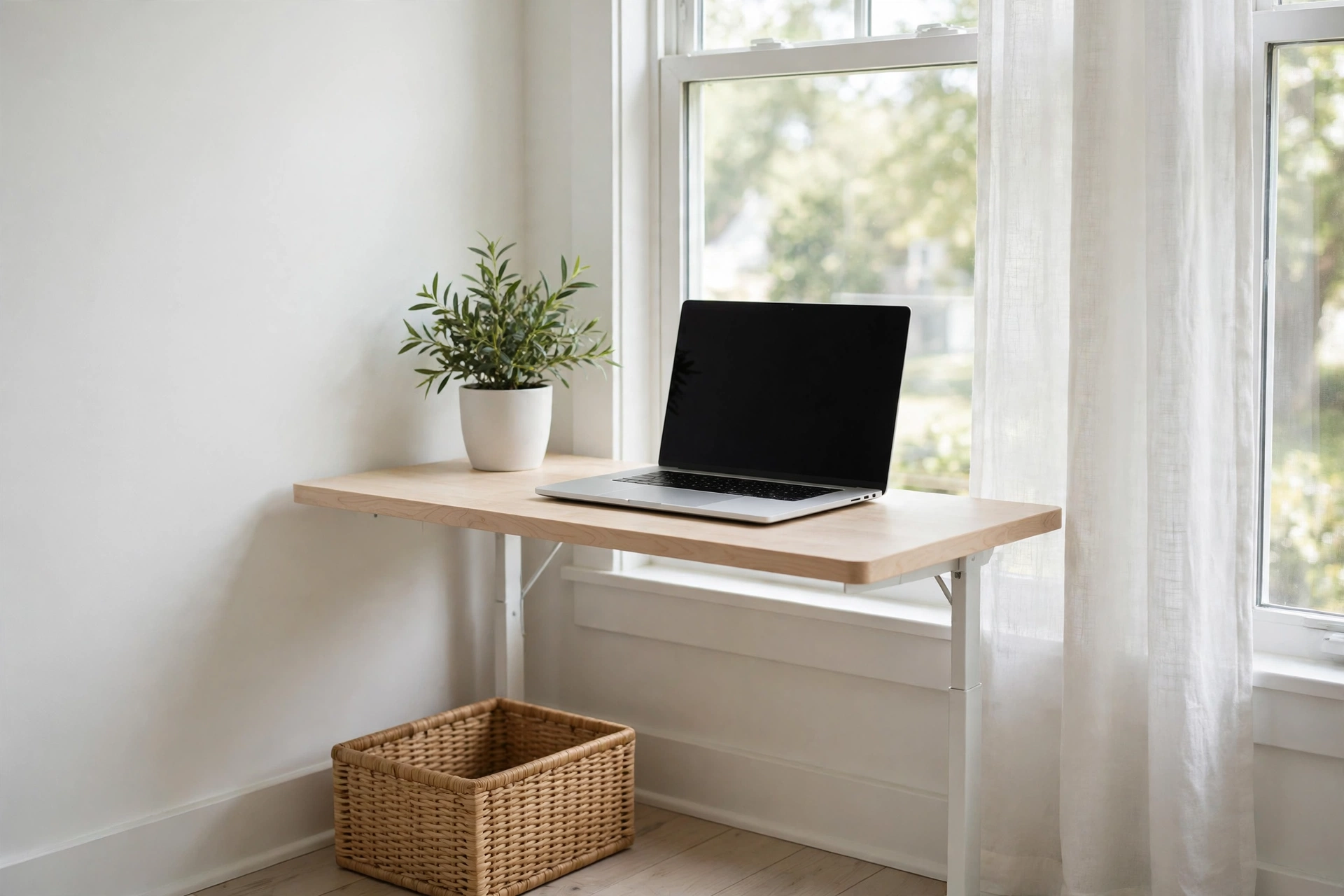
Small home offices punish wide desks. A compact standing desk keeps the electric adjustment and a proper height range but shrinks the desktop to 40–48 inches and narrows the frame so it fits a corner or a wall nook. Measure first: the desk needs its full width plus room for the chair to roll back, and the frame feet need clearance from the wall. A light top reads smaller in a tight room. Typical range: $200–$400. Ideal for a desk space under 48 inches wide.
4. Best Corner Desk: An L-Shaped Standing Desk
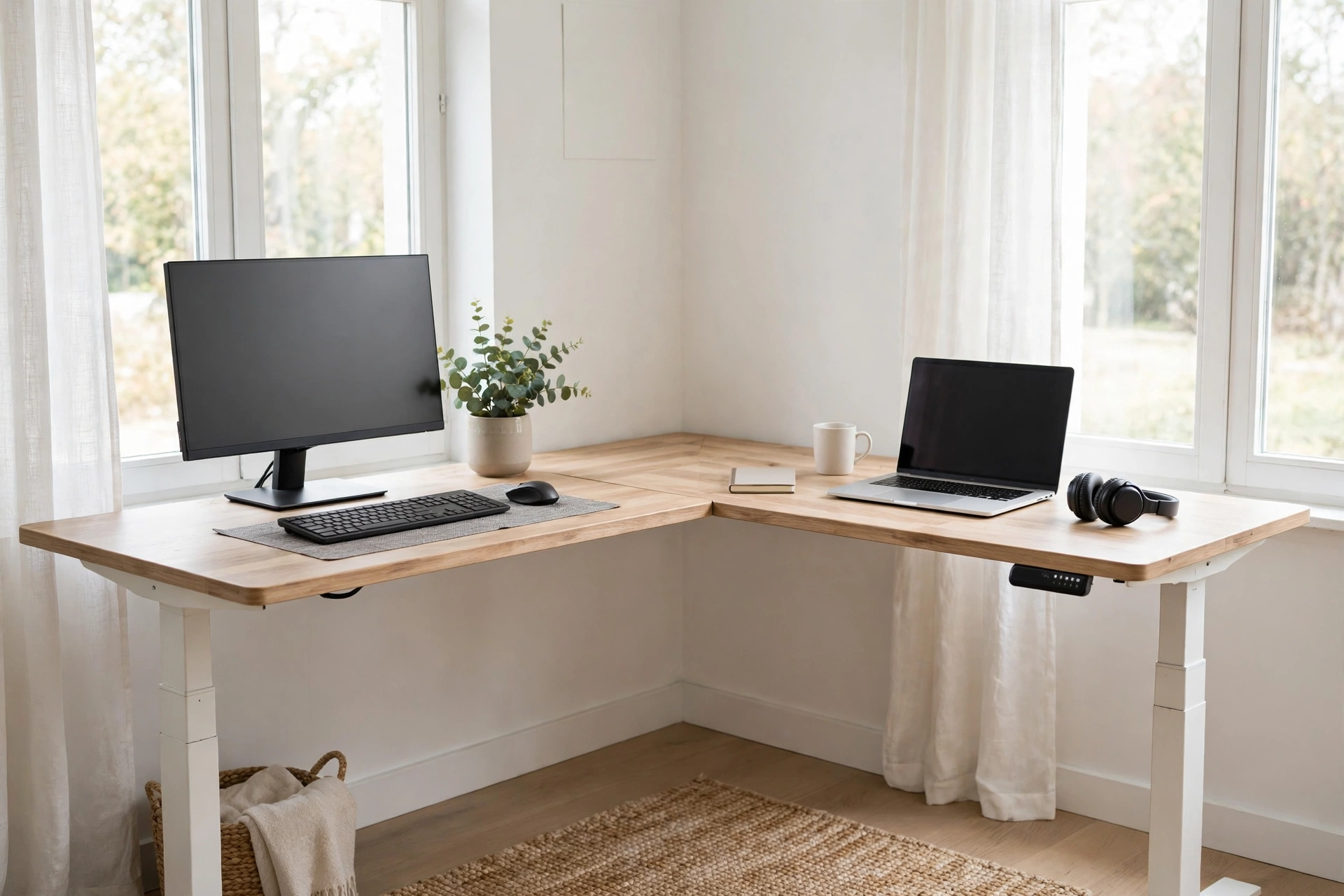
If your work spreads — a monitor on one side, paperwork or a second screen on the other — an L-shaped desk gives you two work zones without taking over the room. One side usually adjusts and the other stays fixed, or both sides lift on a three-leg frame; the three-leg version costs more but keeps the whole surface usable at standing height. Measure the corner honestly: an L-shape needs more floor than its footprint suggests. Typical range: $400–$800. Best for people who run two screens and a paper workflow.
5. Best Converter: A Desktop Sit-Stand Riser
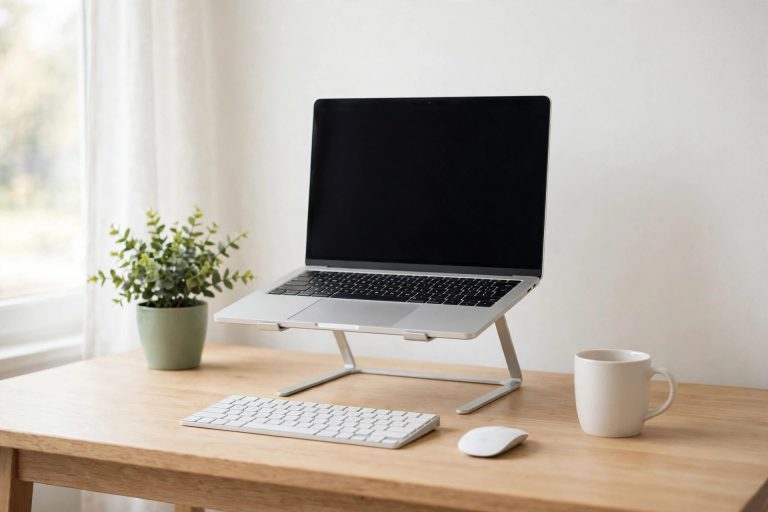
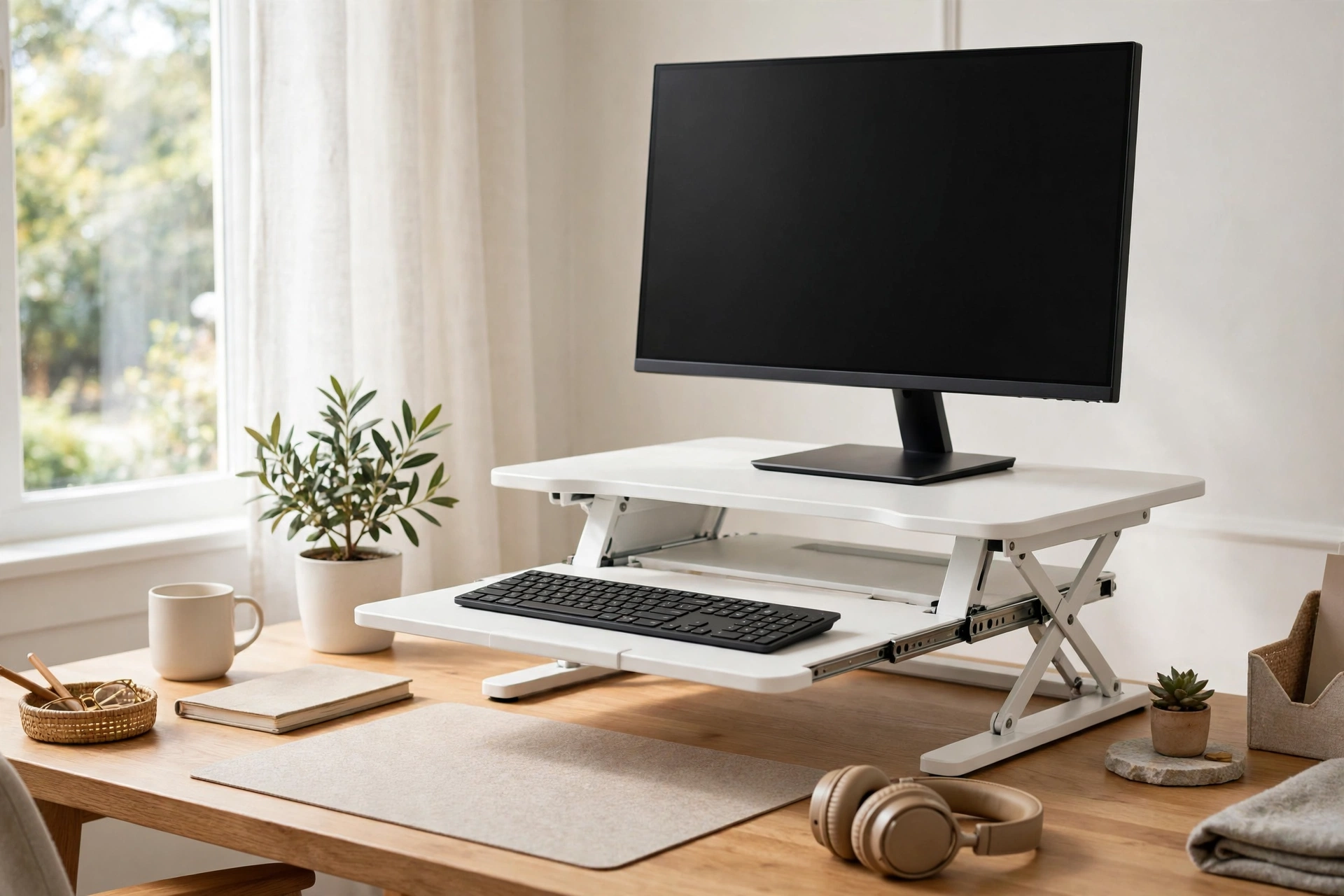
Not ready to replace your desk? A converter sits on top of the desk you already own and lifts just the keyboard and monitor to standing height. It is the cheapest way to try standing work, and it moves with you if you change desks. The trade-offs are real: a smaller work surface, a lower weight limit, and a keyboard tray that can feel cramped. Typical range: $150–$400. The right pick for renters, or anyone testing whether they will actually stand.
6. Best for Tall Users: An Extended-Range Frame
Standard desks are built for average height, and tall users pay for it: a desk that tops out at 48 inches leaves a 6-foot-2 person hunching over the keyboard. The fix is a frame with an extended height range — up to 50–52 inches — and a desktop deep enough for the monitor to sit back properly. Check the maximum height before you order; it is the one number that decides this pick. Typical range: $400–$700.
7. Best Wood-Top Desk: A Solid-Wood or Butcher-Block Top
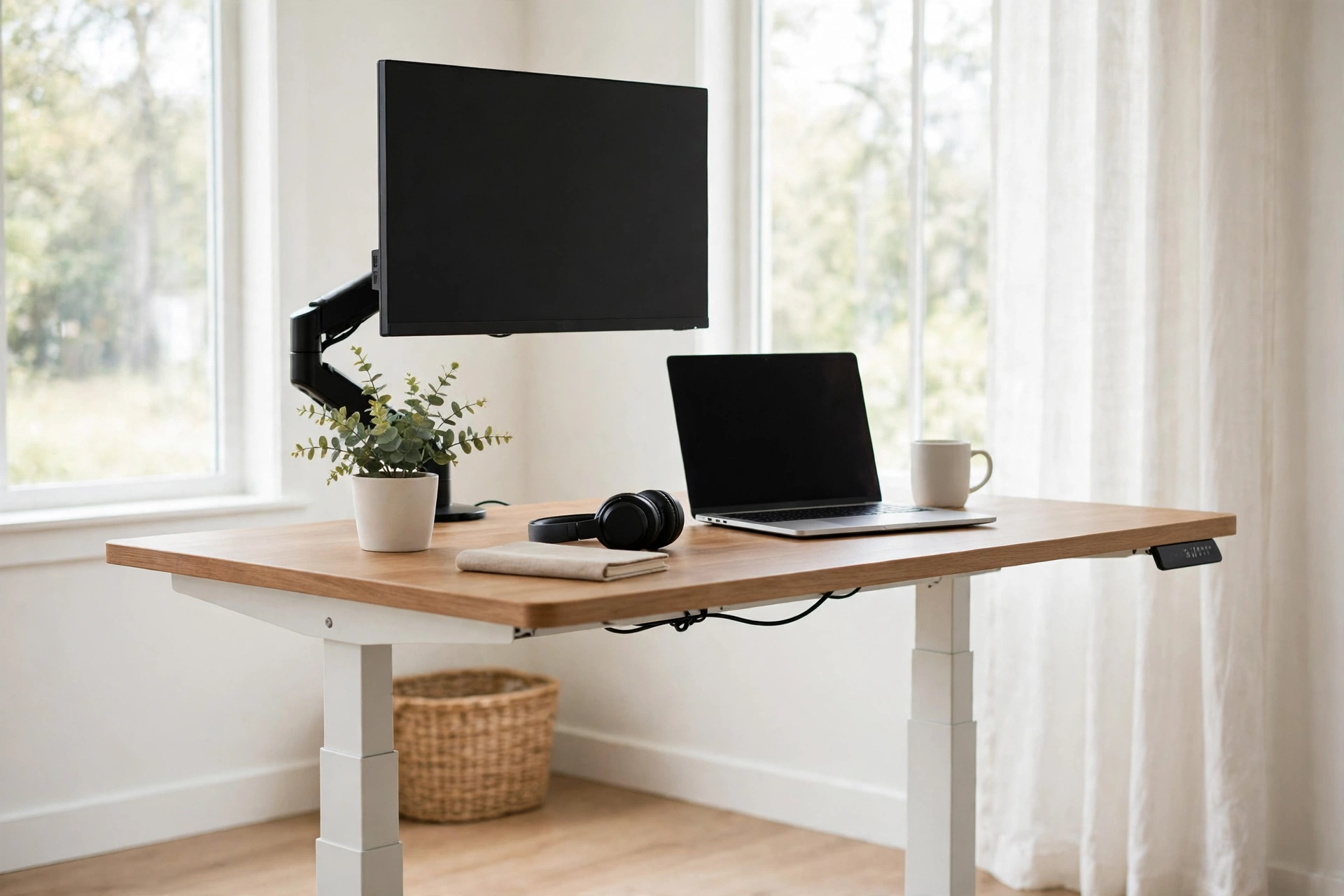
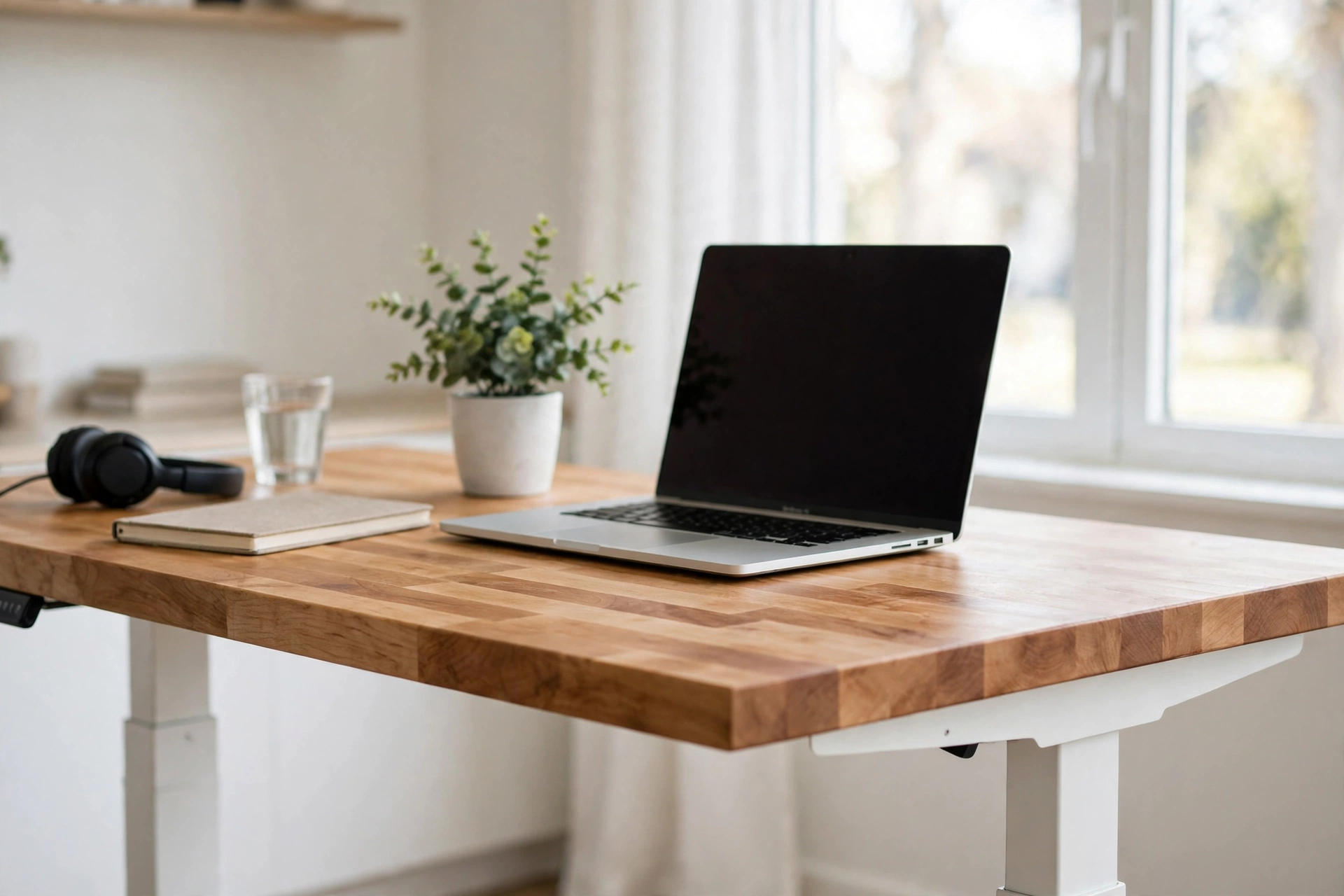
Most standing desks ship with a laminate top. A solid-wood or butcher-block top — often bought as a frame-only kit with a top added — turns the desk into the best-looking piece of furniture in the room, and the extra weight actually helps stability. The top adds cost and needs the occasional oiling, and you should confirm the frame’s weight rating covers a heavy hardwood top. Typical range: $500–$900 including the frame. Buy this one if the desk sits in a room guests see.
8. Best Starter: A Frame-Only Kit
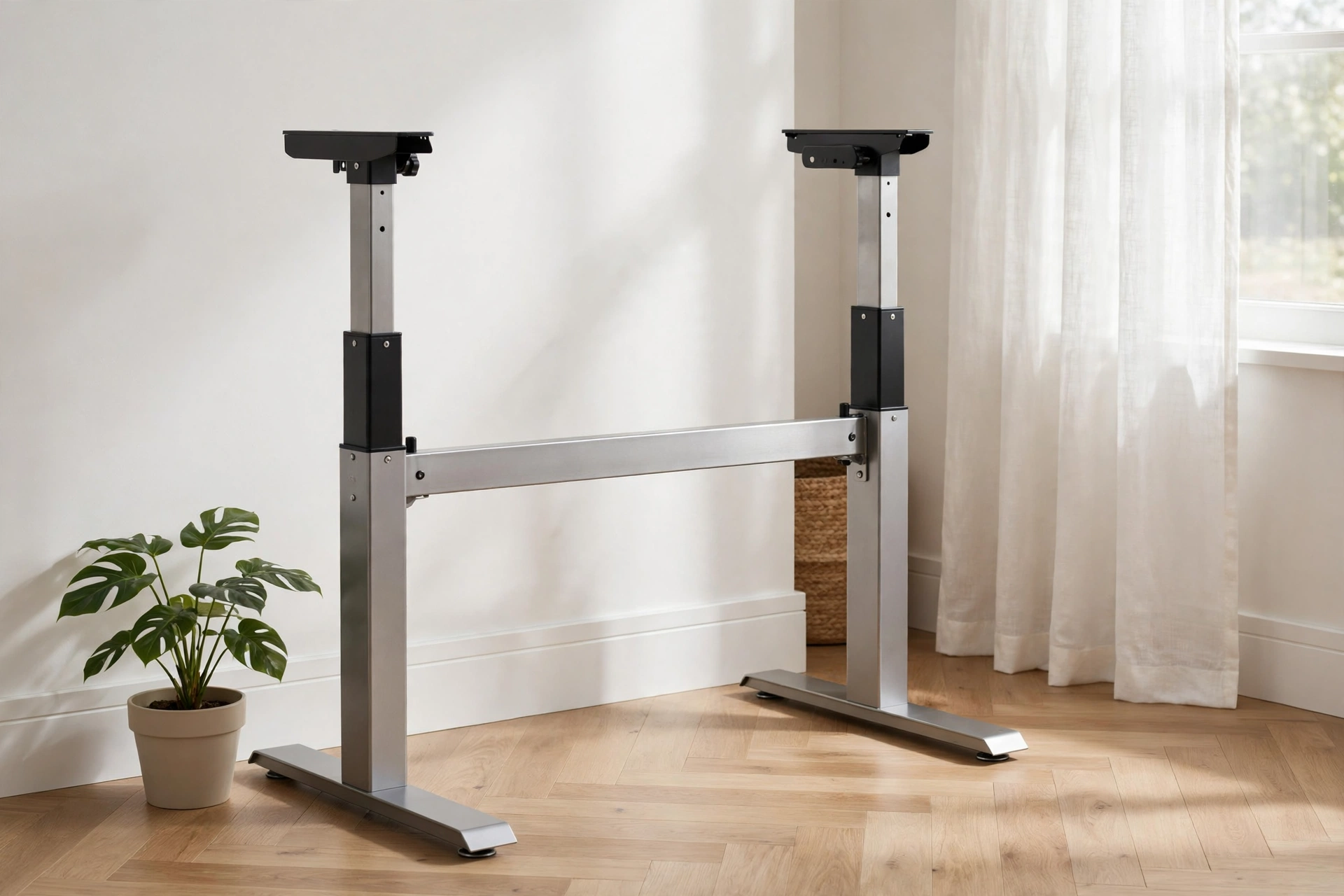
The cheapest honest way into a real standing desk: buy just the adjustable frame and put your own top on it — a slab of butcher block, a solid-core door, or even the top from a desk you already own. You get the same motors and height range as a complete desk and you choose the size and material of the surface. The catch is the work: you drill the top yourself, and a thin or soft top will flex. Typical range: $150–$300 for the frame. The right pick if you like a project and want the surface exactly your size.
Set It Up Right: The 10-Minute Order
A standing desk is only as good as its setup. Do it in this order, once, and it stays right:
- Sitting height — elbows at about 90 degrees, feet flat on the floor.
- Standing height — same elbow angle standing; save both heights to the memory presets.
- Monitor — top of the screen at or just below eye level, about an arm’s length away.
- Keyboard and mouse — on the desk surface, not a tray that sits too high or too low.
- Cables — a cable tray under the desktop so nothing snags when the desk moves.
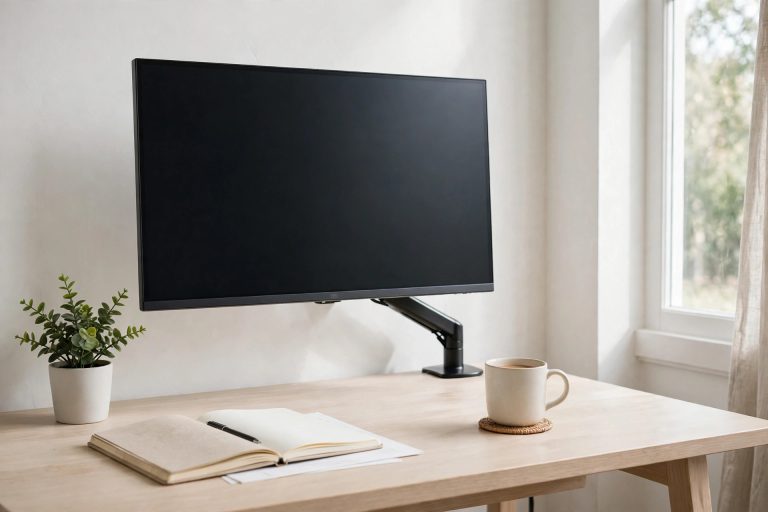
Ten minutes now saves months of fidgeting — and a monitor arm makes the whole setup easier to keep right.
What to Skip
Three things that look like value and are not. First, a desk with no memory presets — you will stop changing height if every switch means holding a button and guessing. Second, a desktop under 24 inches deep with a monitor arm — the screen ends up too close and there is nowhere for a notebook. Third, a frame with a one-year warranty: a desk you raise and lower every day should carry at least five years on the frame.
The Verdict
For most home offices, the two-motor electric desk is the right answer: it lifts evenly, holds a real setup, and stays steady at standing height. If your budget is tight, the single-motor desk covers a light setup honestly, and the converter is the cheapest way to find out whether you will actually stand. If your room is small, measure twice and buy the compact frame — a desk that fits the room gets used, and a desk that crowds it gets resented. Once you have picked the desk, our 15 standing desk setup ideas show how to lay it out. Buy the height range first, the stability second, and the looks last.