Desk Posture: 9 Fixes for Neck and Shoulder Pain
If your neck aches by the end of the working day, your desk is probably the cause — not your age, and not the hours you work. Most home-office neck and shoulder pain comes from small setup mistakes that are easy to miss and easy to fix: a screen sitting too low, a chair that leaves your feet dangling, a keyboard that pulls your shoulders forward. None of them needs new furniture to fix. This guide works through nine fixes in the order that matters most. Start at the top, fix one thing at a time, and give each change a day or two before you judge it — posture pain built up over weeks, and it fades the same way.
1. Put the screen at eye level
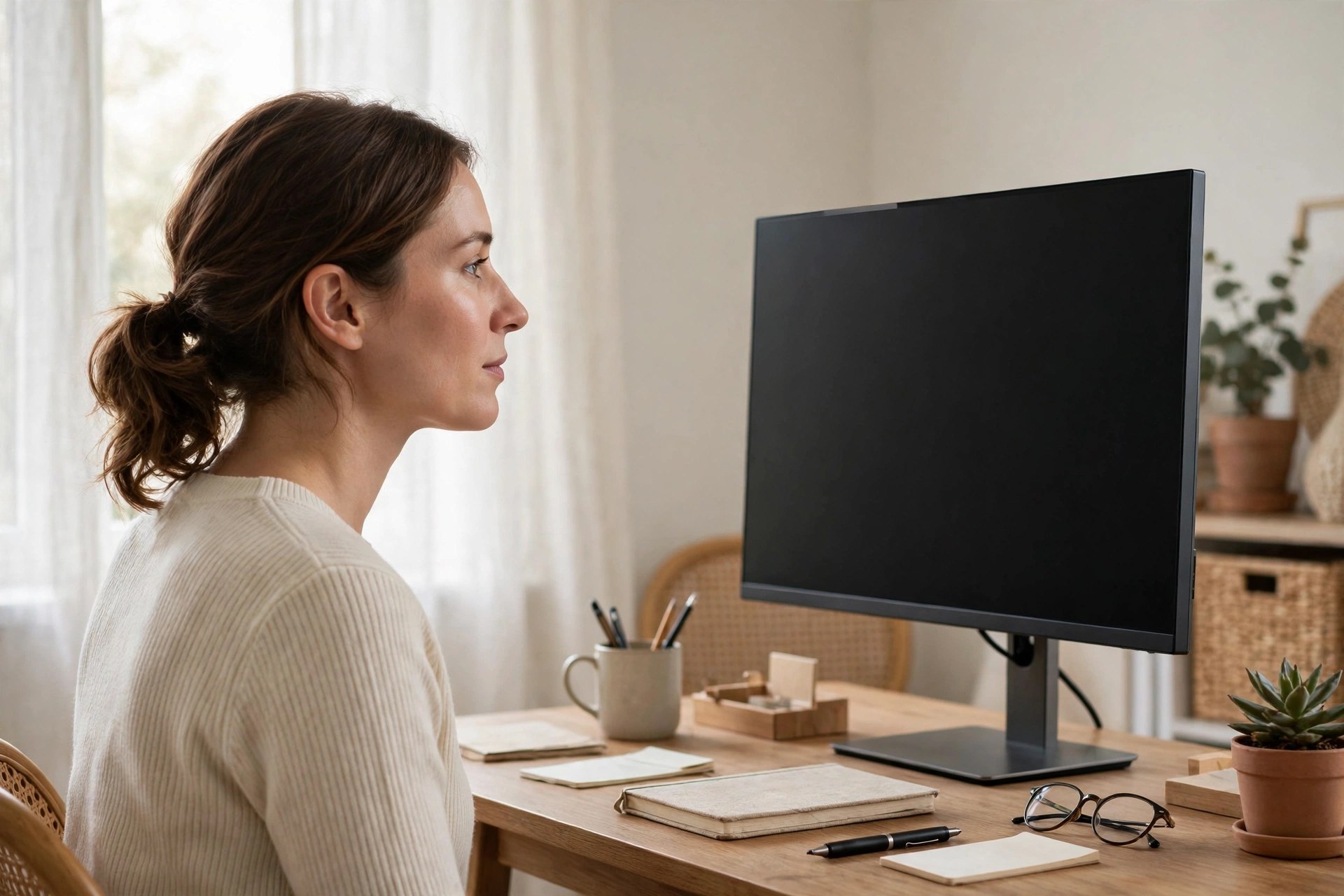
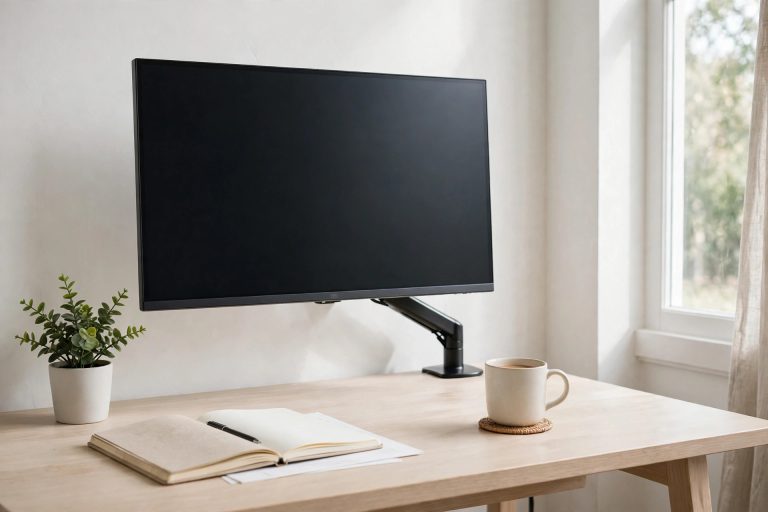
The single biggest cause of neck pain at a desk is looking down. If the top edge of your screen sits below your eyes, your head tips forward all day, and the muscles at the back of your neck carry the extra load. Sit in your normal working position and look straight ahead: the top edge of the screen should sit at or just below your eye level, about an arm’s length away. If yours is too low, raise it — a monitor arm (typically $30–$60) does the job cleanly, but a stack of books works just as well for a first test. For the exact measurement, see our 20-second monitor-height fix. Laptop users: this fix matters most for you, and fix 5 covers it properly.
2. Set the chair height: feet flat, knees at 90 degrees

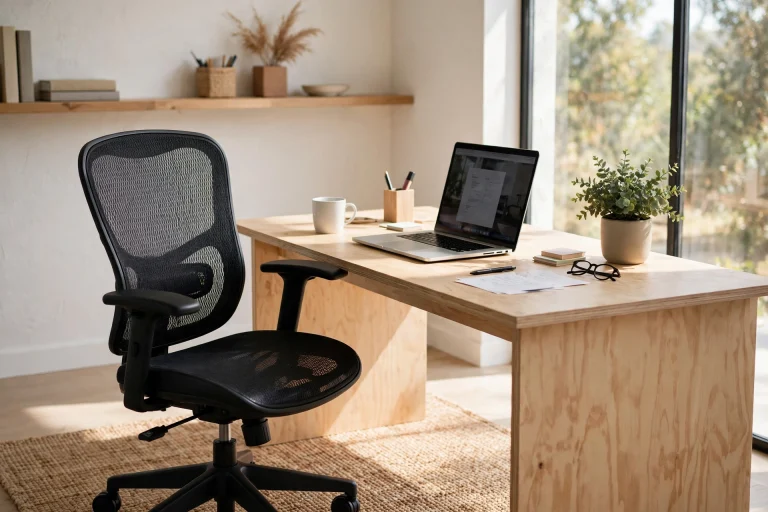
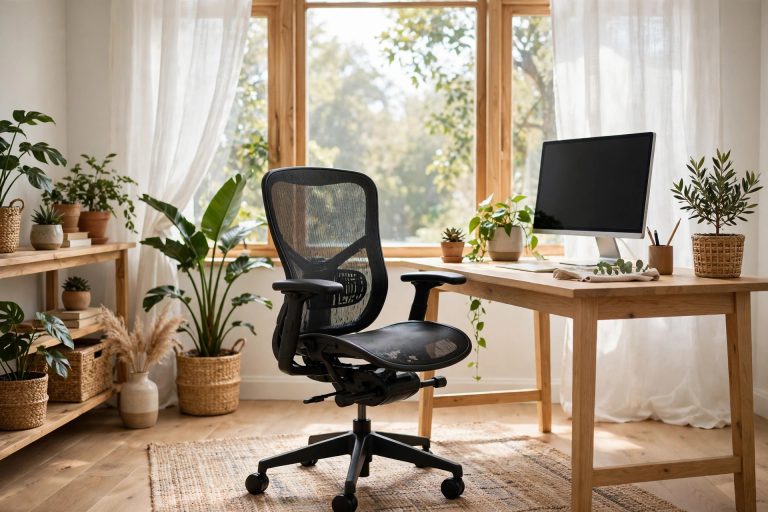
Your chair sets the height of everything else. Sit with your feet flat on the floor, knees bent at roughly a right angle, and thighs level or sloping very slightly down. If your feet dangle, your legs pull your pelvis forward and your lower back rounds — and that rounding travels straight up to your neck. Lower the chair until your feet reach the floor; if the desk then feels too high, raise the chair again and add a footrest (a simple one costs around $15–$30) rather than sitting on your feet or perching on the front edge of the chair.
3. Keep the keyboard and mouse at elbow height
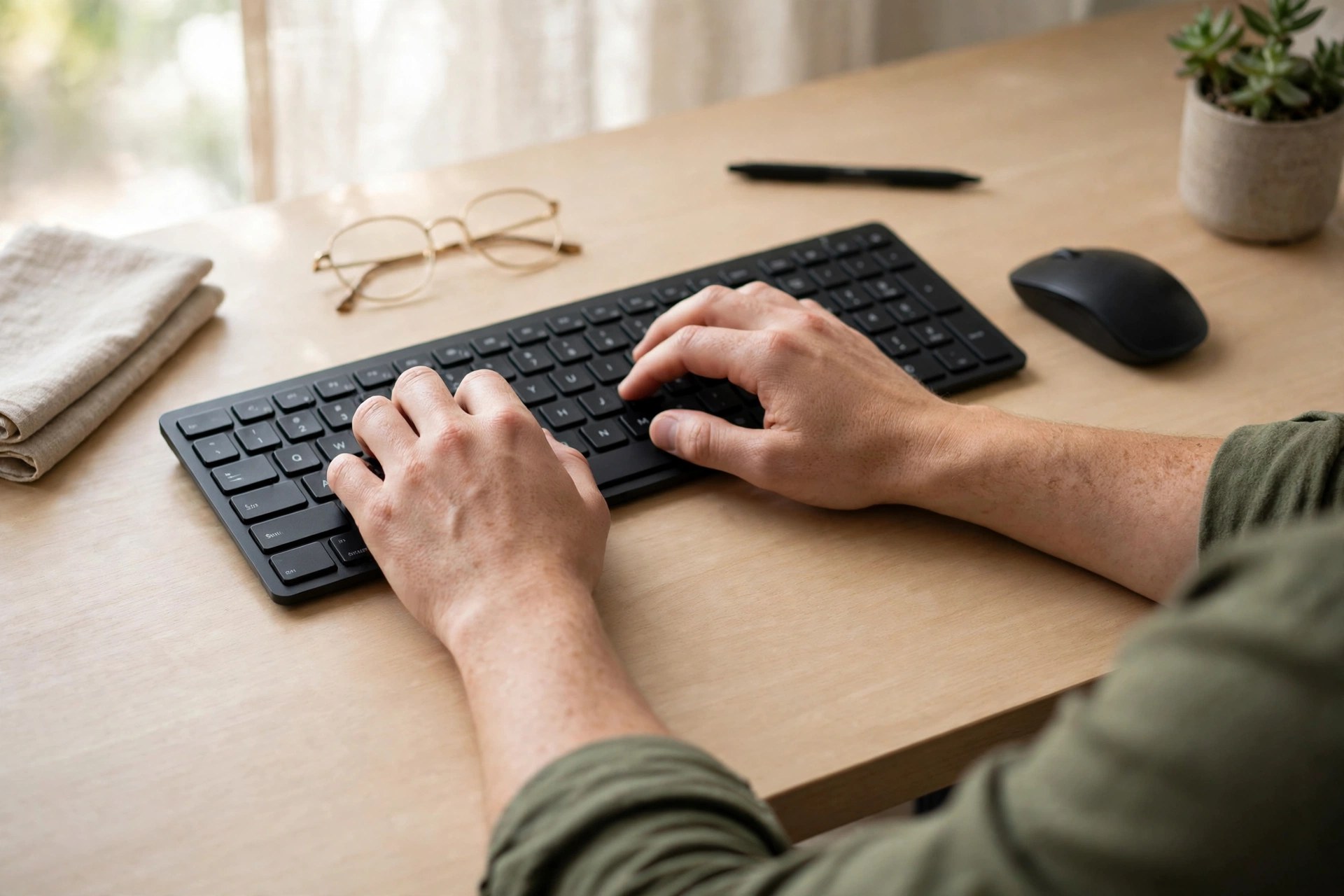
Your keyboard and mouse should sit where your hands fall naturally, with your elbows bent at about 90 degrees and your forearms level. If the keyboard is too high, your shoulders creep up toward your ears; too low, and you hunch over it. Slide the keyboard close enough that your elbows stay near your sides — reaching forward for a keyboard parked at the back of the desk is one of the quietest causes of shoulder ache. Keep the mouse at the same height, right beside the keyboard, not out at arm’s length.
4. Sit back and use the backrest

Most of us sit on the front half of the chair, which throws the backrest away. Scoot back until your lower back touches the chair, and let the backrest carry some of your weight. If your chair has lumbar support, adjust it so it fills the curve of your lower back; if it doesn’t, a rolled towel or a small lumbar cushion (typically $15–$30) does the same job. Sitting back also stops the slow slide into a slouch that pulls your head forward — and a head carried forward is the classic source of neck strain.
5. Laptop users: raise the screen, add a keyboard

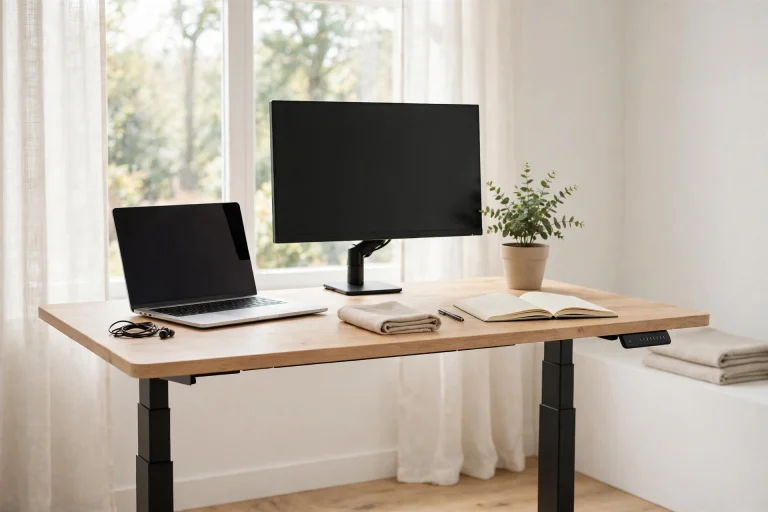
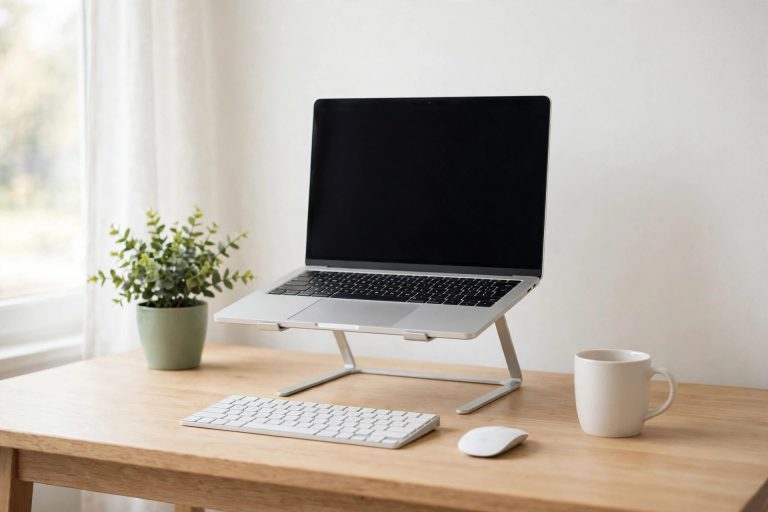
A laptop on a desk is an ergonomic compromise by design: if the keyboard is at the right height, the screen is too low; if the screen is right, the keyboard is too high. The fix is to split the two jobs. Raise the laptop on a stand (typically $20–$40) until the top of its screen is at eye level, then plug in a separate keyboard and mouse at elbow height. If you work from a laptop all day, this one change does more for your neck than any chair upgrade. A second monitor on an arm is the same fix, done better.
6. Shoulders down, elbows in

Check your shoulders right now. If they are up near your ears, drop them — then notice how often they creep back up. Raised shoulders are usually a sign that something in the setup is too high or too far away: the keyboard, the mouse, the armrests. Set your armrests so your shoulders stay relaxed, or drop them out of the way entirely if they push your elbows out. Your elbows should hang close to your body, not wing out to the sides. This is a habit fix as much as a setup fix: every time you catch your shoulders up, drop them and breathe out.
7. Move every 30 to 50 minutes

No posture, however perfect, survives eight unbroken hours. Your neck and shoulders need movement, not just a better position. Set a quiet timer: every 30 to 50 minutes, stand up, walk to get water, and do one slow stretch — roll your shoulders back five times, then gently tuck your chin toward your neck and hold for five seconds. The whole break takes under a minute. People who move like this through the day report less end-of-day stiffness than people who sit perfectly still in an expensive chair — because stillness, not the chair, is the problem.
8. Stop cradling the phone

If you hold a phone between your ear and shoulder during calls, you are asking one side of your neck to do a job it was never built for. A headset (typically $25–$60 for a decent wired or Bluetooth one) ends the habit in a day, and it sounds better on calls too. If a headset is not an option, use speakerphone and put the phone on the desk, or take calls standing up and walking — which also covers fix 7. The same rule covers reading documents: prop papers or a tablet up at screen height instead of flat on the desk, where they pull your head down.
9. The two-minute end-of-day reset

End the working day the way athletes end training: with a short cool-down. Two minutes is enough. Chin tucks: sit tall, pull your chin straight back as if making a double chin, hold five seconds, repeat five times. Shoulder rolls: five slow rolls backwards, five forwards. Chest opener: hands behind your back, gently lift, hold ten seconds. Do this every day for a week and you will feel the difference in the morning. If pain is sharp, shoots down your arm, or has lasted more than a couple of weeks despite these fixes, see a doctor or physiotherapist — a setup guide can fix a setup problem, not a medical one.
The order to do them in
Do the fixes in this order, one at a time: screen height first, then chair height, then keyboard position, then sitting back. The laptop fix and the phone fix come next, and the movement and stretching habits last — they only stick once the setup stops fighting you. Give each change a day or two. Most desk-related neck and shoulder pain eases noticeably within a week or two of a setup that finally fits the person sitting in it. If it doesn’t, the problem may not be the desk at all — and that is worth finding out.